

What Is Colorlib Used For: Features, Reviews & Alternatives
Free & premium website templates.
Editorially updated Oct 5, 2025
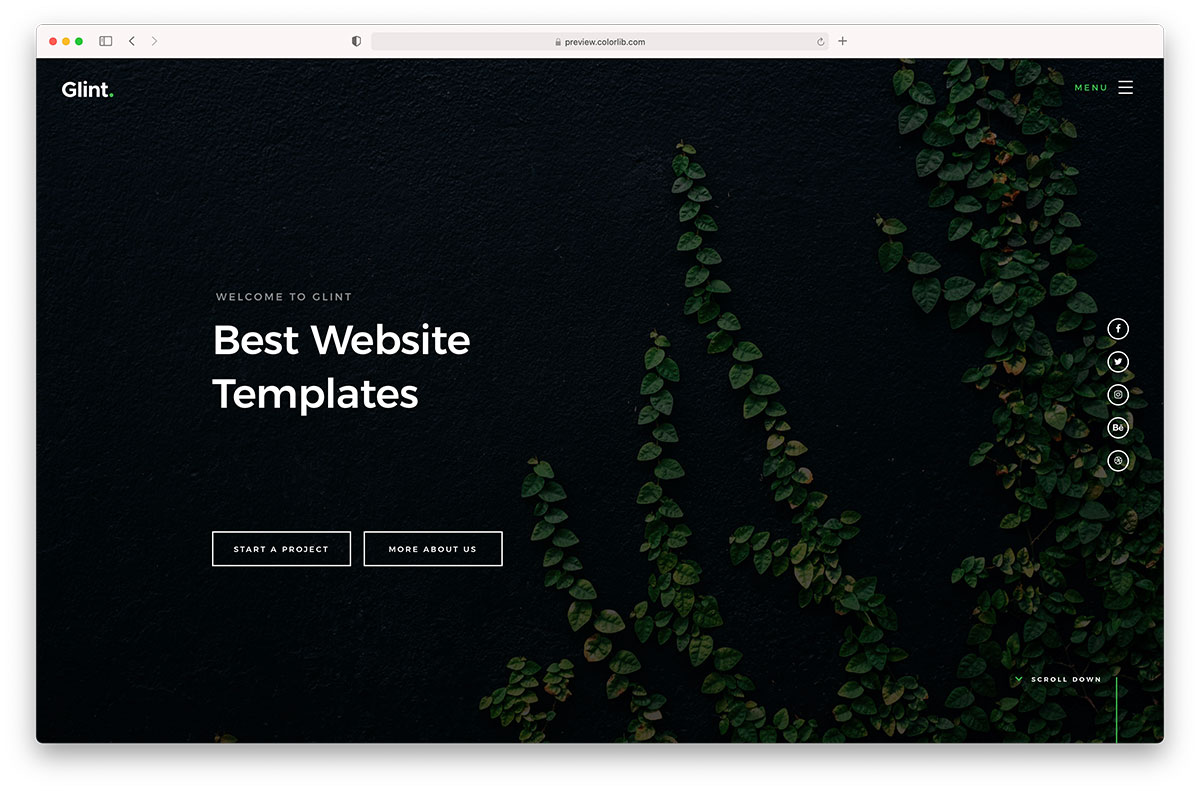
The overview
What Colorlib is for
1Core Capabilities
- Template catalog spanning HTML, Bootstrap, Tailwind CSS, Astro, and WordPress-oriented website builds
- Filtering by industry, page type, and framework, which helps narrow down landing pages, portfolios, blogs, ecommerce layouts, and one-page sites faster
- Live preview and download flow so you can inspect layout density, section order, and visual style before pulling code into a project
- Free and premium licensing paths, with paid options tied to attribution removal and broader reuse terms; exact conditions should be checked per template
- Supporting tutorials and a community forum for common setup, theme editing, and customization questions
Who it helps
Useful ways to use Colorlib
A practical path
Filter by stack before style
Start with the framework or theme type you can actually maintain, then narrow by page type or industry. A visually good template is still a poor pick if your team does not want its CSS conventions or theme structure.
External signals
Reviews & reputation
Aggregated review score
Colorlib can deliver reliable outcomes for workflow completion, especially when rollout begins with a pilot focused on premium.
Quick answers
Frequently asked questions
1Are Colorlib templates better for code editing or for no-code builders?⌄
They are better suited to teams willing to edit front-end files or WordPress themes directly. The public catalog emphasizes downloadable templates and themes rather than a hosted visual builder. Current references: https://colorlib.com/ and https://colorlib.com/wp/templates/.
2Does Colorlib cover newer front-end stacks or mostly Bootstrap?⌄
Bootstrap is still a major part of the catalog, but current template listings also surface Tailwind CSS, Astro, and plain HTML options. Coverage appears to vary by category, so verify the framework tag on the exact template page before choosing a starter.
3What should I verify before using a free template on a client site?⌄
Check attribution requirements, support availability, and any limits tied to paid license tiers. Colorlib publishes separate license guidance, and the safest approach is to confirm the current terms here: https://colorlib.com/wp/licence/.
4How much setup guidance should I expect?⌄
Expect previews, listing details, tutorials, and forum material, but not every template is likely to have the same depth of implementation notes. If your team needs exhaustive component-level documentation, inspect a few downloads before standardizing on the library.
5Is Colorlib a good long-term source for agencies that reuse starters?⌄
It can be, especially if your team already has a cleanup routine for demo assets, unused sections, and dependency updates. The main operator question is less about design variety and more about whether you are comfortable maintaining templated code after the first launch.
Keep exploring