

What Is Colossyan Used For: Features, Reviews & Alternatives
Video Generation website tool for focused setup, analysis, and daily execution.
Editorially updated Oct 5, 2025
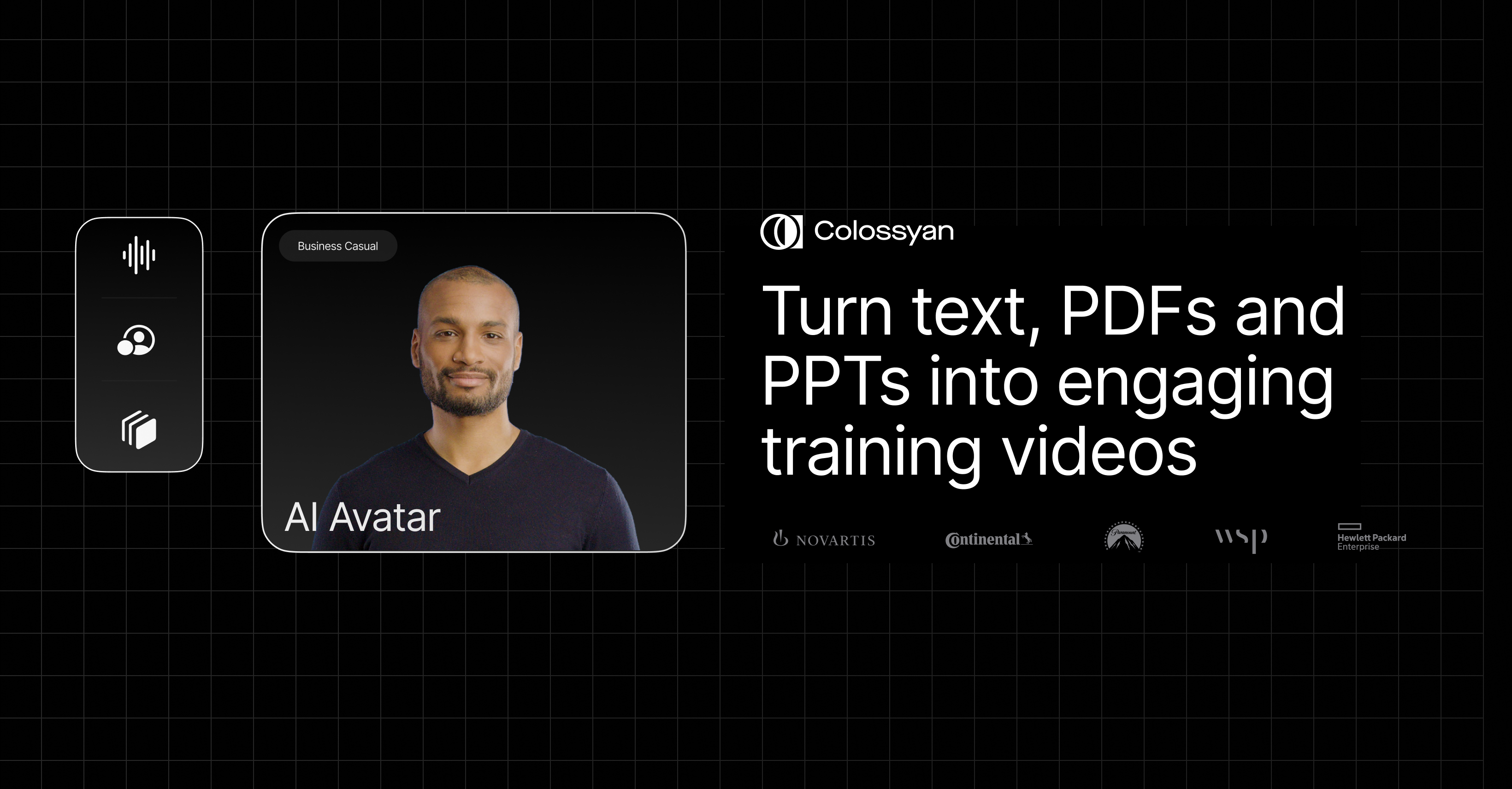
The overview
What Colossyan is for
1Core Capabilities
- Generate presenter-led videos from scripts, PDFs, and PowerPoint decks, then edit at the scene level when source material changes
- Use 300+ stock avatars, custom avatars, branded outfits, and voice options to keep training delivery consistent without filming
- Add branching scenarios, quizzes, and structured lessons so a video behaves more like training content than a passive explainer
- Export to SCORM 1.2 or 2004 for LMS delivery, or publish by share link and standard video formats for lighter distribution
- Use workspaces, roles, brand kits, SAML SSO, and a documented REST API with callbacks when the content program needs repeatable administration
Who it helps
Useful ways to use Colossyan
A practical path
Import the source material you already maintain
Start from the policy document, onboarding deck, script, or product notes instead of writing every scene from scratch.
External signals
Reviews & reputation
Aggregated review score
Colossyan is a practical option in Video Generation with balanced capabilities and clear day-to-day value.
Quick answers
Frequently asked questions
1Is Colossyan aimed more at training than at marketing video?⌄
Yes. Its public product surface emphasizes onboarding, compliance, enablement, SCORM delivery, quizzes, and branching more than ad creative or social media publishing.
2How difficult is LMS integration in practice?⌄
If your LMS accepts SCORM 1.2 or 2004, the handoff looks straightforward on paper. It is still worth testing completion rules, quiz reporting, and learner progress in your own LMS before a broad rollout.
3Can a team automate creation through an API?⌄
Yes, Colossyan documents a REST API with bearer authentication, asset listing, video generation jobs, and callbacks. The public API documentation also notes that interactive videos are not supported there, so automation may fit standard video better than branching lessons.
4What should multilingual teams verify first?⌄
Check voice quality, terminology handling, subtitle accuracy, and whether each target language is available for the specific avatar or voice setup you plan to standardize on.
5Where does evaluation friction usually show up?⌄
The main points are usually plan entitlements for SCORM or API access, review effort for translated lessons, and whether your team wants a full training authoring surface rather than a simpler avatar-only video editor.
Keep exploring