

What Is Copper Used For: Features, Reviews & Alternatives
CRM designed specifically for Google Workspace users.
Editorially updated Oct 5, 2025
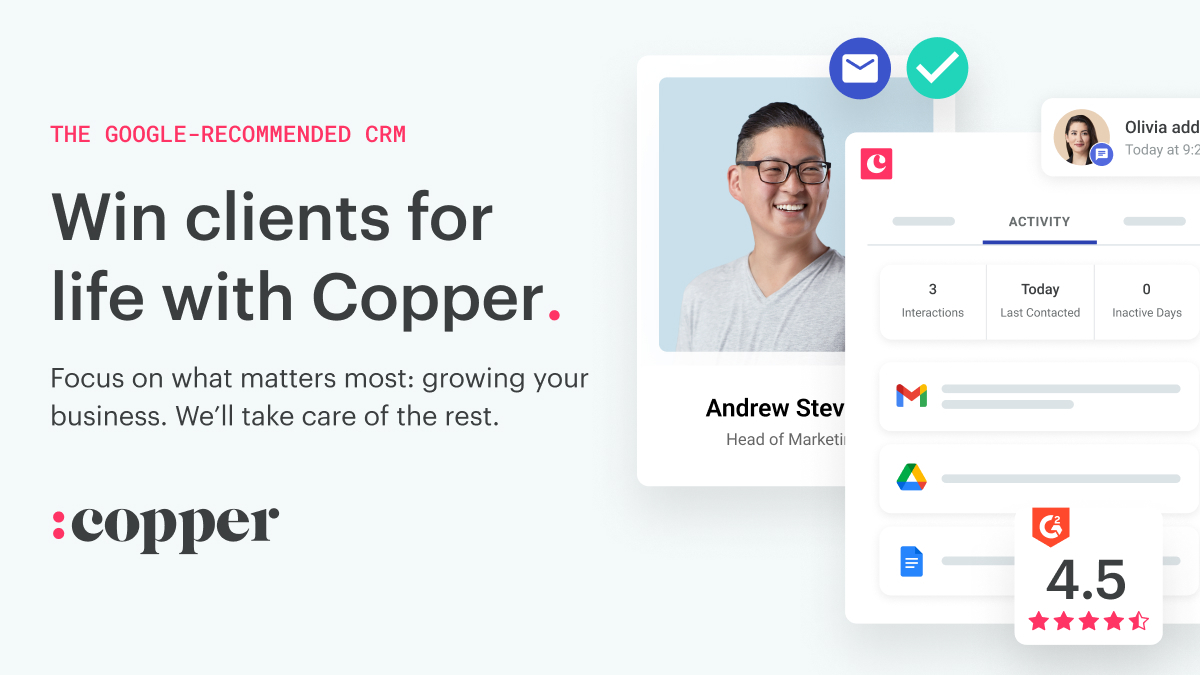
The overview
What Copper is for
1Core Capabilitie
- Contact and Company Record Editor
- Visual Deal Pipeline Management
- Activity Log for Email and Call Tracking
- Task and Follow-up Scheduler
- Customizable Sales Reporting Dashboard
2Specialized Workflow
- Gmail Sidebar for Contextual CRM Data
- Automated Email-to-Record Association
- Google Calendar Event Sync to Deal
- Google Drive File Attachment to Opportunitie
- Custom Field Configuration for Sales Process Mapping
Who it helps
Useful ways to use Copper
A practical path
Log a New Interaction from Gmail
While viewing an email in Gmail, click the icon in the right-hand sidebar. The sidebar will display relevant contact or deal information. Click "Log Activity" to record the email, a call, or a meeting note directly against the contact or opportunity record
External signals
Reviews & reputation
Aggregated review score
Users consistently praise Copper for its deep, native integration with Google Workspace, making it an intuitive choice for teams already invested in the Google ecosystem. Its ease of use for managing contacts, deals, and activities directly from Gmail is a standout feature. Some advanced users note that while excellent for Google-centric workflows, it may lack the extensive customization or enterprise-level features found in more complex, standalone CRM platforms.
Quick answers
Frequently asked questions
1How deeply does Copper integrate with Google Workspace beyond Gmail?⌄
Copper offers robust integration across Google Workspace. It syncs contacts with Google Contacts, links calendar events to CRM records, allows attaching Google Drive files directly to opportunities, and leverages Google Meet for scheduling. This ensures a unified experience where CRM data is accessible and actionable within your core Google productivity suite.
2Can I migrate existing CRM data or spreadsheets into Copper?⌄
Yes, Copper supports data migration. You can import existing contact, company, and opportunity data via CSV files directly through the web application's settings. For more complex migrations from other CRM systems, Copper provides guides and often partners with migration specialists to ensure a smooth transition of your historical data.
3What level of customization is available for sales processes and reporting?⌄
Copper allows significant customization to align with your specific sales processes. You can define custom fields for contacts, companies, and opportunities, tailor pipeline stages, and create custom activity types. The reporting dashboard is also highly configurable, enabling users to build custom reports and views based on their unique data points and KPIs.
4Is there a mobile application for managing CRM on the go?⌄
Yes, Copper offers dedicated mobile applications for both iOS and Android devices. These apps provide core CRM functionalities, allowing users to access contact information, update deals, log activities, and manage tasks while away from their desktop, ensuring continuity in sales operations.
5What are the security measures in place for my customer data?⌄
Copper employs industry-standard security protocols, including data encryption in transit and at rest, regular security audits, and compliance with GDPR and CCPA. Access controls are granular, allowing administrators to define user permissions. As a Google Workspace-centric CRM, it also benefits from Google's robust infrastructure security.
Keep exploring