

What Is Countly Used For: Features, Reviews & Alternatives
Open-source product analytics platform for web, mobile, and desktop.
Editorially updated Oct 5, 2025
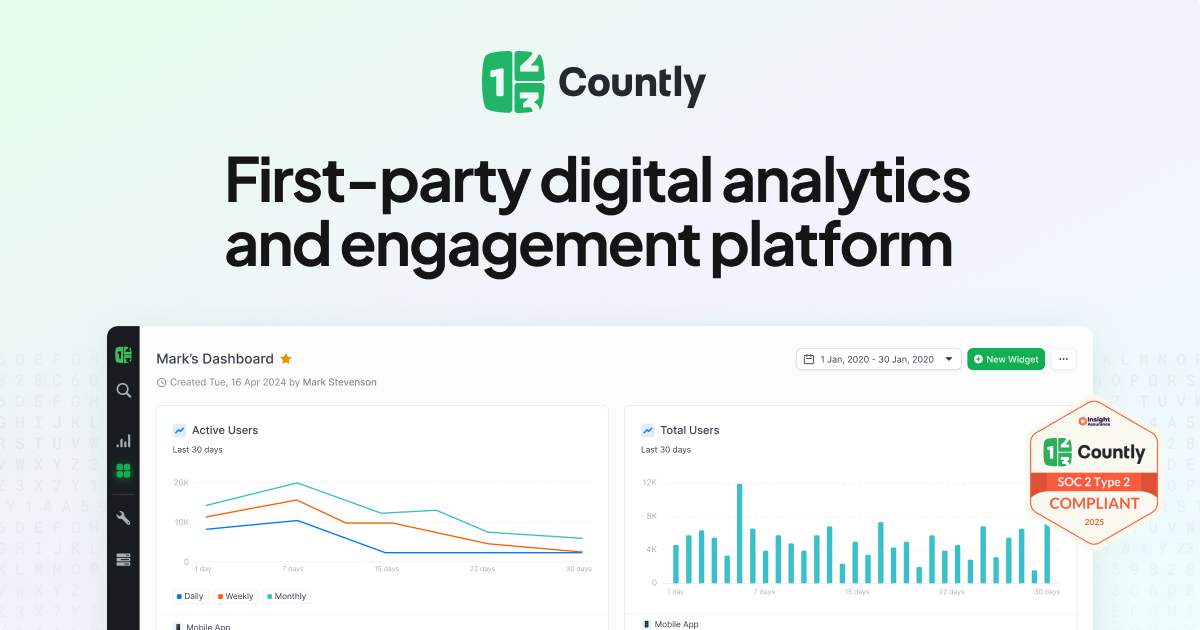
The overview
What Countly is for
1Core Capabilitie
- JavaScript SDK for client-side event capture
- Real-time user activity dashboard
- Custom event segmentation interface
- User profile drill-down view
2Specialized Workflow
- Funnel conversion path visualization
- Retention cohort analysis panel
- A/B testing experiment configuration
- Web performance and error tracking
Who it helps
Useful ways to use Countly
A practical path
Deploy JavaScript Tracking Snippet
Navigate to the 'Management > Applications' section, select your web application, and copy the provided JavaScript SDK snippet. Embed this snippet into your website's `<head>` tag or before the closing `</body>` tag to initialize client-side data collection
External signals
Reviews & reputation
Aggregated review score
Praised by development teams for its self-hostable architecture and granular control over data, Countly is valued for enabling deep dives into user behavior without vendor lock-in. Users appreciate the flexibility of its event tracking API and the ability to maintain data sovereignty, though some note the learning curve for initial setup and maintenance of a self-hosted instance.
Quick answers
Frequently asked questions
1What are the primary deployment options for Countly, especially for web applications?⌄
Countly offers both a self-hosted Community Edition, ideal for full data ownership and custom infrastructure, and a Cloud Edition for managed service convenience. For web tracking, the choice often depends on data sovereignty requirements and internal DevOps capabilities.
2How does Countly handle data privacy and compliance for web user tracking?⌄
As a self-hostable platform, Countly provides granular control over data storage and processing, making it easier to comply with regulations like GDPR, CCPA, or HIPAA. It supports anonymization features and allows data to reside entirely within your chosen jurisdiction, a key advantage over many cloud-only analytics solutions.
3What are the typical performance implications of integrating the Countly JavaScript SDK into a web application?⌄
The Countly JavaScript SDK is designed to be lightweight and asynchronous, minimizing impact on page load times. It typically loads after critical page content and batches events to reduce network requests. Performance-sensitive web applications can further optimize by lazy-loading the SDK or controlling event frequency.
4Can Countly track single-page applications (SPAs) effectively, and how?⌄
Yes, Countly fully supports SPAs. Its JavaScript SDK provides methods to manually track page views on route changes (e.g., `Countly.q.push(['track_pageview', '/new-route']);`) and manage user sessions across different virtual pages, ensuring accurate user journey and navigation analysis within dynamic web applications.
5How does Countly compare to Google Analytics for web tracking, particularly for developers?⌄
Countly offers a developer-centric, open-source alternative with full data ownership and a highly customizable event tracking API, contrasting with Google Analytics' more black-box approach and cloud-only model. Developers often prefer Countly for its transparency, self-hosting capabilities, and the ability to extend its functionality directly, especially when strict data privacy or custom analytics requirements are paramount.
Keep exploring