

What Is Creative Tim Used For: Features, Reviews & Alternatives
UI Kits, dashboards & templates.
Editorially updated Oct 5, 2025
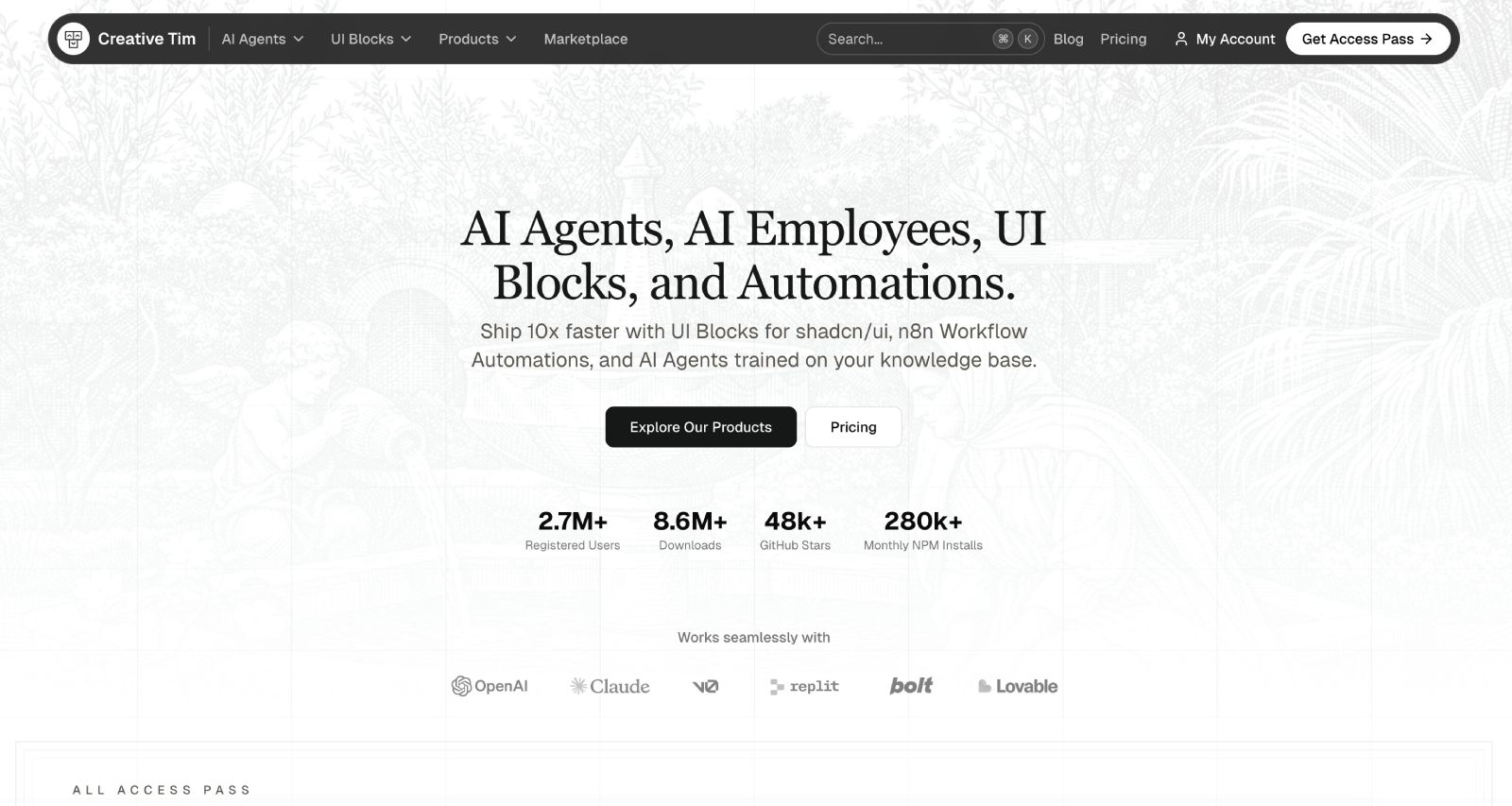
The overview
What Creative Tim is for
1Core Capabilitie
- Framework-specific UI component libraries (e.g., Bootstrap, React, Vue, Angular)
- Pre-designed page layouts (e.g., authentication forms, data tables, landing sections)
- Downloadable source code packages (HTML, CSS, JS, assets)
- Live interactive template preview
2Specialized Workflow
- Integrated documentation portal for setup and customization
- SASS/SCSS variable access for theme adjustment
- Figma/Sketch design file availability for PRO kit
- Versioned asset downloads for compatibility
Who it helps
Useful ways to use Creative Tim
A practical path
Discovering a Suitable UI Kit
Navigate the template library, applying filters for desired front-end frameworks (e.g., React, Bootstrap) or project types (e.g., admin dashboard, e-commerce layout) to identify a relevant starting point
External signals
Reviews & reputation
Aggregated review score
Developers praise Creative Tim for its extensive library of high-quality, framework-specific UI kits and dashboard templates, significantly accelerating front-end development. The live demos and clear documentation are frequently highlighted as valuable for rapid prototyping and project kickoffs.
Quick answers
Frequently asked questions
1What distinguishes a free Creative Tim product from a PRO version?⌄
Free Creative Tim products offer a foundational set of UI components and basic page layouts, suitable for personal learning or initial prototyping. PRO versions provide a significantly expanded component library, more advanced pre-built pages, premium plugins, dedicated support, and typically include a commercial license for broader project use.
2Are Creative Tim templates suitable for commercial web applications?⌄
Yes, most PRO Creative Tim products are licensed for commercial use. It is crucial to review the specific license agreement for each product, as free versions often carry more restrictive licenses (e.g., MIT license requiring attribution, sometimes limited to non-commercial use).
3How are template updates handled after purchase?⌄
Purchased templates generally receive updates for bug fixes, security patches, and compatibility with newer framework versions. You can typically download updated versions directly from your Creative Tim account's download history. Major framework version upgrades might occasionally necessitate a new purchase or a specific upgrade path.
4Do these templates include any backend functionality or database integration?⌄
Creative Tim products are exclusively frontend UI kits and templates. They deliver the visual structure, interactive components, and client-side logic (HTML, CSS, JavaScript). Developers are responsible for implementing all backend functionality, API integrations, and database management separately.
5Can I customize the design and styling of a downloaded template?⌄
Absolutely. All Creative Tim templates provide access to their full source code, including CSS/SASS files. Developers can modify styles, adjust SASS variables for theme changes, and extend components to match specific branding or design requirements. Documentation often includes guidance on customization.
Keep exploring