

What Is Dashlane Used For: Features, Reviews & Alternatives
Password manager with VPN & identity monitoring.
Editorially updated Oct 25, 2025
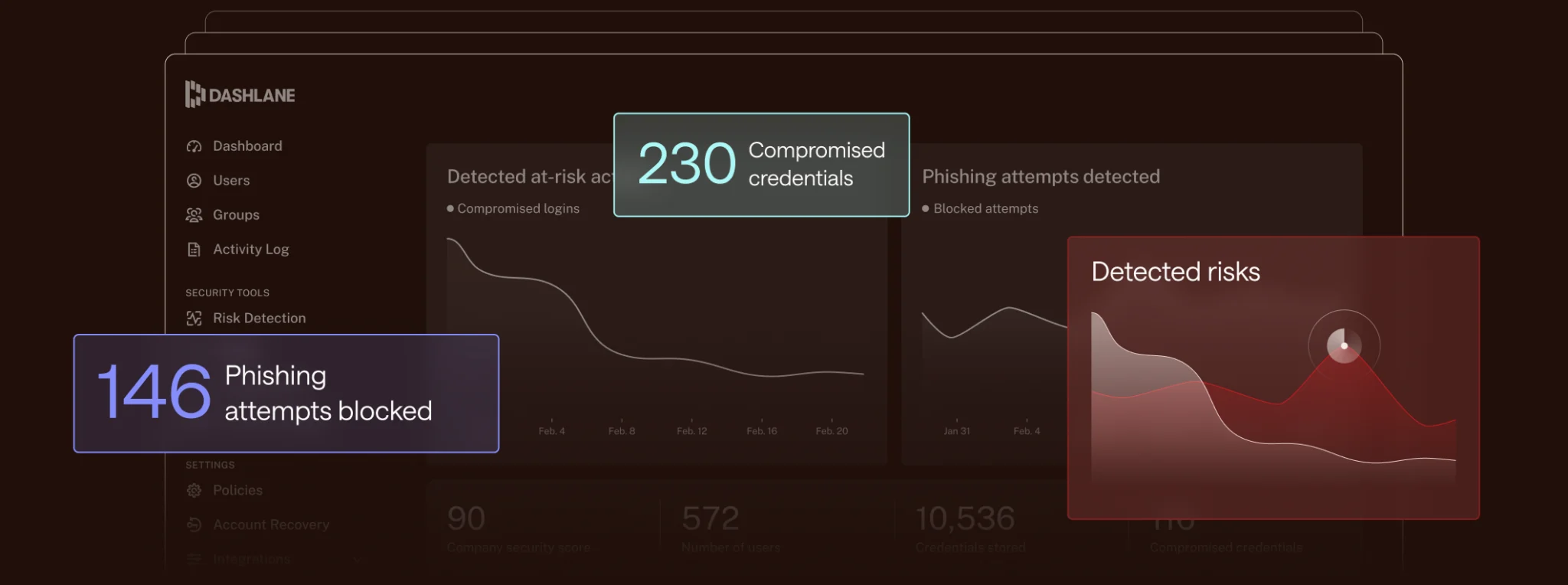
The overview
What Dashlane is for
1Core Capabilitie
- Browser extension auto-fill logic
- Secure password generator interface
- Web vault credential management
- Two-factor authentication storage
- Secure note editor
- Personal info and payment card auto-fill
2Specialized Workflow
- Dark web monitoring dashboard
- VPN client activation
- Password health score report
- Secure file attachment in note
- Emergency access configuration
- Cross-device sync for web vault
Who it helps
Useful ways to use Dashlane
A practical path
Install Browser Extension and Log In
Navigate to your browser's extension store (Chrome Web Store, Firefox Add-ons, etc.), search for ' ', and install the official extension. Once installed, click the extension icon, and either log in with your existing account or follow the prompts to create a new one, establishing your master password
External signals
Reviews & reputation
Aggregated review score
Users consistently praise Dashlane for its intuitive browser extension, robust auto-fill capabilities, and comprehensive security features like dark web monitoring and VPN. While some note occasional sync issues or a higher price point compared to basic alternatives, the overall sentiment highlights its reliability and ease of use for managing digital identities across multiple devices.
Quick answers
Frequently asked questions
1How does Dashlane handle shared credentials for small teams or families?⌄
Dashlane offers secure sharing features within its premium and business plans. You can create secure groups or share individual credentials with specific users, granting them access without revealing the actual password. Access can be revoked instantly, and shared items are encrypted end-to-end, ensuring only authorized recipients can view them.
2Is the VPN feature integrated directly into the browser extension, or is it a separate application?⌄
The VPN functionality, powered by Hotspot Shield, is typically a separate desktop or mobile application that you download and install. While your Dashlane account manages the subscription and activation, the VPN itself operates system-wide, not solely within the browser extension, providing broader device-level privacy.
3What's the difference in browser experience between the free and premium versions?⌄
The free version provides core password management for a single device, including auto-fill, password generation, and secure notes. The premium version unlocks cross-device sync, dark web monitoring, VPN access, secure file storage, and priority support, significantly enhancing the security and convenience across all your browsing environments.
4Can I import my existing passwords from another browser's built-in manager or a different password manager?⌄
Yes, Dashlane supports importing passwords from various sources. You can typically export your passwords from other browsers (like Chrome, Firefox, Edge) or other password managers (e.g., LastPass, 1Password) into a CSV file. Dashlane's web vault provides an import tool that guides you through uploading this CSV, mapping fields, and securely adding them to your vault.
5How does Dashlane's dark web monitoring work, and what kind of alerts should I expect?⌄
Dashlane's dark web monitoring continuously scans illicit marketplaces and forums for your personal information (email addresses, credit card numbers, etc.) linked to your account. If your data is found in a breach, you'll receive an immediate alert via email or within the Dashlane app, advising you on specific actions to take, such as changing compromised passwords or monitoring affected accounts.
Keep exploring