

What Is DeepBrain AI Used For: Features, Reviews & Alternatives
Video Generation website tool for focused setup, analysis, and daily execution.
Editorially updated Oct 5, 2025
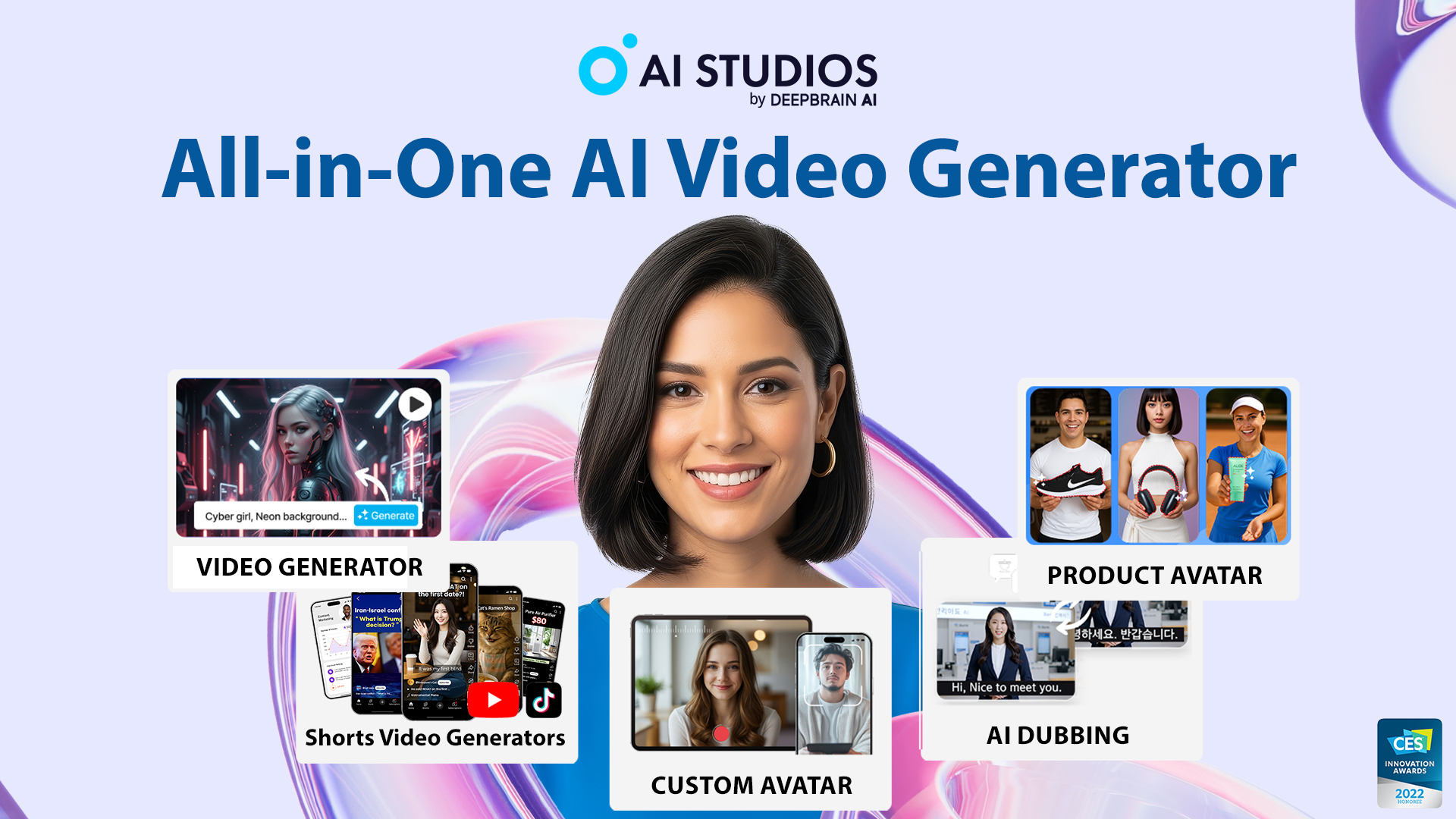
The overview
What DeepBrain AI is for
1Core Capabilitie
- Script-to-video generation interface
- AI avatar library selection
- Text-to-speech voice synthesi
- Multi-scene video editor
- Background and template asset library
2Specialized Workflow
- Lip-sync precision control
- Customizable avatar appearance parameter
- Subtitle generation and editing panel
- Video output resolution and format option
- Project version history and rollback
Who it helps
Useful ways to use DeepBrain AI
A practical path
Initiate New Video Project
Navigate to the web platform, sign in, and click 'Create New Project' to access the video editor interface
External signals
Reviews & reputation
Aggregated review score
DeepBrain AI is a practical option in Video Generation with balanced capabilities and clear day-to-day value.
Quick answers
Frequently asked questions
1What are the typical output resolutions and aspect ratios supported for generated videos?⌄
The platform typically supports standard resolutions up to 1080p (Full HD) and 4K, with common aspect ratios like 16:9 for widescreen, 9:16 for vertical content, and 1:1 for square social media posts. Specific options are available in the export settings.
2Can I upload my own custom voice audio or a pre-recorded narration track instead of using text-to-speech?⌄
While the core offering is text-to-speech, some advanced tiers or custom solutions may allow for voice cloning from your own audio samples or direct upload of pre-recorded narration tracks to sync with the avatar's movements. Check your subscription plan details.
3How is video generation time or credit usage calculated against my subscription plan?⌄
Video generation is typically calculated based on the final output duration in minutes. Each subscription tier includes a certain number of generation minutes per month, with additional minutes often available for purchase or through higher-tier plans. Preview generations usually do not consume credits.
4Are there options for multi-language support, both for text-to-speech and avatar lip-sync accuracy?⌄
Yes, the platform supports a wide range of languages for text-to-speech synthesis, ensuring accurate pronunciation. The AI avatar's lip-sync technology is designed to adapt effectively across these supported languages for realistic visual delivery.
5What are the licensing terms for commercial use of videos generated with DeepBrain AI?⌄
Videos generated through standard subscription plans typically include commercial usage rights, allowing you to use them for marketing, training, and public-facing content. Enterprise plans may offer broader licensing or white-labeling options. Always refer to the specific terms of service for your plan.
Keep exploring