

What Is Designmodo Used For: Features, Reviews & Alternatives
Web design blog and shop.
Editorially updated Oct 5, 2025
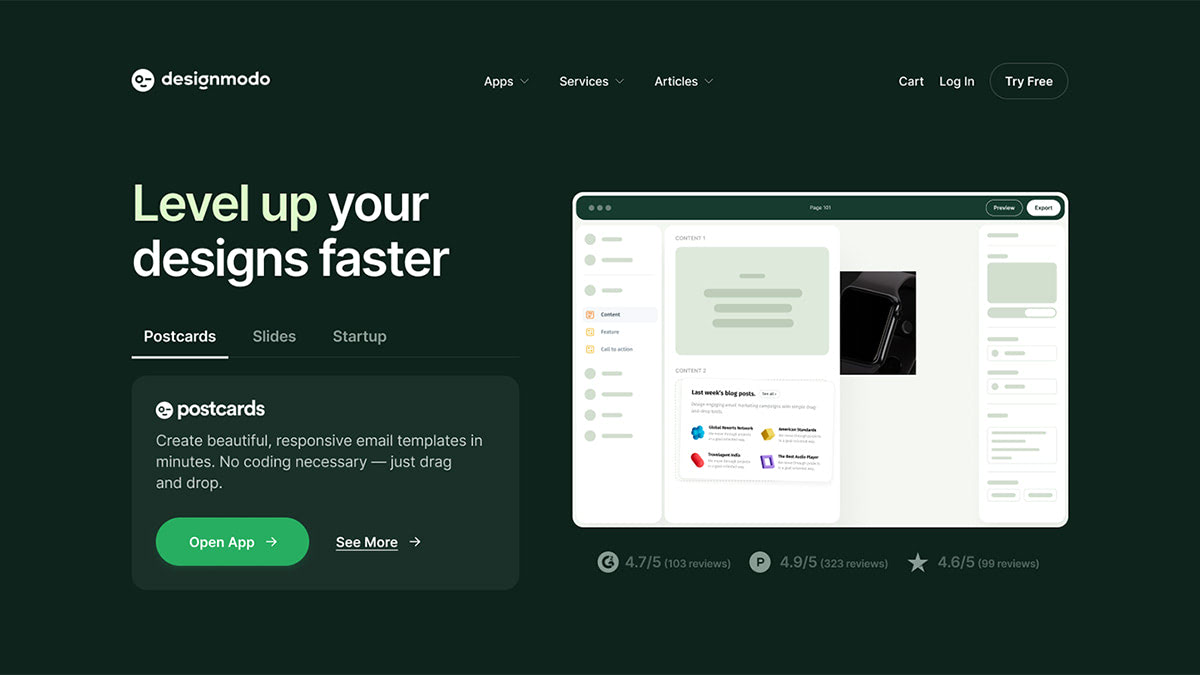
The overview
What Designmodo is for
1Core Capabilitie
- Component Library Access: Direct download portal for UI kits, icon sets, and pre-designed web component
- Theme & Template Catalog: Browse and acquire responsive HTML templates and CMS themes for rapid project initiation
- Design System Documentation: Detailed guides and examples for implementing purchased UI kits into existing project
2Specialized Workflow
- Drag-and-Drop Email Builder (Postcards): Browser-based interface for assembling responsive email templates without coding
- Visual Website Builder (Startup): WYSIWYG editor for constructing landing pages and simple sites from pre-built block
- Tutorial & Resource Archive: Curated articles and how-to guides on modern web design techniques and front-end development practice
Who it helps
Useful ways to use Designmodo
A practical path
Access Postcards Editor
Log into your account and launch the Postcards email builder from the product dashboard, initiating a new email project
External signals
Reviews & reputation
Aggregated review score
Designmodo is highly regarded by web designers for its extensive library of high-quality UI kits, themes, and practical web design tutorials. Users appreciate the efficiency gained from pre-built components and the intuitive nature of tools like Postcards and Startup for rapid project deployment. Some feedback points to the need for more frequent updates to older assets and clearer licensing distinctions for specific use cases.
Quick answers
Frequently asked questions
1What is the licensing model for Designmodo UI kits and templates?⌄
Our UI kits and templates typically come with a standard license for single project use, allowing integration into one end product for yourself or a client. Extended licenses are available for multiple projects or products where the item is resold. Always review the specific license terms on each product page before purchase.
2Can I use the Postcards email builder to create emails for commercial clients?⌄
Yes, the Postcards email builder is designed for both personal and commercial use. Your subscription allows you to create and export responsive email templates for your own projects or for clients, provided you adhere to the terms of service regarding usage and distribution.
3Are the UI kits compatible with popular design software like Figma or Sketch?⌄
Many of our premium UI kits are provided in formats compatible with leading design tools such as Sketch, Figma, and Adobe XD. Specific file formats are listed on each product's detail page, ensuring you can integrate them seamlessly into your preferred design workflow.
4Does Designmodo offer any support for integrating purchased themes or templates?⌄
While our products are designed for ease of use, we provide comprehensive documentation and tutorials for integration. For specific technical issues or questions, our support team is available via email or our help desk to assist with product-related inquiries. Customization services are not typically included.
5How does the Startup website builder handle SEO for the sites I create?⌄
The Startup website builder generates clean, semantic HTML, which is inherently SEO-friendly. You have direct control over meta titles, descriptions, and image alt tags within the editor. While it provides a solid technical foundation, ongoing SEO efforts like content strategy and link building remain your responsibility.
Keep exploring