

What Is Discord Used For: Features, Reviews & Alternatives
Communication and digital distribution platform designed for communities.
Editorially updated Oct 5, 2025
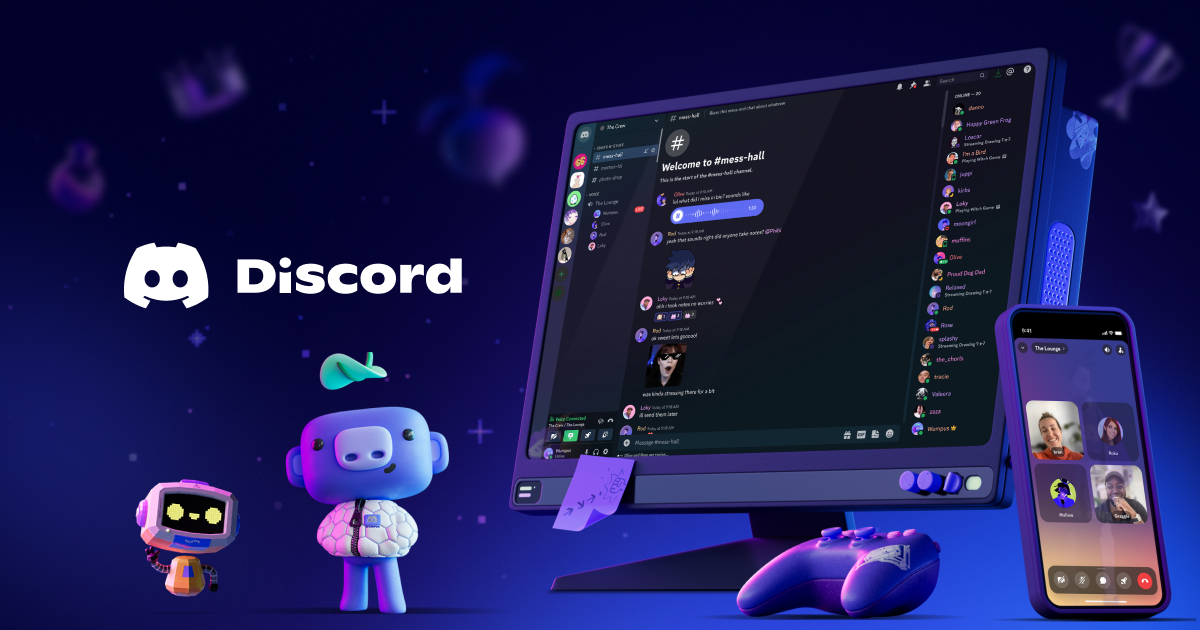
The overview
What Discord is for
1Core Capabilitie
- Persistent text channels for topic-based discussion
- Voice channels for real-time audio conference
- Direct messaging and group DMs for private conversation
- File and media sharing within channel
- Role-based access control for channel permission
2Specialized Workflow
- Customizable server invitation links for controlled acce
- Webhook integration for automated notifications from external service
- Threaded conversations for focused sub-discussion
- Screen sharing within voice channels for collaborative review
- Community server discovery for public-facing group
Who it helps
Useful ways to use Discord
A practical path
Accessing a Communication Hub
Navigate to the website, sign in, and either accept an invitation link to an existing server or initiate the creation of a new server for your team or community directly from the browser interface
External signals
Reviews & reputation
Aggregated review score
Valued for its real-time communication capabilities and flexible server structure, Discord is frequently adopted by businesses for community management, internal team coordination, and rapid incident response. Users appreciate the persistent chat, voice channels, and integration options, though some note the lack of native advanced compliance features and robust conversation export tools for strict enterprise requirements.
Quick answers
Frequently asked questions
1Can Discord be used for internal business communication without exposing our team to public communities?⌄
Yes. You can create private servers accessible only via specific invitation links. Channels within these servers can also be set to private, visible only to designated roles, ensuring your internal discussions remain isolated and secure from public discovery.
2What are the limitations of using the web client versus the desktop application for business use?⌄
The web client offers nearly full functionality for text, voice, and video communication, including screen sharing. Key differences are minor, such as slightly less optimized audio processing in some browser environments compared to the dedicated app, and the inability to use certain overlay features. For most business communication needs, the web client is fully capable.
3How does Discord handle data privacy and compliance for business-critical communications?⌄
Discord offers standard data encryption in transit and at rest. For specific compliance requirements (e.g., GDPR, CCPA), users should review Discord's privacy policy and terms of service. While it provides robust security features, organizations with stringent regulatory needs might need to implement additional internal policies or consider enterprise-grade solutions with specific compliance certifications.
4Is there a way to archive or export conversation history for audit or record-keeping purposes?⌄
Discord does not offer a native, built-in feature for bulk export of server chat history directly through its interface. Third-party tools or bots can sometimes facilitate this, but their use requires careful consideration of security and terms of service. For critical record-keeping, organizations often rely on manual copying or specialized bot integrations designed for logging.
5Can we integrate Discord with our existing project management or CRM tools?⌄
Yes, primarily through webhooks for one-way notifications (e.g., new tickets, task updates pushed to a channel). For more complex, two-way integrations, you would typically need to leverage third-party integration platforms or custom bot development using the API, as native deep integrations with specific PM/CRM tools are not standard features.
Keep exploring