

What Is DocuSign Used For: Features, Reviews & Alternatives
eSignature platform widely used in legal.
Editorially updated Oct 5, 2025
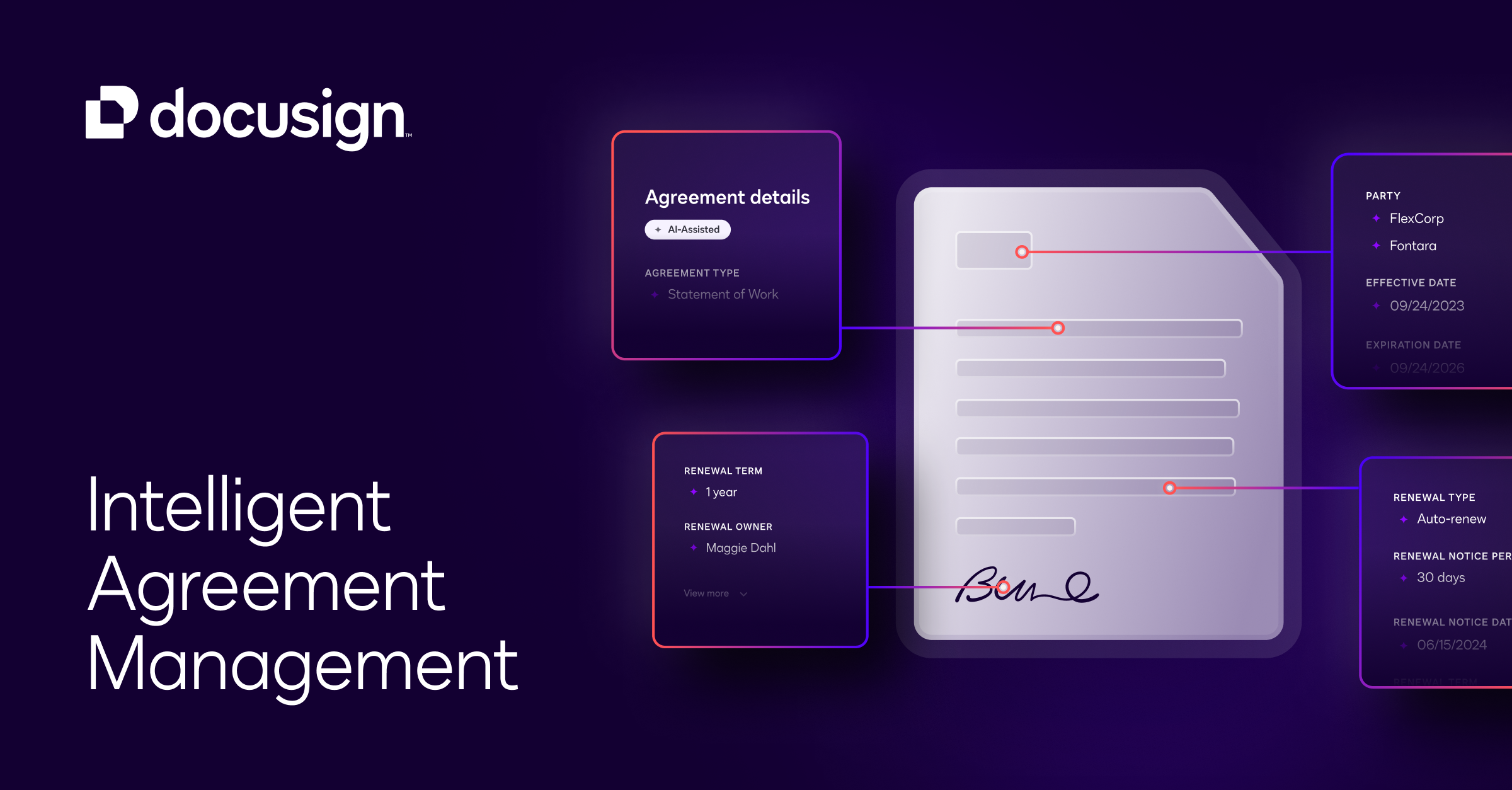
The overview
What DocuSign is for
1Core Capabilities
- Reusable agreement templates for documents such as NDAs, order forms, and policy acknowledgments, with preset signer roles and required fields
- Sequential or parallel routing for recipients, plus reminders and expirations to keep signature packets moving without manual chasing
- Detailed envelope history and audit records that help teams confirm when a document was sent, opened, and completed
- Authentication and identity-verification options for cases where basic email-link signing may not be enough; exact methods can depend on plan and configuration
- Integrations and API access that let signed agreements feed into CRM, storage, or contract records instead of staying isolated in email
Who it helps
Useful ways to use DocuSign
A practical path
Convert a repeat document into a template
Start with an agreement you send often, then define signer roles, initials, dates, and required fields so the packet is ready to reuse.
External signals
Reviews & reputation
Aggregated review score
This pass shows DocuSign fitting strongest workflows where self-service document completion quality is measurable and edge cases that need attorney escalation controls are documented.
Quick answers
Frequently asked questions
1Do recipients need their own DocuSign account to sign?⌄
In many common signing flows, recipients can sign from an emailed link without setting up a full account. Some identity or authentication requirements can add extra steps.
2Is DocuSign enough if we also need contract lifecycle management?⌄
It is commonly used for signature execution and template-based sending. If your process depends heavily on redlining, clause governance, repository controls, or obligation tracking, you may need a separate CLM layer or a higher-tier setup.
3What should a procurement or security review verify first?⌄
Check SSO support, role permissions, retention expectations, integration scope, audit record needs, and which authentication features are included in the quoted plan rather than assuming they are standard.
4Does it hold up for high-volume repeat agreements?⌄
Usually yes, if template ownership is disciplined. Teams run into trouble when too many one-off templates accumulate or when fields and signer roles drift across departments.
5Where do teams usually create avoidable friction?⌄
The common problems are incorrect signer order, over-customized templates, unclear ownership for updates, and mixing negotiation steps with signature execution in the same handoff.
Keep exploring