

What Is Domo Used For: Features, Reviews & Alternatives
Cloud-based business intelligence platform.
Editorially updated Oct 5, 2025
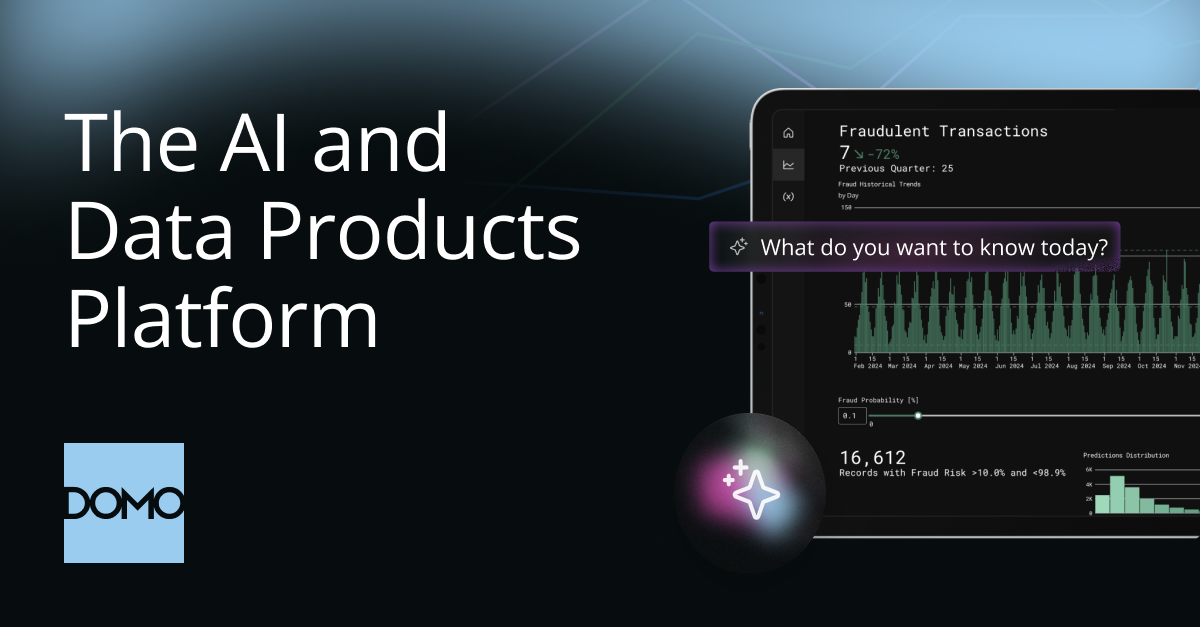
The overview
What Domo is for
1Core Capabilitie
- Data Source Connector Catalog: Browser-based directory for selecting and configuring data source integration
- Magic ETL DataFlow Editor: Visual drag-and-drop interface for data transformation logic
- Card Builder Interface: Web canvas for designing individual data visualization card
- Ad-hoc Query Workbench: SQL-like environment for direct data exploration and query execution
- Report Scheduling Panel: Configuration screen for automated distribution of dashboard snapshots or data export
2Specialized Workflow
- Alerting Condition Manager: Setup for rule-based notifications on data threshold
- Governance Policy Console: Interface for defining dataset access permissions and data masking
- Embed Code Generator: Tool for creating snippets to integrate content into external web application
- Mobile Layout Editor: Responsive design tool for optimizing dashboard views across device
Who it helps
Useful ways to use Domo
A practical path
Access Instance
Navigate to your organization's URL (e.g., yourcompany. .com) and log in with your credential
External signals
Reviews & reputation
Aggregated review score
Users commend Domo for its extensive data connector library and intuitive dashboard creation interface, facilitating rapid insight generation. However, some feedback points to a steeper learning curve for advanced ETL operations and potential cost considerations for smaller deployments.
Quick answers
Frequently asked questions
1How does Domo ensure data privacy and compliance with regulations like GDPR or HIPAA for sensitive business data?⌄
Domo implements robust security measures including data encryption at rest and in transit, granular access controls, audit logging, and adherence to industry-standard compliance certifications. Specific data governance policies can be configured within the platform to meet regulatory requirements.
2What are the platform's capabilities for handling petabyte-scale datasets and maintaining query performance under high concurrent user loads?⌄
Domo is architected for cloud-native scalability, leveraging distributed computing and optimized data storage. It employs in-memory processing and intelligent caching mechanisms to ensure efficient query execution and dashboard responsiveness even with very large datasets and numerous simultaneous users.
3Can we extend Domo's functionality with custom connectors, applications, or integrate it deeply with our existing enterprise software ecosystem?⌄
Yes, Domo offers a comprehensive API suite and SDKs for developers to build custom data connectors, create bespoke applications on the platform, and embed Domo content into other enterprise systems like CRMs or ERPs, facilitating deep integration.
4How is Domo's pricing structured, and what factors (e.g., data volume, user count, feature sets) primarily influence the total cost of ownership?⌄
Domo's pricing is typically subscription-based and can vary significantly based on factors such as the volume of data processed, the number of users, the specific feature sets required (e.g., advanced ETL, AI/ML capabilities), and the level of support. Prospective clients usually engage sales for a tailored quote.
5What is the typical process and support available for migrating existing reports and data models from on-premise or older BI solutions to Domo?⌄
Domo provides migration guides, professional services, and partner support to assist with transitioning from legacy BI systems. The process generally involves identifying existing data sources, mapping data models to Domo's architecture, recreating reports and dashboards, and validating data integrity post-migration.
Keep exploring