

What Is Duplicati Used For: Features, Reviews & Alternatives
Free, open source backup software (encrypts).
Editorially updated Oct 25, 2025
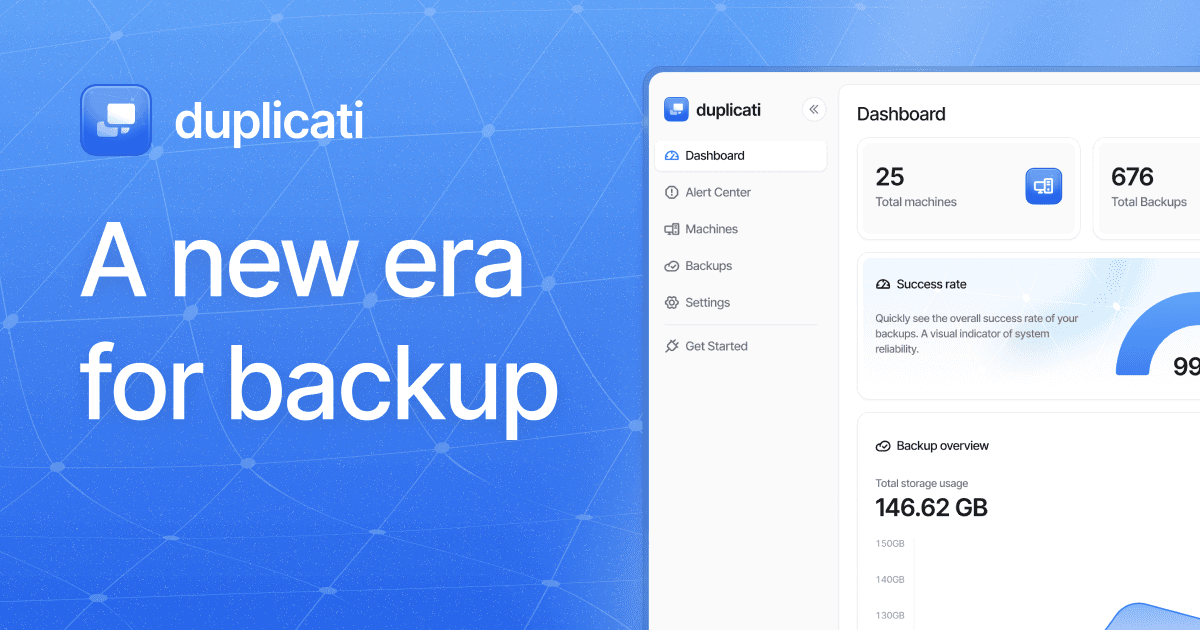
The overview
What Duplicati is for
1Core Capabilitie
- AES-256 encryption for all data at rest
- Incremental block-level backup engine
- Scheduled backup job configuration interface
- Multiple backend storage protocol support (S3, WebDAV, SFTP, OneDrive, Google Drive, Azure Blob, etc.)
- Version retention policy management
2Specialized Workflow
- Automatic deduplication across backup version
- Bandwidth throttling controls for upload
- Command-line interface (CLI) access for scripting
- Local web UI for configuration and monitoring
- Verification of backup file integrity
Who it helps
Useful ways to use Duplicati
A practical path
Download and Install Client
Navigate to the website's 'Download' section. Select the appropriate installer package for your operating system (Windows, macOS, Linux) and follow the on-screen instructions to complete the local installation of the client software
External signals
Reviews & reputation
Aggregated review score
Duplicati is highly regarded for its robust encryption, extensive cloud storage compatibility, and efficient block-level deduplication, making it a top choice for cost-conscious users needing secure, flexible backup. While its web UI is functional, some users note a learning curve for advanced configurations and rely on community support for troubleshooting.
Quick answers
Frequently asked questions
1Is Duplicati suitable for commercial use, and what are the licensing terms?⌄
Yes, Duplicati is released under the MIT License, which permits both private and commercial use without any fees. This includes deploying it in business environments for server backups, workstation protection, or any other data retention strategy. The open-source nature also allows for code inspection and community contributions.
2How does Duplicati ensure data security, especially when backing up to cloud storage?⌄
Duplicati employs client-side AES-256 encryption for all data before it leaves your system, meaning your data is encrypted before being transmitted to any cloud provider. It also uses TLS for secure transport. The encryption key is managed solely by the user, ensuring that even if the cloud storage is compromised, your data remains unreadable without your passphrase.
3What happens if my backup destination runs out of space, and how does Duplicati handle large files?⌄
If the backup destination runs out of space, Duplicati will report an error and pause the current backup operation. It will not delete existing data to make room. Users must either free up space, adjust retention policies to remove older versions, or switch to a larger destination. For large files, Duplicati breaks them into smaller, encrypted blocks, which aids in efficient incremental backups and deduplication, reducing overall storage footprint and transfer times.
4Can Duplicati perform bare-metal or full system image backups?⌄
Duplicati is designed for file-level and folder-level backups, not bare-metal or full system image backups. While it can back up all files on a system, restoring a complete operating system from a Duplicati backup would require reinstalling the OS first and then restoring the files. For full system imaging, dedicated disk imaging tools are typically recommended.
5How does Duplicati compare to proprietary backup solutions regarding features and support?⌄
Duplicati offers a robust feature set comparable to many proprietary solutions, including strong encryption, deduplication, versioning, and broad cloud storage support, all without licensing costs. Its primary difference lies in its community-driven support model (forums, GitHub) rather than dedicated vendor support. While this can mean slower response times for niche issues, the active community often provides effective solutions and continuous development.
Keep exploring