

What Is Enhancv Used For: Features, Reviews & Alternatives
Resume builder focusing on modern design.
Editorially updated Oct 25, 2025
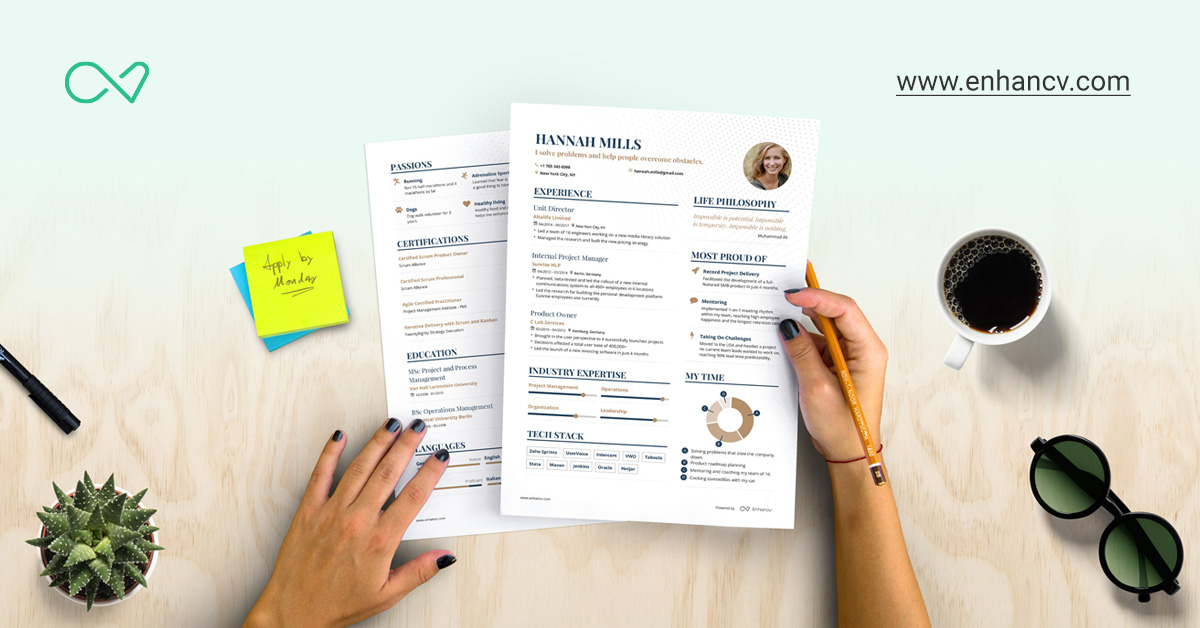
The overview
What Enhancv is for
1Core Capabilitie
- Pre-designed template gallery with industry-specific layout
- Drag-and-drop section reordering for custom flow
- Content suggestion prompts for impact-driven bullet point
- Customizable color palettes and font selection
- Integrated cover letter builder with matching design
2Specialized Workflow
- Real-time 'Resume Score' feedback for content optimization
- Personalized section recommendations based on role type
- PDF export with ATS-friendly formatting assurance
- Skill proficiency visualization tools (e.g., bar graphs)
- Direct link integration for portfolios and online profile
Who it helps
Useful ways to use Enhancv
A practical path
Select a Template and Start Building
Navigate to the website and choose a resume template from the extensive gallery that best aligns with your target industry and personal brand. Begin by inputting your basic contact information
External signals
Reviews & reputation
Aggregated review score
Users consistently praise Enhancv for its modern, professional resume templates and intuitive drag-and-drop interface. The content suggestions and 'Resume Score' feature are frequently highlighted as valuable tools for optimizing resume impact and ATS compatibility. Some feedback points to the premium pricing model as a consideration for full feature access.
Quick answers
Frequently asked questions
1Is Enhancv truly ATS-friendly, or will my custom design cause issues with applicant tracking systems?⌄
Enhancv templates are engineered with ATS compatibility as a core consideration. While offering modern and customizable aesthetics, the underlying structure ensures that key information – such as job titles, companies, dates, and skills – is parsable by applicant tracking systems. For optimal results, we recommend using standard fonts and clear, distinct section headings.
2Can I create multiple versions of my resume for different job applications or industries?⌄
Yes, your Enhancv account allows you to easily duplicate existing resumes. This feature is crucial for tailoring your application to specific job descriptions or industries, enabling you to highlight relevant experience and keywords without starting from scratch each time.
3What are the export options, and do I need a premium subscription for PDF downloads?⌄
You can export your resume as a PDF. While a basic PDF export might be available with a free trial or limited plan, premium subscriptions typically unlock unlimited high-quality PDF exports, access to all templates, advanced customization options, and removal of any watermarks.
4How does Enhancv assist with content writing beyond just providing templates?⌄
Beyond design, Enhancv offers robust content assistance. This includes context-sensitive content suggestion prompts, a library of strong action verbs, and the 'Resume Score' feature, which provides actionable feedback on impact, length, keyword usage, and overall effectiveness of your bullet points and sections.
5Is there a free trial or a completely free version available to test the platform?⌄
Enhancv typically offers a free trial period or a limited free version. This allows prospective users to explore the platform's core features, experiment with templates, and create a foundational resume before committing to a premium subscription for full access to advanced tools, unlimited exports, and the complete template library.
Keep exploring