

What Is Epic! Used For: Features, Reviews & Alternatives
Digital library for kids 12 & under.
Editorially updated Oct 5, 2025
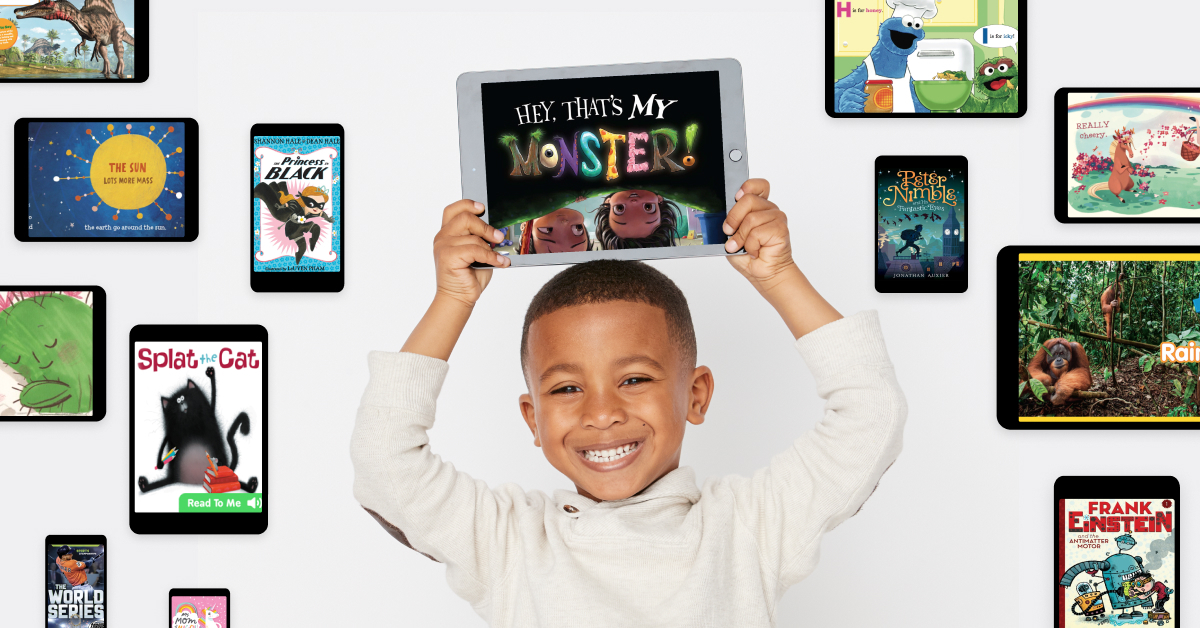
The overview
What Epic! is for
1Core Capabilitie
- Interactive Ebook Reader Interface
- Audiobook Playback Control
- Educational Video Streaming Player
- Curated Content Search Bar
- Reading Level Filters (e.g., Lexile, AR)
2Specialized Workflow
- Read-to-Me Functionality for Early Reader
- Educator Dashboard for Classroom Management
- Student Progress Tracking & Reporting
- Assignment Creation Panel for Teacher
- Quiz & Learning Checkpoints within Book
Who it helps
Useful ways to use Epic!
A practical path
Accessing the Library
Navigate to the Epic! website (getepic.com) in your browser and log in with your educator or parent account credentials. The main dashboard will display personalized recommendations and quick access categorie
External signals
Reviews & reputation
Aggregated review score
Highly valued by educators and parents for its vast, age-appropriate digital library and engaging content. Users praise its intuitive interface and the ability to track reading progress, though some note limitations in offline access for the web version.
Quick answers
Frequently asked questions
1What content is available for different age groups and reading levels?⌄
Epic! offers a vast collection of books, audiobooks, and videos spanning various genres and formats, specifically curated for children aged 12 and under. Content is categorized by age range (e.g., 0-5, 6-8, 9-12) and includes filters for common reading levels like Lexile and Accelerated Reader (AR) to help educators and parents select appropriate materials.
2Can students access Epic! from home, and what are the device requirements?⌄
Yes, students can access Epic! from home. For individual family subscriptions, access is available 24/7. For school accounts, free home access is typically provided during school hours (6 AM - 4 PM local time) on weekdays. The platform is browser-based, so it's accessible on any device with an internet connection and a modern web browser (e.g., Chrome, Safari, Firefox, Edge) without needing specific app installations.
3How does Epic! support reading progress tracking for educators?⌄
Educators have access to a dedicated dashboard where they can view detailed student activity. This includes metrics like books read, time spent reading, quizzes completed, and comprehension scores. Teachers can also create assignments and track completion rates, providing insights into individual student progress and overall class engagement with assigned materials.
4Is there an option for offline reading or content download?⌄
While Epic! is primarily a web-based streaming service, the mobile apps (iOS/Android) do offer a limited offline reading feature for downloaded books. However, the browser-first experience on desktop or laptop computers requires an active internet connection to access the full library and its interactive features.
5What are the subscription options for schools versus individual families?⌄
Epic! offers distinct subscription models. For individual families, there's a monthly or annual subscription providing unlimited access. For schools and educators, Epic! School provides free access during school hours for verified educators and their students, with options for school-wide premium subscriptions that extend access and features. Pricing details for school-wide licenses are typically provided upon direct inquiry.
Keep exploring