

What Is EveryDollar Used For: Features, Reviews & Alternatives
Zero-based budgeting app by Ramsey Solutions.
Editorially updated Oct 5, 2025
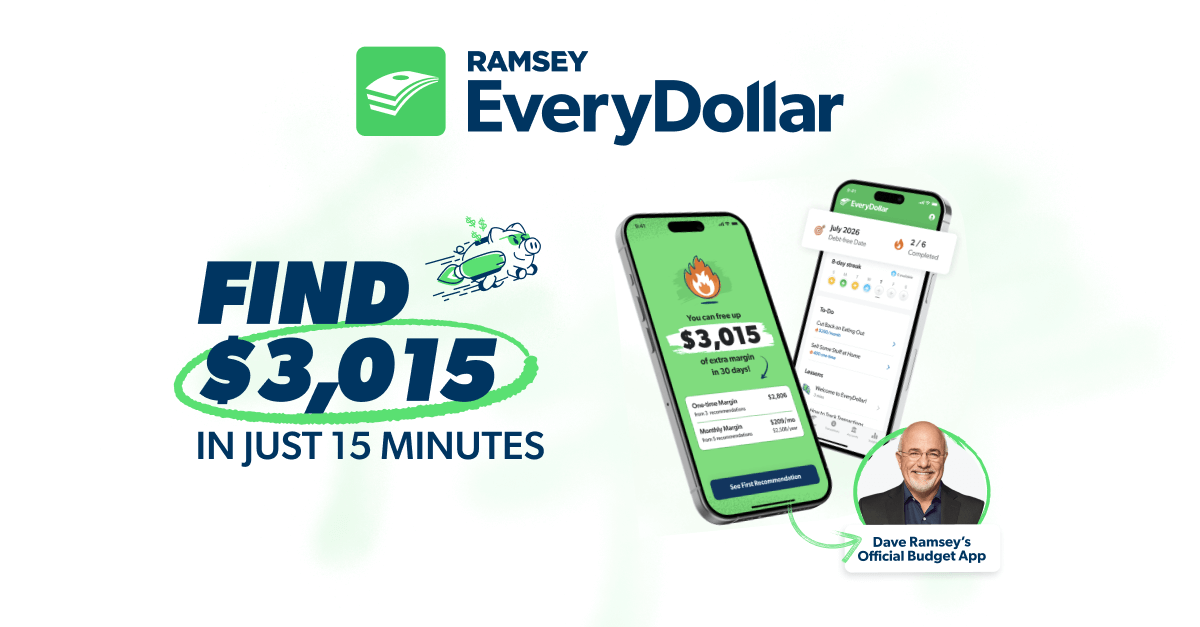
The overview
What EveryDollar is for
1Core Capabilitie
- Monthly budget creation grid
- Income allocation panel
- Manual transaction entry form
- Category spending tracker
- Budget reset function
2Specialized Workflow
- Bank account connection for transaction import (Plus subscription)
- Debt snowball calculator integration (Plus subscription)
- Ramsey Baby Steps progress view (Plus subscription)
- Custom budget template library
- Transaction categorization interface
Who it helps
Useful ways to use EveryDollar
A practical path
Set Up Your Monthly Budget
Navigate to the 'Plan' tab after logging in. Enter your anticipated monthly income and then assign every dollar to a spending category until your ' ' amount reaches zero, ensuring all income has a job
External signals
Reviews & reputation
Aggregated review score
Users praise EveryDollar for its straightforward zero-based budgeting approach and intuitive web interface, particularly for those following Ramsey's financial principles. The Plus subscription's bank connectivity is a significant draw, though some users desire more advanced reporting or investment tracking features.
Quick answers
Frequently asked questions
1What's the difference between EveryDollar Free and EveryDollar Plus?⌄
EveryDollar Free allows manual budget creation and transaction entry. EveryDollar Plus, a paid subscription, adds bank connectivity for automatic transaction import, custom budget reporting, and access to the debt snowball tool and Ramsey+ financial content.
2Can I connect my bank accounts to EveryDollar?⌄
Yes, with an EveryDollar Plus subscription, you can securely link your bank accounts and credit cards to automatically import transactions, streamlining the tracking process. The free version requires manual entry for all transactions.
3Is EveryDollar suitable for complex investment tracking or business budgeting?⌄
EveryDollar is primarily designed for personal and household zero-based budgeting and debt management. While it provides excellent spending oversight, it does not offer advanced investment portfolio tracking or dedicated features for complex business accounting.
4How does EveryDollar handle irregular income?⌄
EveryDollar's zero-based methodology is well-suited for irregular income. Users budget with their *lowest anticipated* income first, then 'add to budget' any additional income received throughout the month, assigning those extra dollars to savings, debt, or other categories as they come in.
5What if I go over budget in a category?⌄
EveryDollar encourages you to 'move money' from another category where you have a surplus to cover the overage. This ensures your budget always balances to zero, reflecting your actual spending and forcing you to make conscious trade-offs rather than simply exceeding limits.
Keep exploring