

What Is Fathom Analytics Used For: Features, Reviews & Alternatives
Simple, privacy-focused website analytics.
Editorially updated Oct 5, 2025
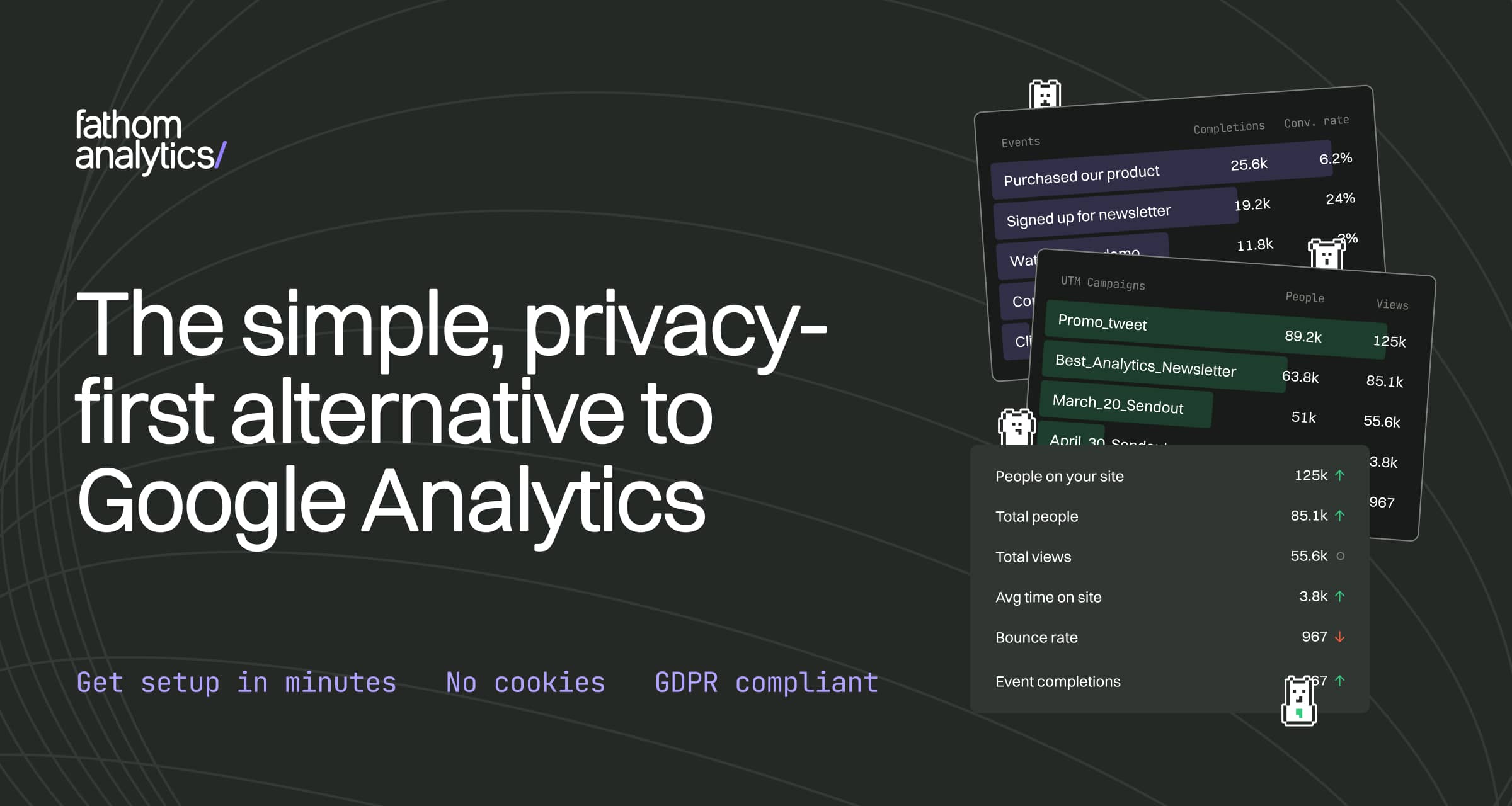
The overview
What Fathom Analytics is for
1Core Capabilitie
- Lightweight tracking script embed
- Real-time visitor count display
- Referrer source breakdown panel
- Top pages performance view
- Custom event goal configuration
2Specialized Workflow
- Ad blocker bypass script option
- Email report scheduling interface
- Multiple site management dashboard
- Uptime monitoring integration
- Custom domain for tracking script
Who it helps
Useful ways to use Fathom Analytics
A practical path
Register a New Website for Tracking
Navigate to the Fathom dashboard, click 'Add a site,' input your domain, and retrieve the unique tracking script snippet provided
External signals
Reviews & reputation
Aggregated review score
Users consistently praise Fathom Analytics for its straightforward interface, robust privacy features, and ease of implementation, making it an ideal choice for developers and webmasters seeking GDPR-compliant web tracking without data complexity.
Quick answers
Frequently asked questions
1How does Fathom Analytics ensure data privacy without cookies?⌄
Fathom uses a unique, anonymized identifier generated from incoming request data (like IP address and user agent) that is salted and hashed, then immediately discarded. This process ensures no personal data is stored or tracked across sessions, making it GDPR, CCPA, and PECR compliant by default without needing cookie banners.
2Can Fathom track conversions or specific user actions?⌄
Yes, Fathom supports custom event tracking. You can define specific goals (e.g., form submissions, button clicks, video plays) by adding a small JavaScript snippet to your site. These events are then displayed on your dashboard, allowing you to monitor conversion rates without tracking individual user journeys.
3Is Fathom Analytics compatible with single-page applications (SPAs)?⌄
Absolutely. Fathom's tracking script automatically detects URL changes in SPAs without requiring manual pageview calls. For more granular control or specific event tracking within SPAs, custom event calls can be easily integrated into your application's routing or component lifecycle.
4How does Fathom compare to Google Analytics regarding data granularity?⌄
Fathom prioritizes simplicity and privacy over deep, individual user-level data. It provides essential aggregate metrics like page views, unique visitors, referrers, and custom events. Unlike Google Analytics, it does not offer demographic data, user flow paths, or complex segmentation based on personal attributes, focusing instead on high-level, actionable site performance without PII.
5Can Fathom bypass ad blockers?⌄
Yes, Fathom offers a custom domain feature for its tracking script. By serving the script from your own domain (e.g., `stats.yourdomain.com`), you can often bypass common ad blockers that target known analytics domains, ensuring more accurate traffic reporting.
Keep exploring