

What Is Filecamp Used For: Features, Reviews & Alternatives
Cloud-based DAM with unlimited users.
Editorially updated Oct 25, 2025
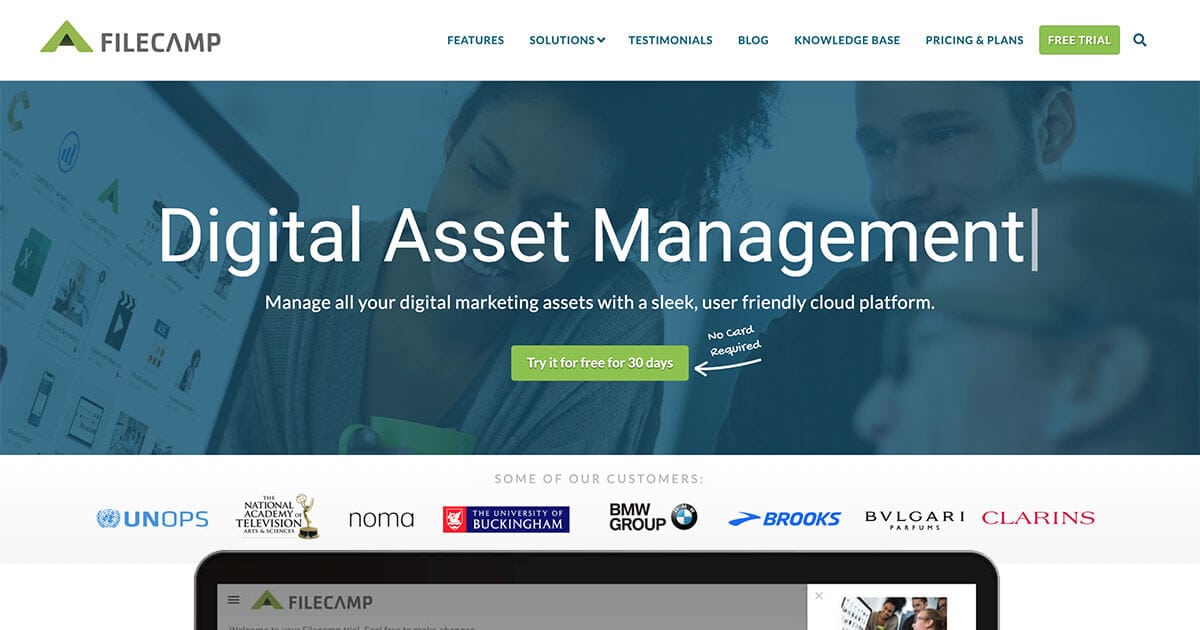
The overview
What Filecamp is for
1Core Capabilitie
- Web-based asset ingestion portal
- Customizable metadata schema editor
- Advanced asset search and filtering panel
- Granular user role and permission management
- Multi-format asset previewer
2Specialized Workflow
- Branded client portal creation
- Dynamic download size and format preset
- Version history and rollback interface
- Public and private share link generation
- Unlimited user account provisioning
Who it helps
Useful ways to use Filecamp
A practical path
Ingesting New Digital Asset
Navigate to the web application and sign in. From the main dashboard, click the "Upload" button, then drag and drop or select files from your local drive into the designated upload area
External signals
Reviews & reputation
Aggregated review score
Filecamp is valued for its straightforward, browser-based DAM functionality, particularly its unlimited user model which simplifies team and client access. Users appreciate the robust asset organization, customizable branding for portals, and reliable security features. Some feedback indicates a desire for more advanced AI-driven tagging or deeper integration options with specific marketing automation platforms, but overall, it's seen as a solid, practical solution for core digital asset management needs.
Quick answers
Frequently asked questions
1Does "unlimited users" mean there are no restrictions on the number of team members who can access the DAM?⌄
Yes, Filecamp's pricing model includes unlimited user accounts across all plans. This means you can invite as many internal team members, external collaborators, or clients as needed without incurring additional per-user fees, simplifying access management for growing teams.
2What types of digital assets can be stored and previewed within Filecamp?⌄
Filecamp supports a wide range of common digital asset formats, including images (JPG, PNG, GIF, TIFF, PSD, AI, EPS), videos (MP4, MOV, AVI, WMV), audio files (MP3, WAV), and documents (PDF, DOCX, PPTX, XLSX). The platform provides in-browser previews for most of these file types, eliminating the need for native software.
3How does Filecamp ensure the security of our digital assets?⌄
Filecamp employs robust security measures, including SSL/TLS encryption for all data in transit, AES-256 encryption for data at rest, and regular security audits. Access is controlled via user roles and permissions, and features like expiring share links and IP whitelisting provide additional layers of protection for your valuable content.
4Can we customize the appearance of the DAM interface or client portals to match our brand?⌄
Yes, Filecamp offers extensive branding options. You can upload your company logo, customize color schemes, and set up custom domain mapping for your main DAM portal and any client-facing share portals. This ensures a consistent brand experience for all users accessing your assets.
5Is there a limit to the total storage capacity included with Filecamp plans?⌄
Filecamp plans come with varying storage capacities, typically starting from a base amount and scaling up with higher-tier subscriptions. While users are unlimited, storage is a key differentiator between plans. You can monitor your usage within the admin panel and upgrade your plan if additional storage is required.
Keep exploring