

What Is Forest App Used For: Features, Reviews & Alternatives
Stay focused, grow virtual trees.
Editorially updated Oct 25, 2025
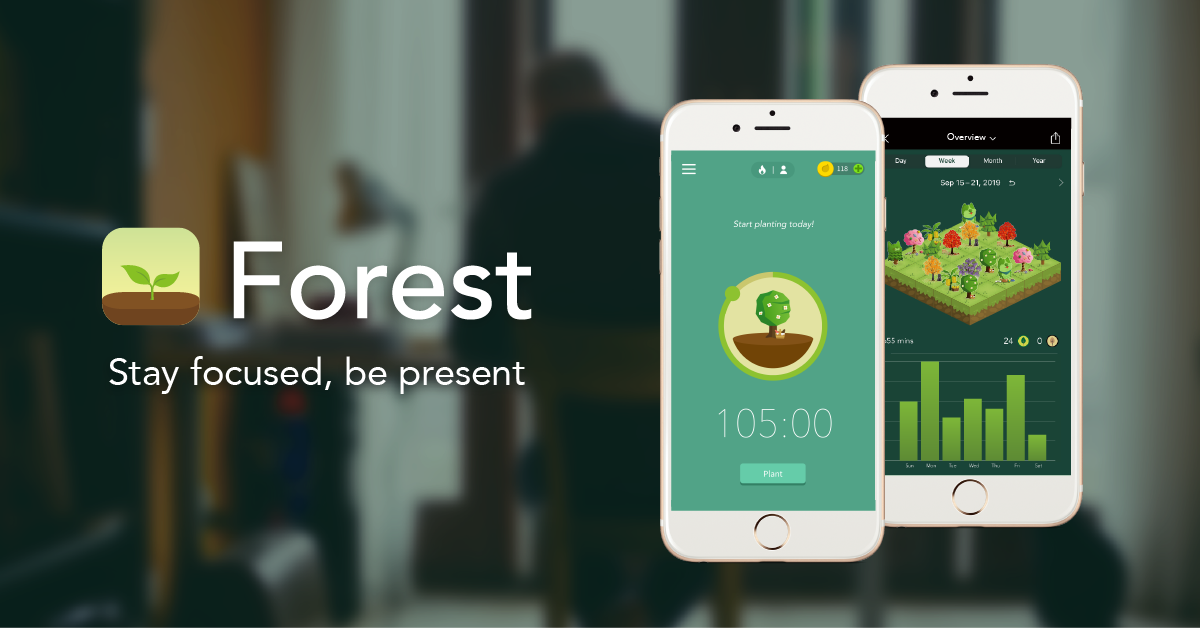
The overview
What Forest App is for
1Core Capabilitie
- Focus Session Timer: Configurable Pomodoro and short/long break interval
- Virtual Tree Planting: Initiates tree growth tied to active focus session
- Website Blocker Toggle: Activates a browser-level blocklist during focus period
2Specialized Workflow
- Custom Blocklist Editor: User-defined list of distracting URLs to restrict
- Focus Session History Log: Chronological record of completed and failed focus period
- Tree Species Collection: Unlocks new virtual tree types based on cumulative focus time
- Whitelist Configuration: Allows specific essential sites during blocking
Who it helps
Useful ways to use Forest App
A practical path
Start a Focus Timer
Navigate to the website, log in, and click the 'Plant a Tree' button to begin a new focus session with the default 25-minute timer
External signals
Reviews & reputation
Aggregated review score
Users consistently praise Forest App for its effective gamified approach to focus and distraction blocking, highlighting its intuitive web interface and the satisfying visual reward of growing a virtual forest. Some feedback points to desires for more advanced analytics or deeper integration options, but overall, it's highly regarded for its core purpose of promoting sustained attention.
Quick answers
Frequently asked questions
1Is Forest App a browser extension or a standalone web application?⌄
Forest App functions primarily as a web application accessible directly in your browser. While it may offer an optional browser extension for enhanced site blocking capabilities, the core focus timer and tree-growing mechanics operate within the web interface.
2What happens if I accidentally close my browser or lose internet connection during a focus session?⌄
If your browser closes unexpectedly or your internet connection drops, the app attempts to save your session progress. However, prolonged disconnection or intentional navigation away from the app's domain during an active session will typically result in the virtual tree withering, reinforcing the commitment to focused work.
3Can I use Forest App across multiple devices, like my desktop and laptop, and sync my forest?⌄
Yes, your Forest App account and virtual forest progress are cloud-synced. As long as you log in with the same credentials on any web browser, your tree collection, focus history, and custom blocklists will be consistent across all your devices.
4Does Forest App offer any features for tracking my focus time over longer periods or exporting data?⌄
The 'History' section provides a chronological log of your focus sessions, including duration and outcome. While direct data export (e.g., CSV) isn't a primary feature, the visual history allows for self-assessment of focus patterns over days or weeks.
5How does Forest App handle privacy regarding the websites I visit or block?⌄
Forest App's site blocking functionality operates locally within your browser and does not transmit your browsing history or specific blocked URLs to its servers. Your custom blocklist is stored securely with your account for synchronization purposes, but the app does not monitor your general web activity.
Keep exploring