

What Is Framer Used For: Features, Reviews & Alternatives
Interactive design and prototyping tool.
Editorially updated Oct 5, 2025
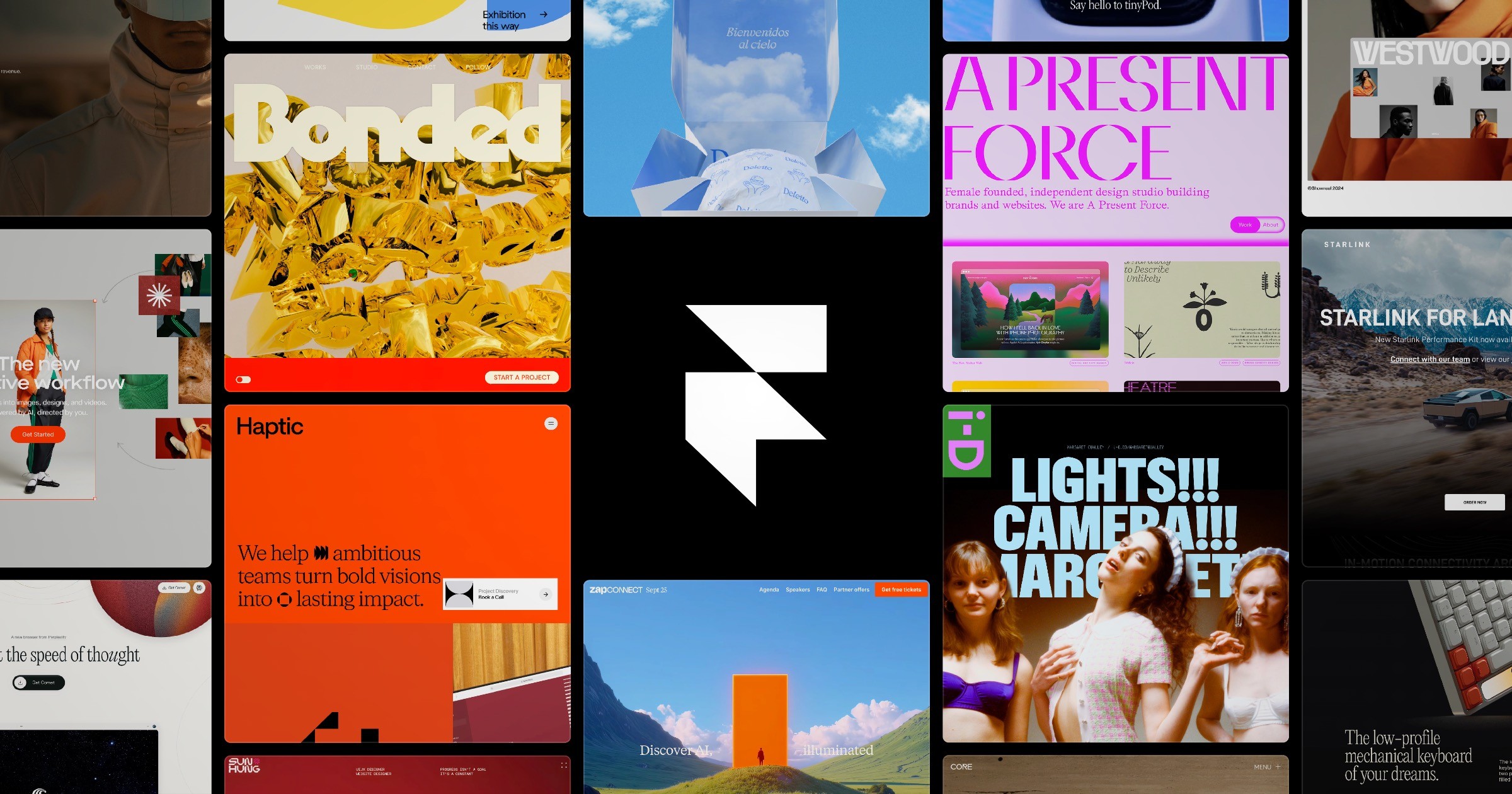
The overview
What Framer is for
1Core Capabilitie
- Visual canvas for responsive web layout
- Interactive component authoring
- CMS field integration for dynamic content
- Custom code override editor
2Specialized Workflow
- Direct domain publishing interface
- SEO metadata configuration panel
- Version history and rollback browser
- Team role and access management
Who it helps
Useful ways to use Framer
A practical path
Initiate Project Canva
Navigate to .com, sign in, and select 'New Project' to access the blank design canvas or choose a template from the library to begin your web design
External signals
Reviews & reputation
Aggregated review score
Praised for its ability to bridge design and development with a powerful visual editor and direct publishing, though some users note a learning curve for advanced features and limitations for highly complex web applications.
Quick answers
Frequently asked questions
1What are the hosting and domain management options for sites published with Framer?⌄
Framer includes integrated hosting on a global CDN. You can publish to a Framer subdomain for free or connect a custom domain directly within the project settings. SSL certificates are automatically provisioned for all published sites.
2Can I export the underlying code from a Framer project for external development or hosting?⌄
Framer is designed as an integrated design-to-publish platform. While you can inspect the generated HTML/CSS/JS in the browser, there isn't a direct export feature for the entire project's source code for external hosting or development environments.
3How does Framer handle responsive design for different screen sizes?⌄
Framer provides a breakpoint system within the design canvas, allowing designers to define specific layouts and styles for various screen widths (e.g., desktop, tablet, mobile). Elements can be configured with responsive properties like fill, fit, and min/max dimensions.
4Is it possible to integrate custom fonts not available in the standard library?⌄
Yes, you can upload custom font files (e.g., .woff, .woff2) directly into your Framer project's asset panel and then apply them to text elements within your design. Google Fonts are also natively supported and easily accessible.
5What are the collaboration capabilities for design teams working on a single project?⌄
Framer supports real-time multi-user editing on the same canvas, allowing team members to work concurrently. It also includes commenting features for feedback and a comprehensive version history to track changes and revert to previous states.
Keep exploring