

What Is Freshdesk (Freshworks) Used For: Features, Reviews & Alternatives
Cloud-based customer support software.
Editorially updated Oct 5, 2025
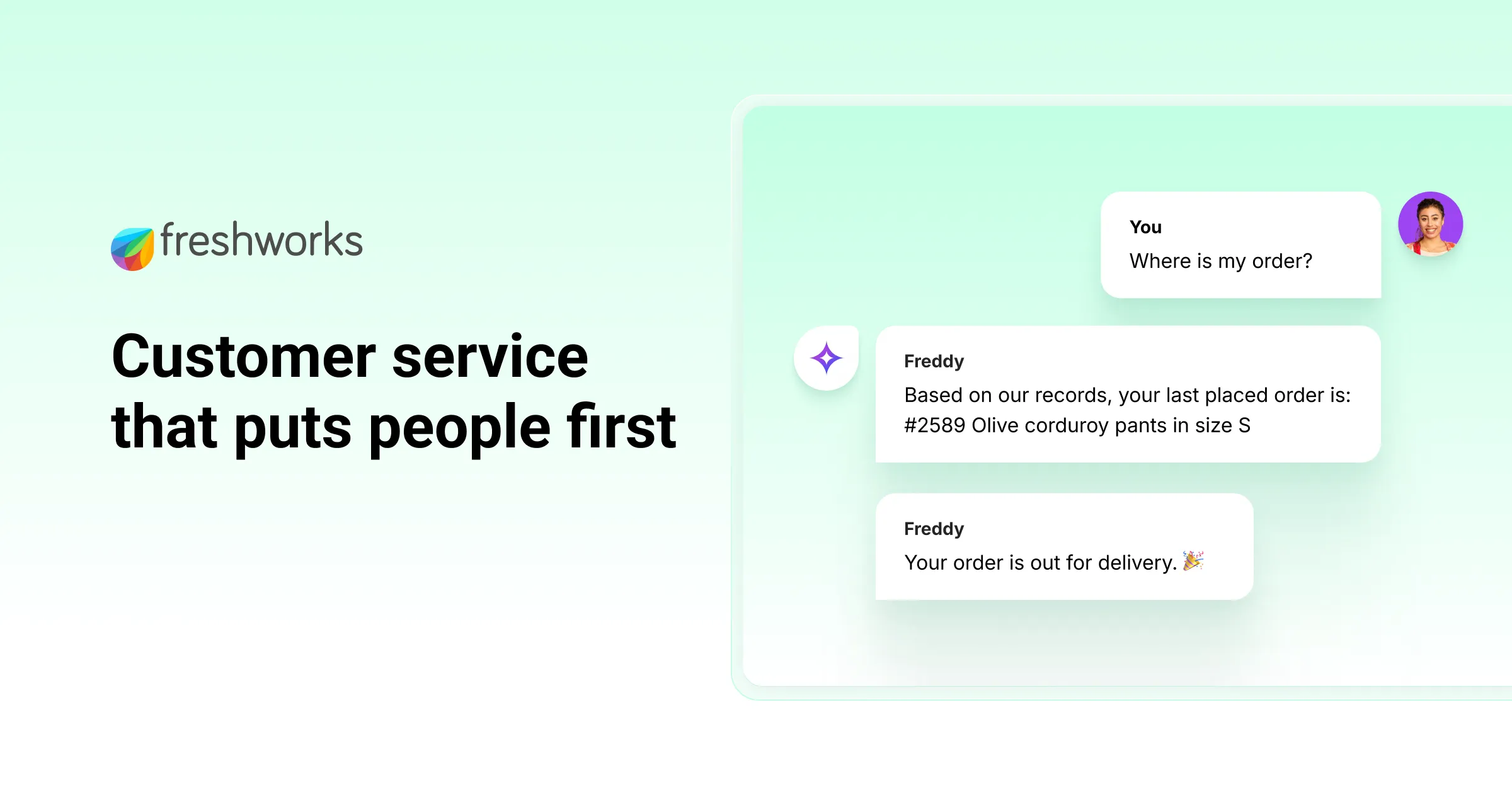
The overview
What Freshdesk (Freshworks) is for
1Core Capabilitie
- Unified agent inbox
- Ticket routing rules engine
- Knowledge base article editor
- Live chat widget deployment
- Email channel setup wizard
2Specialized Workflow
- SLA policy definition panel
- Custom ticket field builder
- Canned response library
- Customer portal branding editor
- Agent performance dashboard
Who it helps
Useful ways to use Freshdesk (Freshworks)
A practical path
Accessing and Replying to a New Ticket
Log into the Freshdesk agent portal, navigate to the 'Tickets' view, select an unassigned or assigned ticket from the queue, review the customer's query, and use the reply editor to compose and send a response
External signals
Reviews & reputation
Aggregated review score
Users frequently praise Freshdesk for its intuitive agent interface and robust multi-channel ticketing capabilities, particularly its email-to-ticket conversion and knowledge base management. Some feedback points to occasional complexity in advanced automation setup and a desire for more granular reporting customization without relying on exports.
Quick answers
Frequently asked questions
1What are the primary differences between Freshdesk's pricing tiers, especially regarding agent count and feature access?⌄
Freshdesk offers several tiers, typically differentiating by the number of included agents, access to advanced automation (like custom ticket statuses or time-triggered rules), SLA management capabilities, and reporting granularity. Higher tiers often unlock features like AI-powered suggestions, sandbox environments, and dedicated account management.
2Can we integrate Freshdesk with our existing CRM or internal tools?⌄
Yes, Freshdesk provides a robust API for custom integrations. Additionally, it offers a marketplace with pre-built integrations for popular CRMs like Salesforce, e-commerce platforms, and communication tools, allowing for data synchronization and streamlined workflows.
3How does Freshdesk handle data security and compliance for customer information?⌄
Freshdesk adheres to industry-standard security protocols, including data encryption in transit and at rest, regular security audits, and compliance certifications like GDPR, HIPAA, and ISO 27001. Access controls are granular, ensuring only authorized agents can view specific customer data.
4Is there a way to customize the customer-facing portal and support widget to match our brand?⌄
Absolutely. Freshdesk provides extensive customization options for the customer portal, allowing you to modify themes, colors, logos, and even custom CSS. The support widget can also be branded and configured to match your website's aesthetic and functionality requirements.
5What kind of reporting and analytics are available to track support performance?⌄
The platform includes a suite of built-in reports covering key metrics such as ticket volume, resolution times, agent performance, customer satisfaction (CSAT), and SLA adherence. These reports are accessible via the web dashboard and can often be customized or exported for further analysis.
Keep exploring