

What Is FullStory Used For: Features, Reviews & Alternatives
Digital experience intelligence platform.
Editorially updated Oct 5, 2025
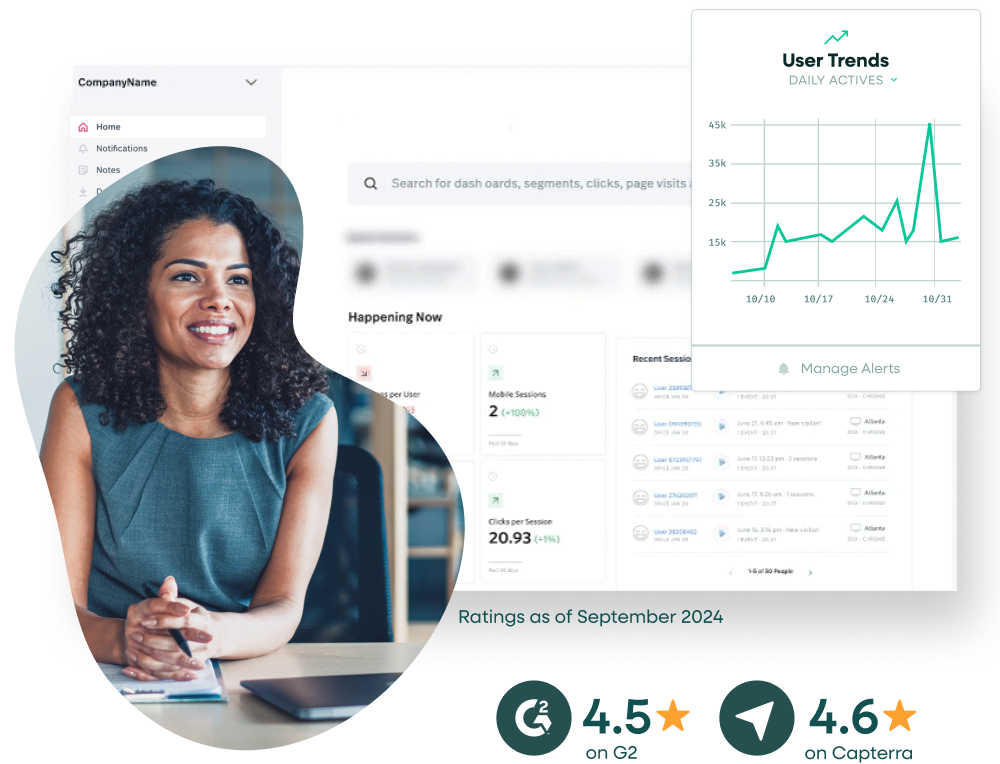
The overview
What FullStory is for
1Core Capabilitie
- Session replay console with DevTools integration
- Click, scroll, and rage click heatmap
- Funnel analysis builder with drop-off visualization
- Error tracking and console log capture
- User segment definition and filtering interface
2Specialized Workflow
- Omnisearch for user sessions by attributes or event
- Custom event capture and analysis configuration
- Data export for session recordings and user activity
- Privacy exclusion settings for sensitive data field
- Performance metric correlation with user frustration signal
Who it helps
Useful ways to use FullStory
A practical path
Filter for Relevant User Session
Navigate to the 'Sessions' view. Use the Omnisearch bar or apply filters based on user attributes (e.g., new users, specific browser), events (e.g., 'added to cart', 'error occurred'), or frustration signals (e.g., 'rage clicks', 'dead clicks') to narrow down the list of recording
External signals
Reviews & reputation
Aggregated review score
FullStory is highly valued by product, UX, and development teams for its unparalleled session replay capabilities, offering deep qualitative insights into user behavior and front-end issues. Users frequently praise its ability to quickly identify friction points, debug complex bugs, and validate design decisions. While powerful, some users note the learning curve for advanced features and the potential for high data volume costs.
Quick answers
Frequently asked questions
1How does FullStory impact website performance and page load times?⌄
FullStory's client-side script is engineered for minimal performance overhead. It's asynchronously loaded and designed to have a negligible impact on page load times and user experience. Data collection is optimized to batch and send information efficiently without blocking critical rendering paths.
2What data does FullStory collect, and how are sensitive user data and privacy handled?⌄
FullStory collects user interactions (clicks, scrolls, form inputs), browser information, and console logs. It offers robust privacy controls, including automatic exclusion of sensitive fields (e.g., credit card numbers, passwords) and the ability to manually mask or exclude any element or text on your site from being recorded, ensuring compliance with privacy regulations like GDPR and CCPA.
3Can FullStory integrate with our existing analytics and bug tracking tools?⌄
Yes, FullStory provides integrations with popular analytics platforms (e.g., Google Analytics, Mixpanel) to correlate quantitative data with qualitative session replays. It also integrates with bug tracking and project management tools (e.g., Jira, Slack) to streamline the reporting and resolution of identified issues by attaching session links directly to tickets.
4How does FullStory handle single-page applications (SPAs) and dynamic content?⌄
FullStory is specifically designed to accurately record and replay interactions on SPAs and sites with dynamic content. It tracks DOM changes, route transitions, and asynchronous updates seamlessly, ensuring that the replay accurately reflects the user's experience even in highly interactive web applications without requiring special configuration for most frameworks.
5What are the primary factors determining FullStory's subscription cost?⌄
FullStory's pricing is primarily based on the volume of recorded sessions, often measured in 'sessions per month' or 'pageviews per month', and the specific feature set required (e.g., advanced analytics, integrations, data retention period). Enterprise plans offer custom volume tiers and dedicated support, while smaller plans are typically tiered by session count.
Keep exploring