

What Is GameBanana Used For: Features, Reviews & Alternatives
Community for game mods & custom content.
Editorially updated Oct 25, 2025
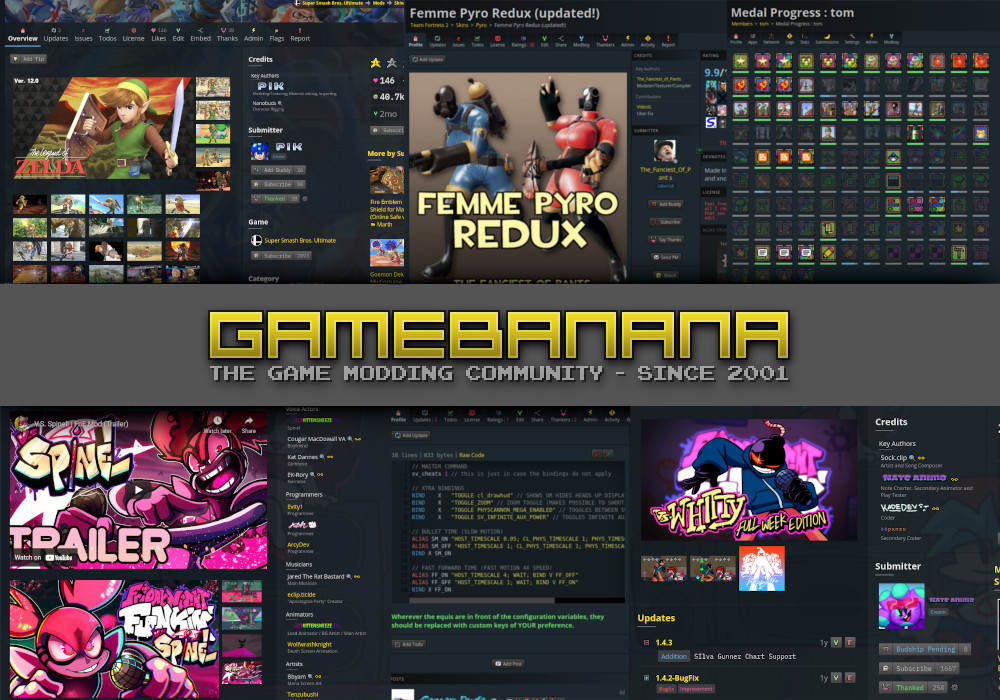
The overview
What GameBanana is for
1Core Capabilitie
- Game-specific mod browsing and filtering
- Direct mod file download interface
- User content submission portal (mods, skins, maps)
- Mod rating and comment section
- Integrated search bar with content type filter
2Specialized Workflow
- Mod update tracking and notification system
- Community-driven tutorial and guide section
- Developer profile pages for showcasing portfolio
- Asset category filtering (e.g., models, textures, sounds)
- User-submitted mod request system
Who it helps
Useful ways to use GameBanana
A practical path
Locate Desired Game Mod
Navigate to the homepage, use the search bar to find a specific game or mod, or browse through the 'Games' directory to select a title (e.g., 'Skyrim,' 'Minecraft')
External signals
Reviews & reputation
Aggregated review score
A vital hub for game modding, praised for its extensive content library and active community. Users appreciate the ease of finding and downloading mods, though some note occasional issues with outdated content or complex installation processes for certain titles.
Quick answers
Frequently asked questions
1How do I ensure a mod is safe to download and won't corrupt my game files?⌄
Always check the mod's rating, read user comments for feedback on stability or issues, and look for a reputable uploader. Many mods include installation instructions and uninstallation guides; follow them carefully. Backing up your game's original files before installing any mod is highly recommended.
2Can I upload mods for any game, or are there restrictions?⌄
GameBanana supports a vast library of games, but content must adhere to the site's submission guidelines, including legal compliance (no copyrighted assets you don't own) and content standards. You'll typically find a specific game category to upload to, or you can request a new game to be added.
3What's the difference between a 'mod' and a 'skin' or 'map' on the site?⌄
'Mod' is a broad term for any modification. 'Skin' usually refers to cosmetic changes to characters or items, while 'map' refers to new playable levels or environments. GameBanana categorizes content to help users filter and find specific types of assets within a game's section.
4Is there a way to support mod creators directly through the platform?⌄
While GameBanana itself doesn't handle direct financial transactions for individual modders, many creators link to their personal Patreon, Ko-fi, or other donation pages on their mod descriptions or user profiles. You can often find these links to support them externally.
5My downloaded mod isn't working. What should I do?⌄
First, double-check the mod's installation instructions and ensure you have any required dependencies (like a specific mod loader or game version). Consult the mod's comment section or forum for troubleshooting tips, as other users might have encountered similar issues and found solutions.
Keep exploring