

What Is Gather Used For: Features, Reviews & Alternatives
Virtual office space with proximity chat.
Editorially updated Oct 25, 2025
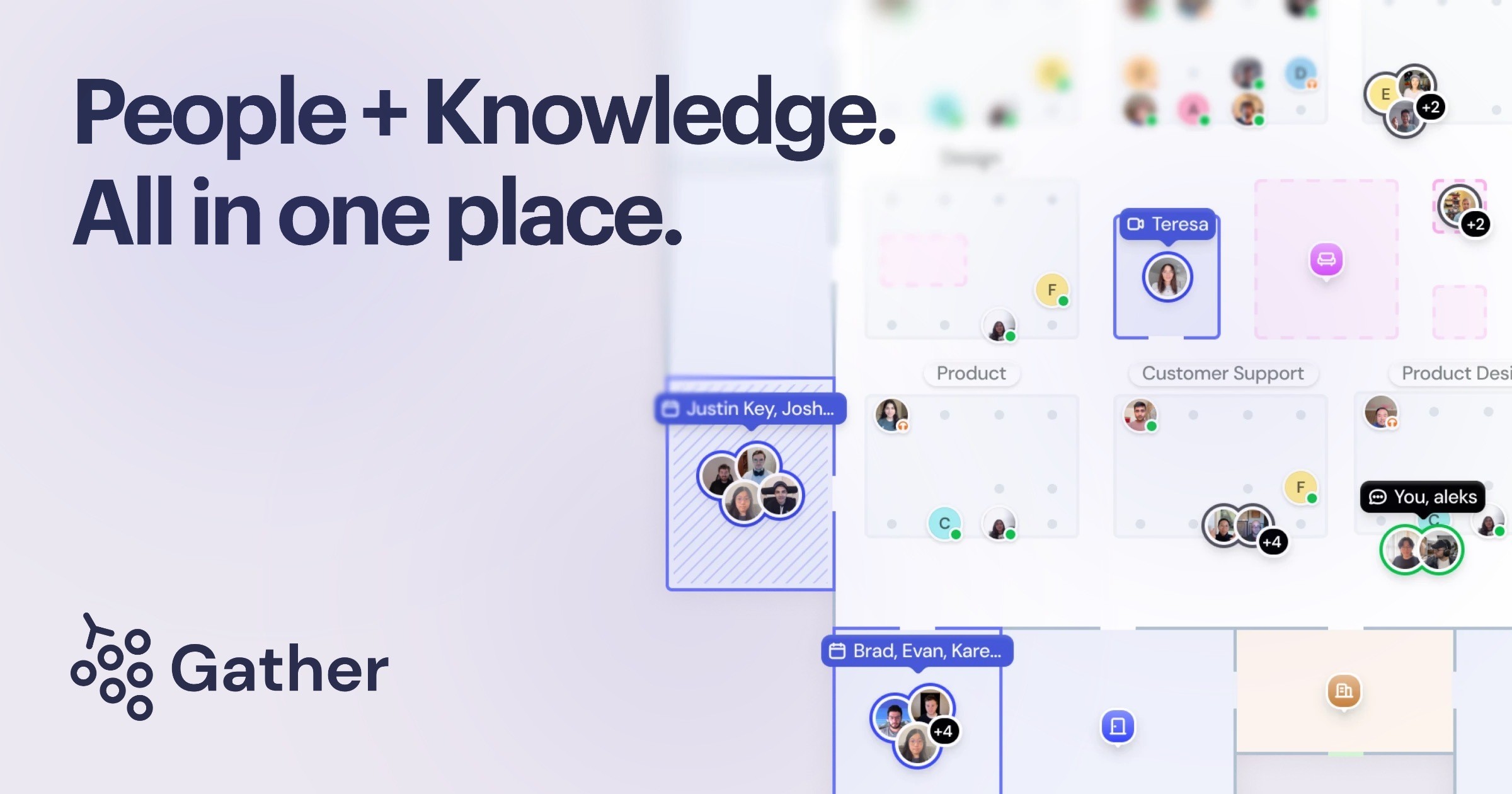
The overview
What Gather is for
1Core Capabilitie
- Customizable Room Layout
- Proximity Audio/Video Chat
- Screen Sharing Integration
- Private Meeting Zone
- Interactive Object Embedding
2Specialized Workflow
- Persistent Room URL
- Guest Access Management
- Avatar Customization Panel
- Status Indicator System
- Calendar Integration for Room Booking
Who it helps
Useful ways to use Gather
A practical path
Join Your Team's Space
Navigate your web browser to your team's unique URL (e.g., .town/app/yourteamname). If prompted, sign in with your credentials or create a new account. Your avatar will appear in the designated spawn point of your virtual office
External signals
Reviews & reputation
Aggregated review score
Users praise Gather for its intuitive spatial audio, engaging virtual environments, and effectiveness in fostering spontaneous team interactions for remote work. Some note occasional performance dips with many concurrent users or complex spaces, and a desire for more advanced administrative controls.
Quick answers
Frequently asked questions
1What are the minimum system requirements for running Gather smoothly in a browser?⌄
Gather is optimized for modern web browsers like Chrome, Firefox, Edge, and Safari. We recommend a stable internet connection (at least 10 Mbps download/upload), a dual-core processor or better, and at least 8GB of RAM for optimal performance, especially with multiple video feeds active.
2Can I integrate Gather with our existing communication or calendar tools?⌄
Yes, Gather supports embedding various web-based tools directly into your spaces, such as Google Docs, Miro boards, or Trello. For calendar integration, you can link specific rooms to Google Calendar or Outlook events, allowing users to see scheduled meetings within the virtual space. Direct API integrations for deeper functionality are also available for enterprise plans.
3How does Gather handle data privacy and security for our team's communications?⌄
All audio and video communications within Gather are encrypted end-to-end. We do not store the content of your conversations. User data, such as avatar preferences and space layouts, is stored securely on our servers. We are GDPR compliant and offer additional security features like SSO for enterprise clients.
4Is there a way to host large-scale events or webinars within Gather, beyond typical team meetings?⌄
Yes, Gather offers specific features for larger events, including 'spotlight' mode for presenters, capacity limits for individual rooms, and the ability to create multiple interconnected spaces. For very large audiences, we recommend using dedicated event templates and potentially integrating with external streaming services for broadcast-only content, while using Gather for interactive networking.
5What's the pricing model for Gather, and how does it scale with team size?⌄
Gather typically operates on a per-user, per-month subscription model, with tiers based on the number of active users or concurrent participants. There's often a free tier for smaller teams or limited usage. Enterprise plans offer custom pricing, dedicated support, and advanced features like SSO and custom branding. Details are available on our pricing page.
Keep exploring