

What Is Genmo Used For: Features, Reviews & Alternatives
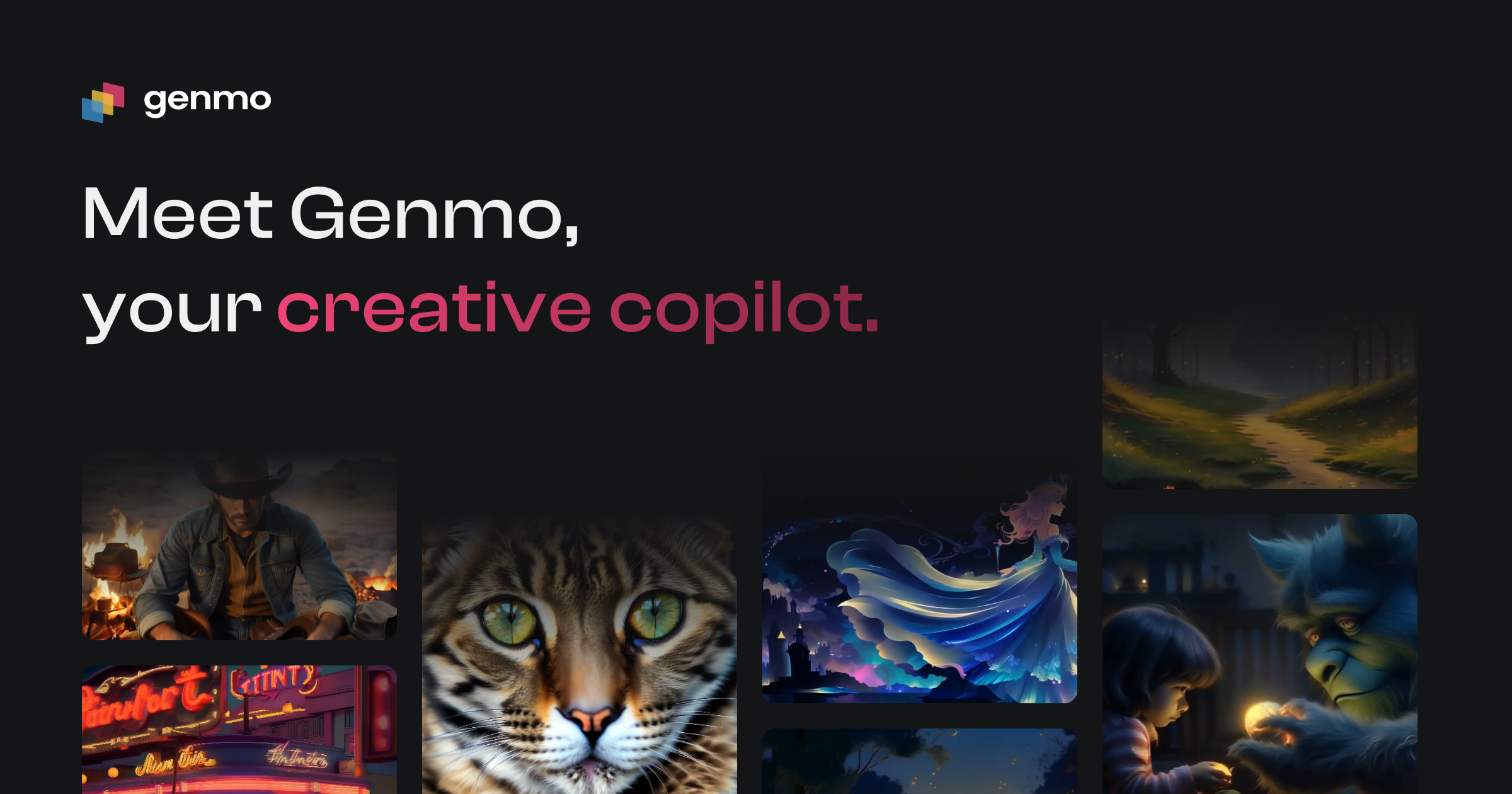
Generate videos, edit them with text, and create interactive experiences.
Editorially updated Oct 5, 2025
The overview
What Genmo is for
1Core Capabilitie
- Text-to-Video Prompt Interface
- Image-to-Video Generation Panel
- Video-to-Video Stylization Module
- Frame-by-Frame Editing Canva
- Interactive Narrative Builder
2Specialized Workflow
- Motion Control Slider
- Temporal Consistency Adjuster
- Output Resolution Selector
- Asset Library for Source Media
- Export to Standard Video Format
Who it helps
Useful ways to use Genmo
A practical path
Initiate Video Generation from Prompt
Navigate to the web application, sign in, and access the 'Generate Video' interface. Input a descriptive text prompt detailing the desired scene, action, and style, or upload an initial image/video asset to guide the AI
External signals
Reviews & reputation
Aggregated review score
Users praise Genmo for its intuitive browser-based interface and rapid text-to-video capabilities, enabling quick content iteration. Some feedback notes occasional challenges with precise control over complex scenes and the need for more advanced temporal consistency for longer narratives.
Quick answers
Frequently asked questions
1What level of control do I have over the generated video's specific elements or camera movement?⌄
Genmo offers granular control through advanced prompt engineering and dedicated interface sliders for motion dynamics, camera angles, and object placement. While not frame-accurate keyframing like traditional NLEs, it allows significant influence over the AI's interpretation of your creative intent.
2Can I use the videos generated with Genmo for commercial purposes?⌄
Yes, videos generated on Genmo under a paid subscription typically include commercial usage rights. Always review the specific terms of your subscription tier, as free or trial plans may have different restrictions on commercial deployment.
3What are the typical generation times for a short video clip?⌄
Generation times vary based on prompt complexity, desired video length, and current server load. For a 5-10 second clip, initial generation usually completes within 30-90 seconds, with subsequent iterations often faster due to cached processing.
4How does Genmo handle consistency for longer video sequences or character continuity?⌄
Genmo employs advanced temporal coherence algorithms to maintain consistency across frames. For character continuity, it's recommended to provide strong descriptive prompts and potentially use an initial reference image to guide the AI, though perfect character consistency over very long, complex sequences remains an active area of AI research.
5What are the export options and maximum resolution for generated videos?⌄
Genmo supports exporting videos in standard formats like MP4. Maximum resolution typically ranges up to 1080p (Full HD) for most subscription tiers, with higher resolutions like 4K potentially available on premium plans or for specific use cases.
Keep exploring