

What Is GNOME Boxes Used For: Features, Reviews & Alternatives
Simple application in the GNOME desktop environment to view, access, and manage remote and virtual systems.
Editorially updated Oct 5, 2025
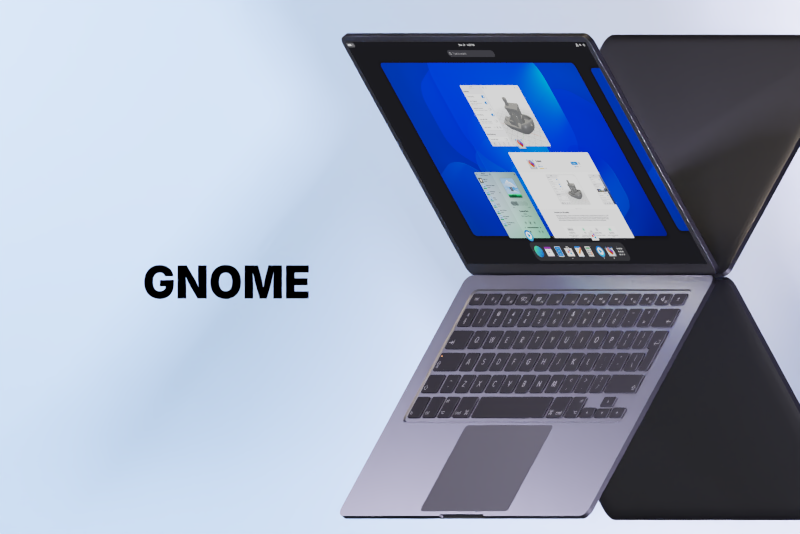
The overview
What GNOME Boxes is for
1Core Capabilitie
- Intuitive VM creation wizard (local image, URL, network install)
- Integrated remote desktop client (SPICE, RDP)
- Snapshot management interface for VM state
- Adjustable resource allocation controls (CPU, RAM, disk)
- Automatic guest OS detection and setup
2Specialized Workflow
- Shared folder setup via SPICE guest tool
- USB device passthrough configuration
- Network bridge and NAT configuration option
- Direct console access for headless VM
- VM import/export functionality
Who it helps
Useful ways to use GNOME Boxes
A practical path
Locate and Install the Application
Navigate to the official project page or your Linux distribution's software center via a web browser. Follow the provided instructions to install the desktop application on your host system, typically through a package manager command or graphical installer
External signals
Reviews & reputation
Aggregated review score
A straightforward and user-friendly virtualization manager for the GNOME desktop, praised for its ease of setup and integration, though power users may seek more advanced configuration options found in other hypervisors.
Quick answers
Frequently asked questions
1Is GNOME Boxes suitable for running demanding server workloads or complex nested virtualization?⌄
GNOME Boxes is optimized for simplicity and desktop integration, making it ideal for development, testing, and light server tasks. For high-performance server workloads, advanced networking, or nested virtualization scenarios, dedicated hypervisors like KVM directly or more feature-rich management interfaces like virt-manager are generally recommended due to their granular control and optimization capabilities.
2How does GNOME Boxes handle network connectivity for virtual machines?⌄
By default, VMs in GNOME Boxes use NAT (Network Address Translation) to share the host's network connection, providing internet access without exposing the VM directly to the local network. For more advanced scenarios, you can configure bridged networking to place the VM directly on your local network, allowing it to receive its own IP address and be accessible from other devices.
3Can I migrate existing virtual machines from other platforms into GNOME Boxes?⌄
Yes, GNOME Boxes supports importing existing virtual disk images in formats like QCOW2 or raw disk images. You can create a new VM and point it to an existing disk image, though you may need to adjust hardware settings (e.g., CPU, RAM, network adapter type) to match the new environment for optimal compatibility.
4What are the system requirements for running GNOME Boxes and virtual machines?⌄
GNOME Boxes itself is lightweight, but the primary requirement is a host system with sufficient CPU, RAM, and disk space to comfortably run both your host operating system and the guest virtual machines simultaneously. A CPU with virtualization extensions (Intel VT-x or AMD-V) is essential for optimal performance, and adequate RAM is crucial as it's shared between host and guests.
5Is there a cost associated with using GNOME Boxes?⌄
No, GNOME Boxes is free and open-source software, distributed under the GNU Lesser General Public License (LGPL). It's typically included in most major Linux distributions' repositories, making it freely available for installation and use without any licensing fees.
Keep exploring