

What Is GoLogin Used For: Features, Reviews & Alternatives
Antidetect browser with multiple profiles.
Editorially updated Oct 5, 2025
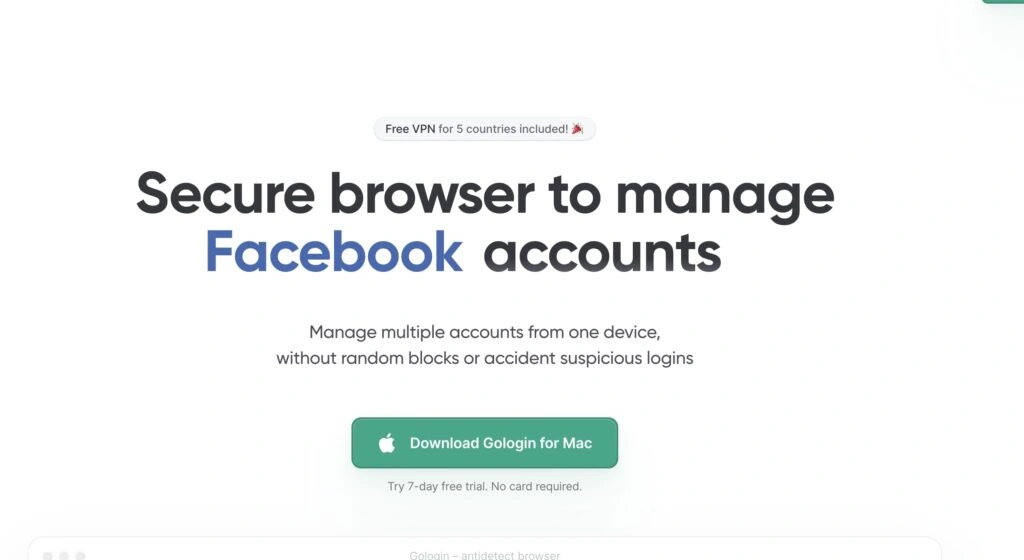
The overview
What GoLogin is for
1Core Capabilitie
- Isolated browser profile creation
- Customizable browser fingerprint parameter
- Proxy integration for each profile
- Profile launch and management dashboard
2Specialized Workflow
- REST API for profile automation
- Profile grouping and tagging
- Shared profile access for team collaboration
- Secure cloud profile storage
Who it helps
Useful ways to use GoLogin
A practical path
Create a New Browser Profile
Navigate to the "Profiles" section in the application, click "New Profile," and configure its operating system, browser type, resolution, and other fingerprint parameter
External signals
Reviews & reputation
Aggregated review score
GoLogin is highly regarded for its reliable antidetect capabilities and user-friendly interface, making multi-account management straightforward. Users frequently praise its robust fingerprint spoofing, stable proxy integration, and the ability to automate tasks via API, which is critical for development and operations requiring scalable, independent browser sessions.
Quick answers
Frequently asked questions
1What types of proxies are compatible with GoLogin profiles?⌄
GoLogin supports HTTP, HTTPS, SOCKS4, and SOCKS5 proxy protocols. You can integrate residential, datacenter, or mobile proxies from any provider directly into each browser profile's settings.
2Can I automate actions within the GoLogin browser profiles?⌄
Yes, GoLogin provides a robust API that allows for programmatic control over profile creation, launch, and management. You can integrate it with automation frameworks like Selenium or Playwright for advanced scripting.
3How does GoLogin prevent websites from detecting multiple accounts?⌄
GoLogin spoofs a comprehensive set of browser fingerprints, including Canvas, WebGL, Client Rects, Timezone, Geolocation, User-Agent, and more. Each profile presents a unique, consistent digital identity, making it appear as a distinct physical device to websites.
4Is there a free tier or trial available for GoLogin?⌄
GoLogin typically offers a free trial period, allowing users to test its core functionalities and create a limited number of profiles before committing to a paid subscription. Check the official website for current trial terms.
5Can I share browser profiles with team members securely?⌄
Yes, GoLogin includes team management features that allow you to invite team members and assign specific profiles or groups of profiles to them, ensuring secure and collaborative multi-account operations.
Keep exploring