

What Is Google Earth VR Used For: Features, Reviews & Alternatives
Explore the world in virtual reality.
Editorially updated Oct 5, 2025
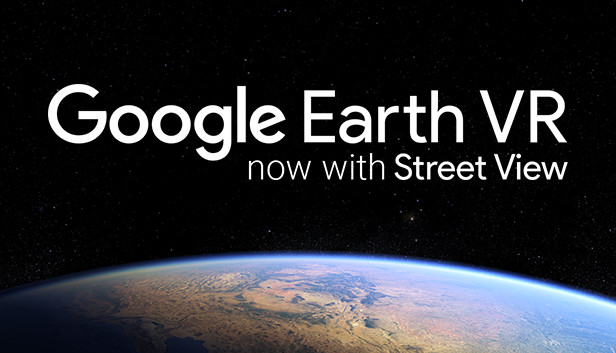
The overview
What Google Earth VR is for
1Core Capabilities
- Freeform globe navigation that lets you move from orbital scale to city-scale viewing in one session
- Hand-based world manipulation for rotating, shrinking, and repositioning the planet directly in front of you
- Location search that makes it easy to jump between landmarks, hometowns, and travel checkpoints
- Transitions between broad aerial context and closer ground-oriented viewing, which helps with spatial orientation
- VR comfort and movement settings that can make shorter demo sessions easier to manage for new headset users
Who it helps
Useful ways to use Google Earth VR
A practical path
Confirm VR runtime stability first
Check that your headset, controllers, and SteamVR environment are tracking cleanly before launch, since unstable setup will overshadow the experience immediately.
External signals
Reviews & reputation
Aggregated review score
The practical upside of Google Earth VR is steadier repeatable team usage; the tradeoff is disciplined handling of maintenance overhead and process drift.
Quick answers
Frequently asked questions
1What hardware should I expect to need?⌄
Because this release is distributed through Steam, it is generally used as a PC VR title. In practice that usually means a compatible headset, SteamVR-ready runtime, motion controllers, and graphics hardware that can sustain VR frame rates.
2Is it comfortable for first-time headset users?⌄
It is often easier to tolerate than fast action titles, but comfort still depends on locomotion settings, frame stability, headset fit, and personal sensitivity. Short early sessions are the safest approach.
3Are all locations rendered with the same level of detail?⌄
No. Major cities and well-known landmarks usually present better than remote or lightly mapped areas, so target locations should be checked individually if you need dependable demo quality.
4Can it replace normal map or trip-planning tools?⌄
Not fully. It is useful for spatial orientation and scene preview, but routing, business listings, opening hours, and current local conditions usually still require standard map or travel services.
5Is it suitable for repeated demos on shared VR rigs?⌄
Potentially, yes, if the PC and headset setup are already stable. In repeated-use settings, most friction tends to come from tracking, controller pairing, or SteamVR startup issues rather than the exploration interface itself.
Keep exploring