

What Is Google Meet Used For: Features, Reviews & Alternatives
Video communication service.
Editorially updated Oct 5, 2025
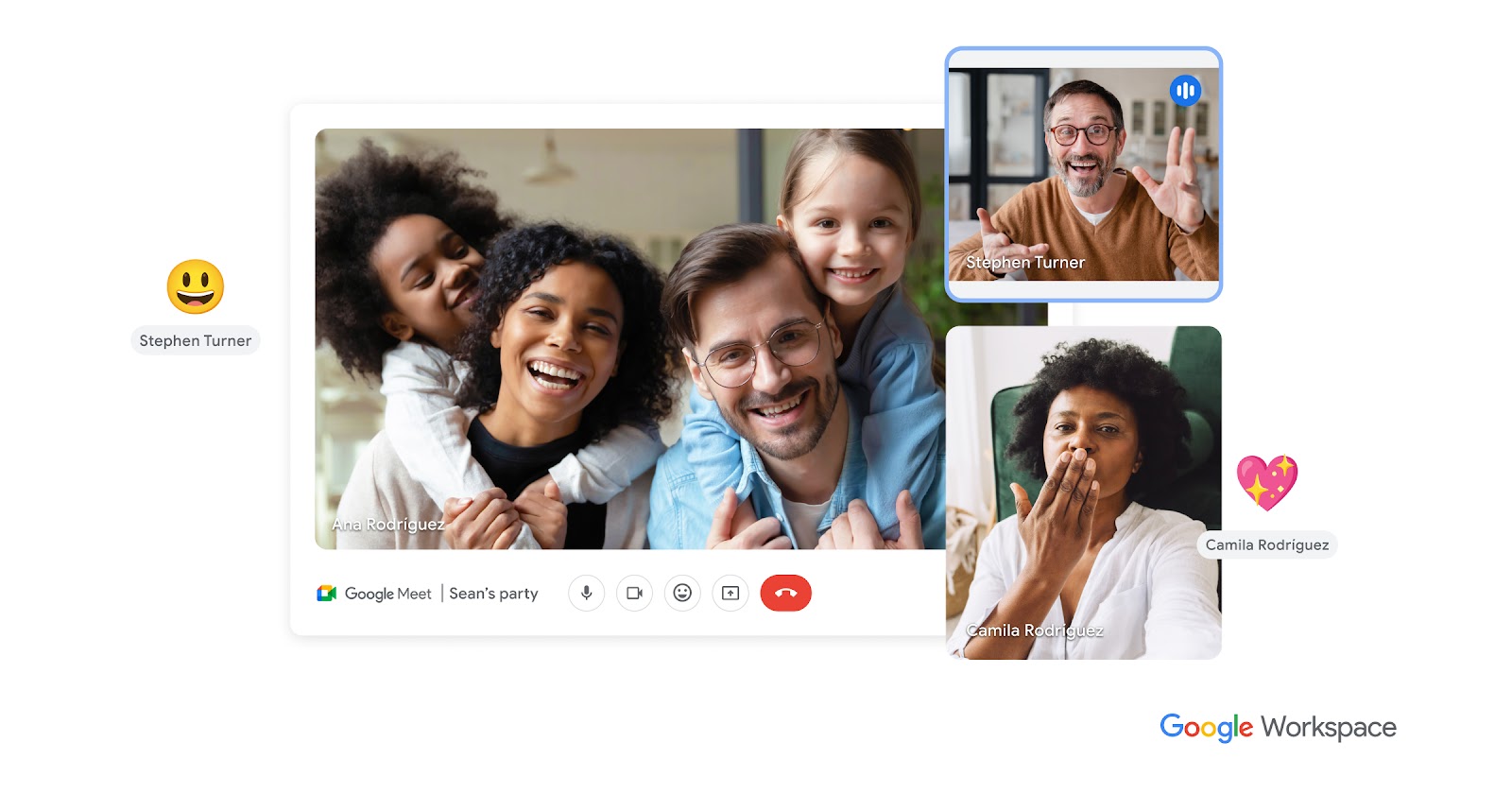
The overview
What Google Meet is for
1Core Capabilitie
- Real-time A/V stream interface
- Screen sharing module
- In-meeting chat panel
- Participant roster display
- Meeting recording initiation
- Background blur/replacement selector
- AI-powered noise cancellation toggle
2Specialized Workflow
- Live captioning display
- Integrated polls and Q&A module
- Breakout room allocation
- Digital whiteboard integration (Jamboard)
- Host moderation controls (mute, remove, end for all)
Who it helps
Useful ways to use Google Meet
A practical path
Accessing a Session
Navigate to meet.google.com or click a shared meeting link from a calendar invite. For new meetings, select 'New meeting' and choose to 'Start an instant meeting' or 'Create a meeting for later' to generate a shareable URL. To join, paste the meeting code or click the provided link
External signals
Reviews & reputation
Aggregated review score
Users appreciate its deep integration with Google Workspace, ease of access via browser, and reliable core video conferencing. Some feedback points to occasional performance issues on lower-spec hardware or network conditions, and a desire for more advanced moderation tools in larger sessions.
Quick answers
Frequently asked questions
1What are the bandwidth requirements for a stable Meet call, especially for video?⌄
For optimal performance, Google Meet generally requires a minimum of 3.2 Mbps (megabits per second) for both upload and download for a high-quality group video call. Individual 1:1 calls can function with slightly less, but consistent bandwidth is crucial to avoid pixelation or audio dropouts, particularly when screen sharing.
2Can external guests without a Google account join a Meet session?⌄
Yes, external guests can join a Google Meet session without needing a Google account. They simply need the meeting link. If the meeting is created through a Google Workspace account, the host may need to approve their entry from the waiting room, adding a layer of access control.
3How does Meet handle meeting recordings and where are they stored?⌄
Meeting recordings, if enabled by the Google Workspace administrator and initiated by the host, are automatically saved to the host's Google Drive in a 'Meet Recordings' folder. A link to the recording is then shared with the meeting organizer and participants via email.
4What are the key differences between using Meet via a personal Google account versus a Google Workspace account?⌄
With a personal Google account, Meet offers basic video calling for up to 100 participants for up to 60 minutes. Google Workspace accounts unlock advanced features like longer meeting durations (up to 24 hours), larger participant counts (up to 500), meeting recordings, live streaming, polls, Q&A, and breakout rooms, alongside enhanced administrative controls and security features.
5Is there a way to integrate Meet with existing calendaring systems outside of Google Calendar?⌄
While Google Meet is deeply integrated with Google Calendar, meeting links can be manually generated and pasted into events created in other calendaring systems (e.g., Outlook Calendar, Apple Calendar). Many third-party calendar tools also offer direct integrations or add-ons that can automatically generate Meet links when scheduling events.
Keep exploring