

What Is Google Voice Used For: Features, Reviews & Alternatives
Telephone service with call features.
Editorially updated Oct 25, 2025
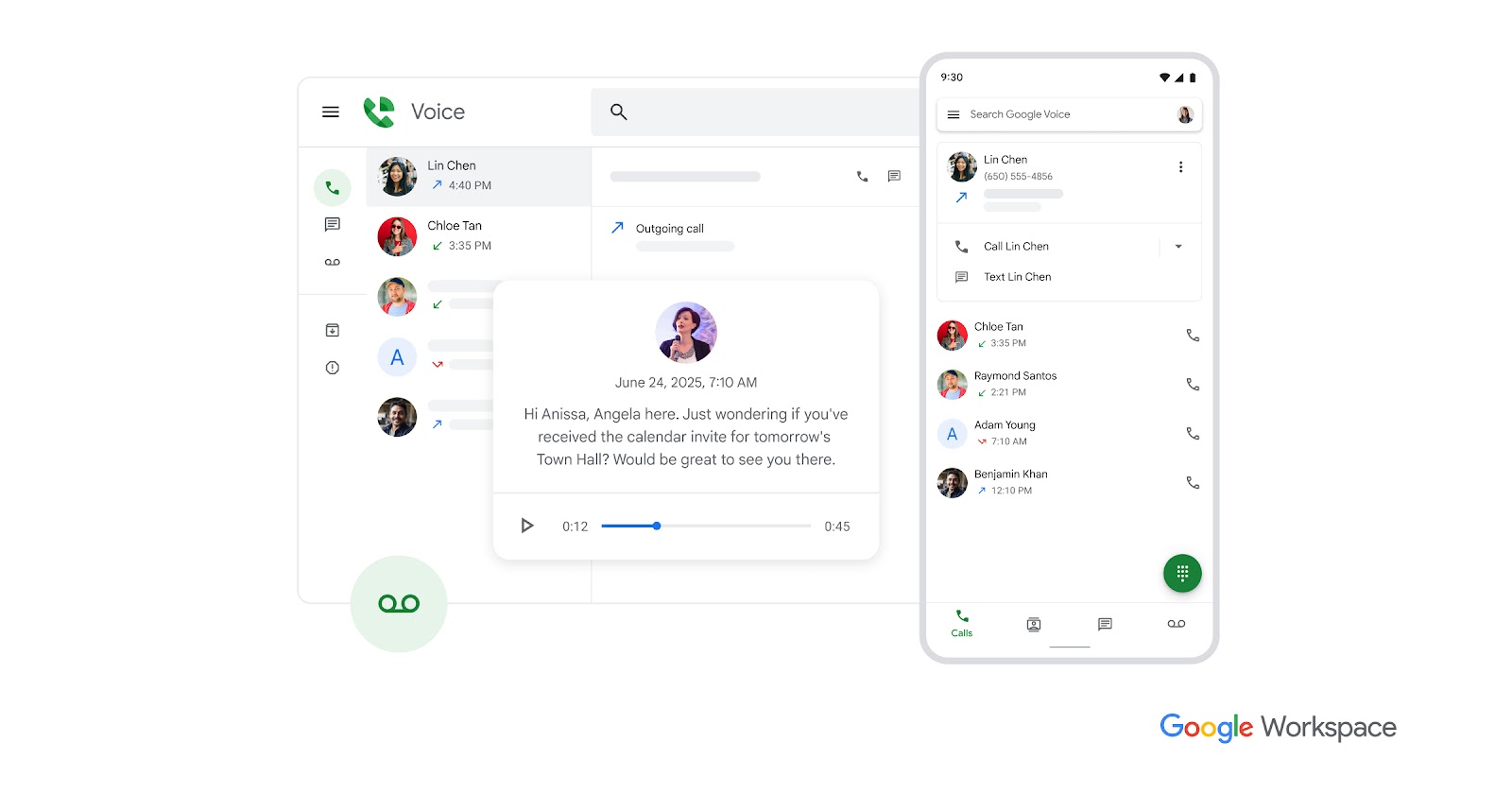
The overview
What Google Voice is for
1Core Capabilitie
- Number selection and provisioning interface
- Web-based call initiation and reception panel
- Voicemail transcription display
- SMS/MMS messaging interface
- Call history log
2Specialized Workflow
- Customizable call forwarding rules editor
- Spam call filtering configuration
- Do Not Disturb scheduling panel
- Linked device management (web, mobile app)
- Number porting request flow
Who it helps
Useful ways to use Google Voice
A practical path
Access and Provision a Number
Navigate to voice.google.com and sign in with your Google Account. Follow the on-screen prompts to select a new phone number based on available area codes, linking it to an existing mobile number for verification
External signals
Reviews & reputation
Aggregated review score
Users value Google Voice for its cost-effectiveness, seamless integration with the Google ecosystem, and reliable call/messaging features accessible via web and mobile. Key benefits cited include voicemail transcription and the ability to manage a dedicated number without a separate phone line. Some feedback points to occasional call quality issues or limitations in advanced business features compared to dedicated VoIP solutions.
Quick answers
Frequently asked questions
1What is the cost structure for Google Voice, especially for business use?⌄
For personal use, Google Voice is generally free for calls and texts within the US and Canada, requiring only a Google Account. For business or organizational use, it integrates with Google Workspace as a paid add-on service, offering enhanced features like administrative controls, number porting, and support for multiple users under a single domain.
2Can I port my existing phone number to Google Voice?⌄
Yes, Google Voice supports porting in existing mobile numbers for a one-time fee. Landline numbers are generally not supported for direct porting and may require an intermediate port to a mobile carrier first. The porting process can take several days and may incur service interruptions with your previous carrier.
3What are the limitations for international calling and messaging?⌄
Google Voice supports international calling to most countries at competitive per-minute rates, which can be funded via Google Play credit. International SMS/MMS capabilities vary by destination and carrier; while sending to many countries is supported, receiving international SMS/MMS can be less reliable or unsupported depending on the specific country and carrier.
4How does Google Voice handle privacy and data security for communications?⌄
As a Google product, Google Voice adheres to Google's robust security infrastructure and privacy policies. Call and message data are encrypted in transit and at rest. Voicemail transcriptions are processed by Google's AI, and while efforts are made to anonymize data, users should be aware that automated processing occurs. For Workspace users, administrative controls offer additional oversight.
Keep exploring