

What Is Gravity Forms Used For: Features, Reviews & Alternatives
Premium WordPress plugin for creating advanced custom forms.
Editorially updated Oct 5, 2025
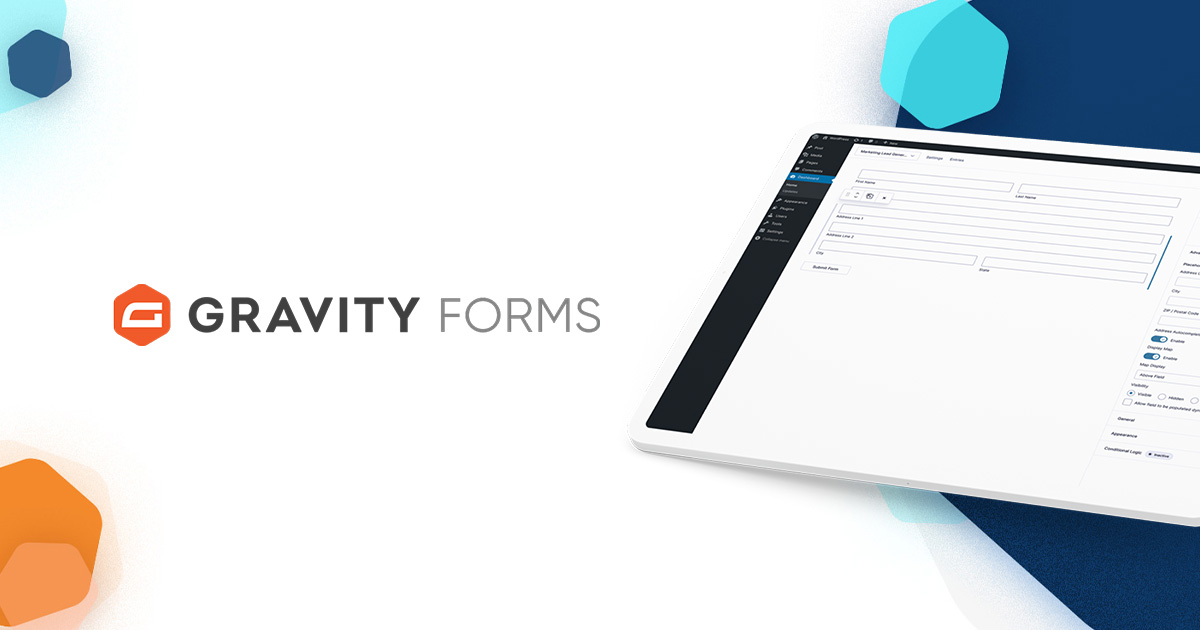
The overview
What Gravity Forms is for
1Core Capabilitie
- Plugin license management dashboard
- Add-on marketplace browser
- Comprehensive documentation portal
- Support ticket submission interface
2Specialized Workflow
- Developer API reference library
- Version update download acce
- Pre-built form template library acce
- Payment gateway add-on acquisition
Who it helps
Useful ways to use Gravity Forms
A practical path
Acquire and Download Plugin
Navigate to the website, select a license tier, complete the purchase, and then log into your account dashboard to download the latest plugin zip file
External signals
Reviews & reputation
Aggregated review score
Highly regarded premium WordPress form builder, praised for its extensive feature set, robust add-on ecosystem, and developer-friendly hooks. Users frequently highlight its conditional logic, payment integrations, and reliable performance for complex data collection needs. Some find the initial learning curve steep for advanced features, and the annual licensing cost can be a consideration for small projects.
Quick answers
Frequently asked questions
1What is the licensing model for Gravity Forms and what does it include?⌄
Gravity Forms operates on an annual subscription model with different tiers (Basic, Pro, Elite) based on the number of sites you can use it on and the included add-ons. All licenses provide access to plugin updates and standard support for the duration of the subscription.
2Can Gravity Forms integrate with external services like CRMs or email marketing platforms?⌄
Yes, Gravity Forms offers a robust add-on ecosystem for integrations. Many popular CRMs (e.g., Salesforce, HubSpot), email marketing services (e.g., Mailchimp, ActiveCampaign), and payment gateways (e.g., Stripe, PayPal) have official add-ons available, typically included with Pro or Elite licenses.
3How does Gravity Forms handle form submission data and what are the privacy implications?⌄
Form submission data is stored in your WordPress database. Gravity Forms provides options for data retention, export, and can be configured to comply with privacy regulations like GDPR by enabling consent fields and managing data deletion requests. The responsibility for data privacy ultimately rests with the site owner.
4Is there a free version or a trial period available for Gravity Forms?⌄
Gravity Forms does not offer a free version or a direct trial. However, they provide a live demo on their website where you can test the form builder interface and its core functionalities before committing to a purchase. They also have a 30-day money-back guarantee.
5What kind of support is included with a Gravity Forms license?⌄
All active licenses include access to their comprehensive documentation, knowledge base, and a support ticket system. Higher-tier licenses often receive priority support. Support covers plugin functionality, bug fixes, and general usage questions, but typically not custom development or third-party conflicts.
Keep exploring