

What Is HeyGen Used For: Features, Reviews & Alternatives
Video Generation website tool for focused setup, analysis, and daily execution.
Editorially updated Oct 5, 2025
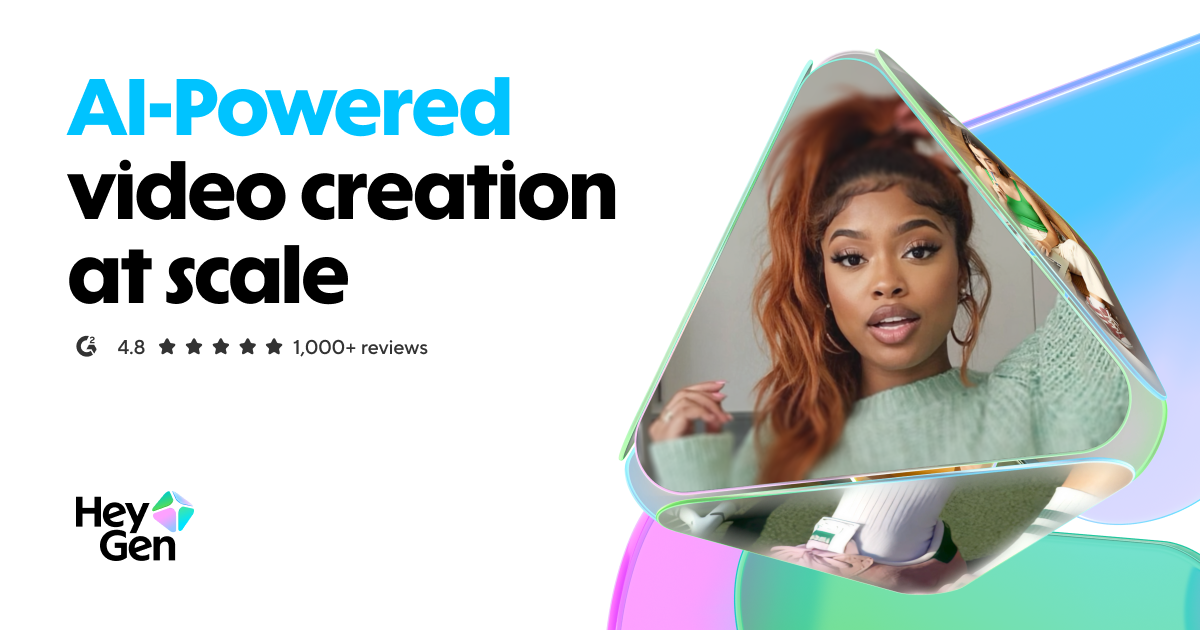
The overview
What HeyGen is for
1Core Capabilitie
- Text-to-video avatar generation
- Custom avatar creation from source video
- Extensive pre-built avatar library
- Voice cloning from audio sample
- Multi-language text-to-speech engine
2Specialized Workflow
- Script editor with granular timing control
- Integrated background and asset library
- Video resolution and aspect ratio preset
- API access for programmatic video generation
- Brand kit management for consistent branding
Who it helps
Useful ways to use HeyGen
A practical path
Script and Avatar Selection
Navigate to the 'Create Video' section on the web interface. Input your desired script into the text editor. Browse and select an AI avatar from the platform's library or choose a previously created custom avatar
External signals
Reviews & reputation
Aggregated review score
HeyGen is a practical option in Video Generation with balanced capabilities and clear day-to-day value.
Quick answers
Frequently asked questions
1What are the limitations on custom avatar creation, specifically regarding source video requirements?⌄
For a high-quality custom avatar, you typically need a well-lit, static shot of the individual speaking directly to the camera for at least 2 minutes, with clear audio. Avoid excessive head movement, background noise, or complex patterns. The platform processes this footage to create a digital twin, and adherence to these guidelines significantly impacts the avatar's fidelity.
2How does HeyGen handle data privacy and script security, especially for sensitive internal communications?⌄
HeyGen employs industry-standard encryption for data in transit and at rest, ensuring scripts and generated video content are stored securely. Users typically retain ownership of their content, and the platform outlines its data handling practices in its privacy policy, often including options for content deletion and compliance with relevant data protection regulations.
3Can I integrate HeyGen's video generation into my existing content management system or marketing automation platform?⌄
Yes, HeyGen offers a robust API that allows programmatic video generation. This enables developers to integrate video creation directly into custom applications, CMS platforms, or marketing automation workflows, automating the production of personalized video content at scale without manual intervention through the web interface.
4What are the typical rendering times for a standard 1-minute video, and does it vary by complexity or avatar type?⌄
Rendering times can vary based on server load, video length, complexity (e.g., multiple scenes, custom assets), and the type of avatar (standard vs. custom). A 1-minute video might take anywhere from 5-15 minutes to render, but this is an estimate and can fluctuate. Videos with custom avatars or complex backgrounds may require slightly longer processing.
5Is there a free tier or trial available to test the platform's capabilities before committing to a subscription?⌄
Yes, HeyGen typically offers a free trial or a limited free tier. This usually allows users to generate a short video or a few minutes of content, often with watermarks, providing an opportunity to evaluate the core features, avatar quality, and overall output before committing to a paid subscription plan.
Keep exploring