

What Is HTML5 UP Used For: Features, Reviews & Alternatives
Responsive HTML5 & CSS3 site templates.
Editorially updated Oct 5, 2025
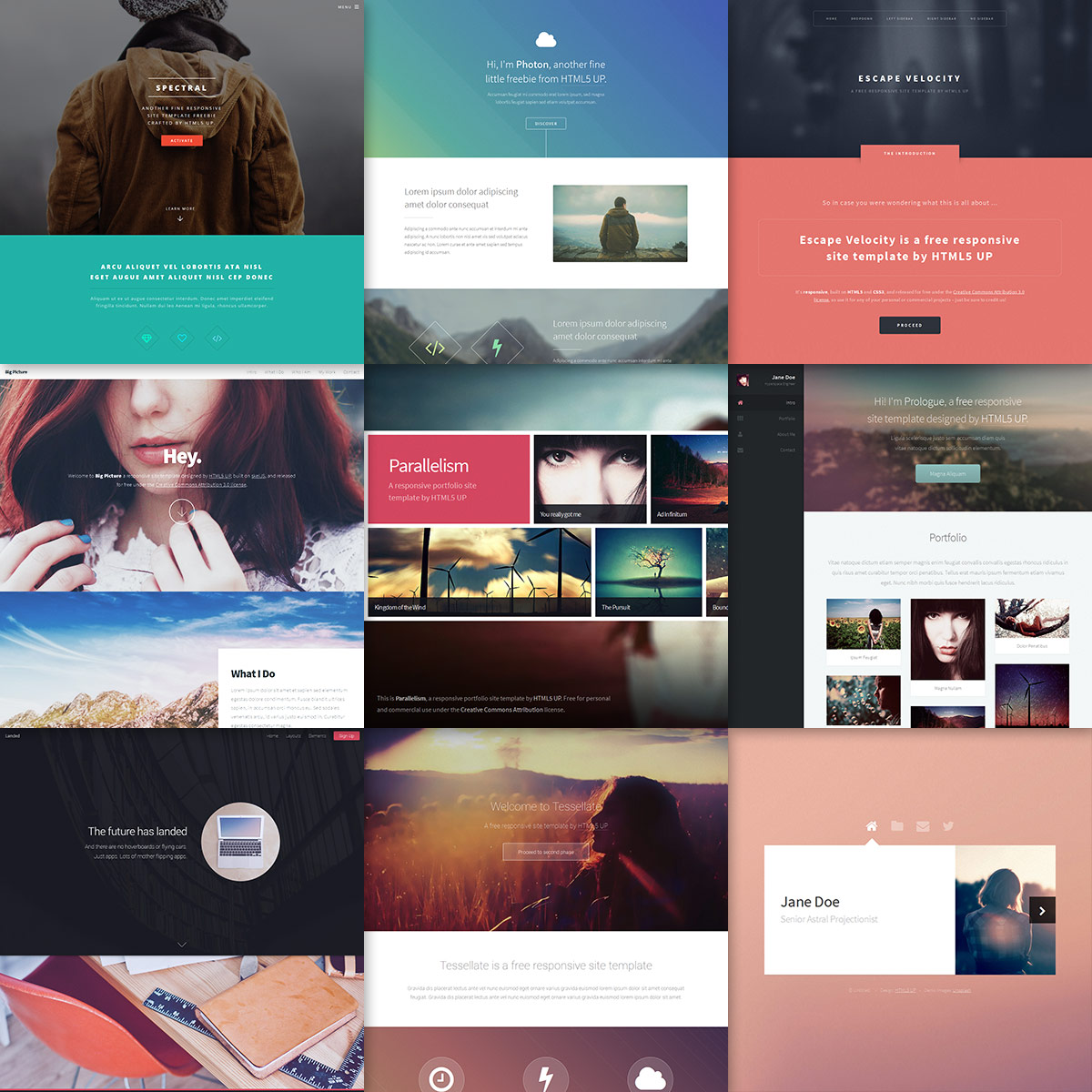
The overview
What HTML5 UP is for
1Core Capabilitie
- Responsive HTML5/CSS3 template library
- Direct source code download
- Cross-browser compatible layout
- MIT licensed asset
2Specialized Workflow
- Live template preview interface
- Minimalist design aesthetic
- Clean, semantic HTML structure
- Integrated CSS preprocessor (Sass) support in some template
Who it helps
Useful ways to use HTML5 UP
A practical path
Browse Template Gallery
Navigate the website to view the collection of responsive HTML5/CSS3 templates. Utilize the live preview feature to assess design, responsiveness, and functionality directly within the browser across various screen size
External signals
Reviews & reputation
Aggregated review score
Highly valued by front-end developers and designers for its collection of free, responsive HTML5/CSS3 templates, offering a solid foundation for rapid prototyping and small project deployment. Users appreciate the clean code, modern aesthetics, and permissive MIT license, though some note the need for custom styling to differentiate projects.
Quick answers
Frequently asked questions
1What is the licensing model for these templates?⌄
All templates are released under the MIT license. This permits free use, modification, and distribution for both personal and commercial projects, provided the original attribution (typically a link in the footer) is maintained.
2Are these templates suitable for dynamic web applications or just static sites?⌄
The templates provide a robust HTML/CSS/JS front-end structure, making them ideal for static informational sites, landing pages, or as a foundational UI layer for integration with back-end frameworks (e.g., React, Vue, Angular) or CMS platforms. They do not include server-side logic or database integration themselves.
3How do I ensure cross-browser compatibility with a downloaded template?⌄
The templates are built with modern web standards and are generally tested for broad compatibility across current browsers. However, any custom modifications or additions should be thoroughly tested across your target browser matrix (Chrome, Firefox, Safari, Edge) to ensure consistent rendering and functionality.
4Can I remove the 'Design by HTML5 UP' attribution?⌄
The MIT license requires retaining the original copyright and license notice. For HTML5 UP templates, this typically means keeping the 'Design by HTML5 UP' link in the footer. Removing it would violate the terms of the license.
5Do these templates include any server-side functionality or database integration?⌄
No, these templates are purely front-end assets (HTML, CSS, JavaScript). They do not contain server-side code, database connections, or content management system (CMS) integration. Users are responsible for adding these components separately if required for their project.
Keep exploring