

What Is iA Writer Used For: Features, Reviews & Alternatives
Minimalist markdown writing app.
Editorially updated Oct 25, 2025
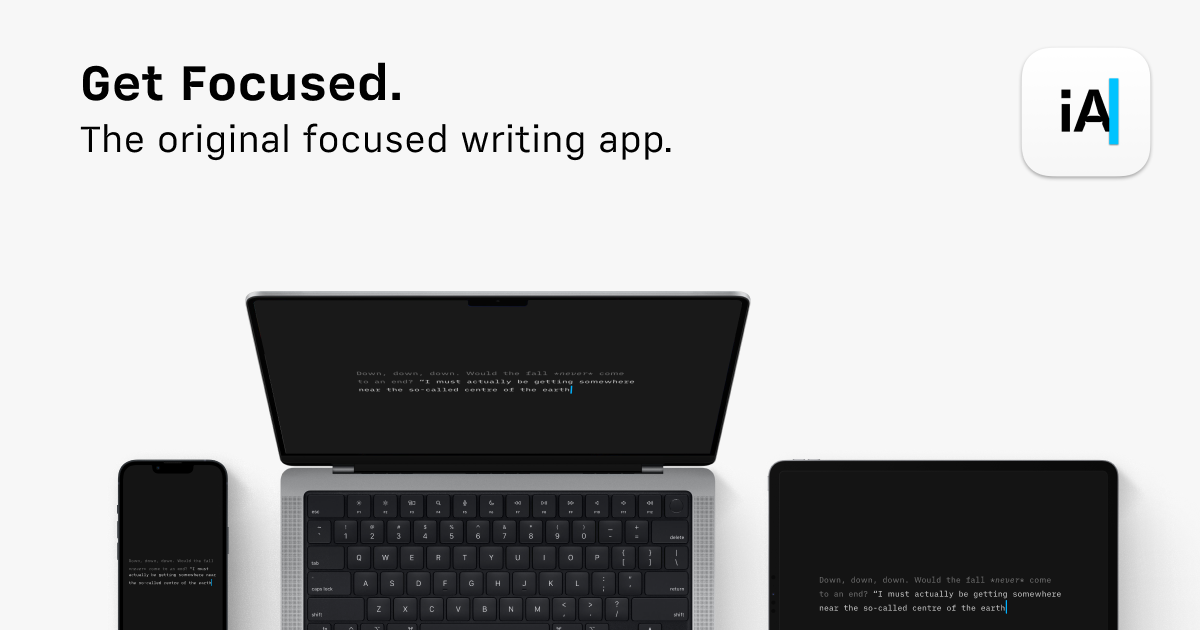
The overview
What iA Writer is for
1Core Capabilitie
- Markdown editor pane
- Document library browser
- Plain text export option
2Specialized Workflow
- Focus Mode toggle
- Syntax Highlight (parts of speech)
- Reading Time estimator
Who it helps
Useful ways to use iA Writer
A practical path
Access the Web Editor
Navigate to the web application URL. If prompted, sign in to access your stored documents or begin a new blank document directly in the editor interface
External signals
Reviews & reputation
Aggregated review score
Users value iA Writer for its minimalist design and distraction-free writing environment, particularly for Markdown-based content creation. The focus on plain text and efficient export options is frequently praised, though some users desire more advanced formatting or collaboration features.
Quick answers
Frequently asked questions
1Is there a free tier or trial available for the iA Writer web application?⌄
The iA Writer web experience typically functions as a companion to the desktop applications, often requiring a subscription or license. A limited-feature trial might be available, but full functionality usually requires a paid plan.
2How does iA Writer handle document synchronization across devices in a web context?⌄
For a web-first implementation, documents would generally be stored in cloud storage (e.g., iCloud, Dropbox, Google Drive) linked to your account, allowing seamless access and synchronization across any browser or device where you log in.
3Can I collaborate on documents with other users directly within the iA Writer web interface?⌄
iA Writer is primarily designed for individual, focused writing. While you can share exported documents, real-time collaborative editing features, common in some web-based word processors, are not a core offering.
4What export formats are supported directly from the web editor?⌄
The web editor typically supports exporting your content as plain text, HTML, and potentially PDF or Markdown files, allowing for versatile integration with various publishing workflows and content management systems.
5Is my content secure and private when using the iA Writer web application?⌄
Yes, iA Writer prioritizes user privacy. Content is generally stored encrypted in your chosen cloud service, and the application itself does not typically retain copies of your content on its servers, adhering to a strict privacy policy.
Keep exploring