

What Is IXL Learning Used For: Features, Reviews & Alternatives
Personalized K-12 learning platform.
Editorially updated Oct 5, 2025
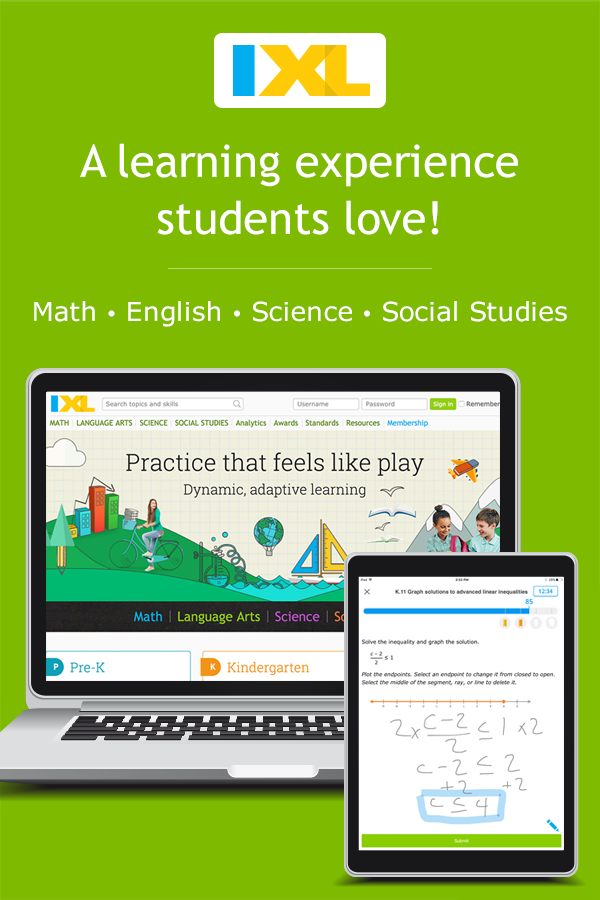
The overview
What IXL Learning is for
1Core Capabilitie
- Adaptive skill practice module
- Immediate answer feedback display
- Student progress tracking dashboard
- Real-time diagnostic assessment
2Specialized Workflow
- State standards alignment search
- Classroom skill assignment interface
- Parent account activity log
- Printable achievement certificate
Who it helps
Useful ways to use IXL Learning
A practical path
Navigate to a Subject and Skill
From the IXL homepage, select a subject (e.g., Math, Language Arts) and then choose a specific grade level. Browse the skill list or use the search bar to locate a desired skill (e.g., 'Add and subtract fractions with unlike denominators'). Click on the skill title to begin practice
External signals
Reviews & reputation
Aggregated review score
Users frequently commend the platform's extensive skill coverage across K-12 subjects and its immediate feedback system, which aids student understanding. The adaptive nature of the practice modules is often highlighted as beneficial for differentiated learning. Some feedback points to the repetitive nature of certain exercises or the need for more varied instructional content beyond practice questions.
Quick answers
Frequently asked questions
1How does IXL align with my state's academic standards?⌄
IXL provides a dedicated 'Standards' tab where you can select your state and grade level to view a comprehensive list of aligned skills. This feature helps educators ensure that assigned practice directly supports their curriculum objectives and state-mandated learning outcomes.
2Can I use IXL on a tablet or Chromebook?⌄
Yes, IXL is a web-based platform fully accessible through any modern web browser on devices like tablets, Chromebooks, laptops, and desktop computers. There are also dedicated mobile apps available for iOS and Android for an optimized experience, though browser access remains primary.
3What kind of reporting is available for teachers to track student progress?⌄
Teachers have access to a suite of analytics reports, including the 'Trouble Spots' report which highlights specific concepts students are struggling with, the 'Student Usage' report for engagement metrics, and the 'Skill Score Chart' to visualize mastery levels across assigned skills. These are all accessible via the teacher dashboard.
4Is there a way to try IXL before committing to a subscription?⌄
Yes, IXL offers a limited free trial where users can practice up to 10 questions per day in each subject without a subscription. This allows prospective users to experience the platform's interactive practice and immediate feedback before deciding on a full membership.
5How does IXL differentiate instruction for students at varying levels?⌄
IXL's adaptive algorithm adjusts the difficulty and type of questions presented based on a student's real-time performance. If a student struggles, the system provides simpler questions or foundational skills. If they excel, it introduces more challenging problems, ensuring personalized learning paths without manual intervention from the educator.
Keep exploring