

What Is JigSpace Used For: Features, Reviews & Alternatives
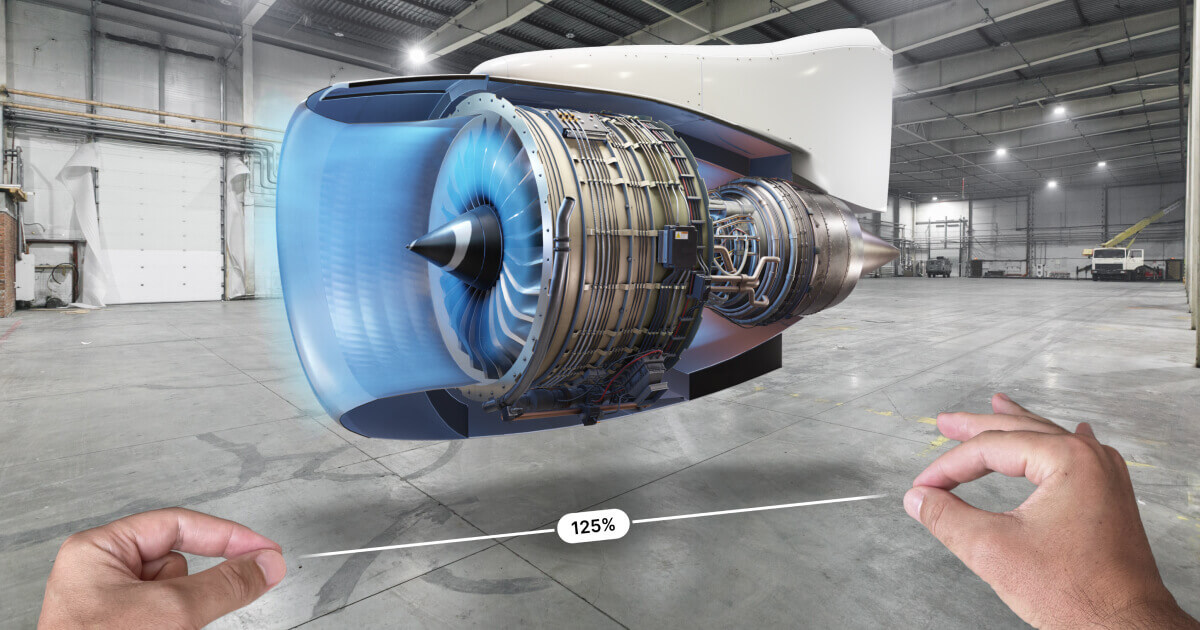
Platform for creating 3D presentations in AR.
Editorially updated Oct 5, 2025
The overview
What JigSpace is for
1Core Capabilitie
- 3D model import panel (GLB, FBX, OBJ)
- Interactive scene editor (drag-and-drop 3D object placement)
- Annotation tools (text labels, pointers in 3D space)
- Animation timeline (step-by-step sequence definition)
- Web AR preview link generation
2Specialized Workflow
- Curated 3D asset library
- QR code and URL generation for instant AR viewing
- Version history and project rollback
- Embeddable AR viewer (iFrame code)
- AR content engagement analytics dashboard
Who it helps
Useful ways to use JigSpace
A practical path
Initiate a New AR Project
Navigate to the editor in your browser, sign in, and select 'Create New Jig.' Upload your 3D model files (e.g., GLB, FBX) directly from your local drive into the asset manager
External signals
Reviews & reputation
Aggregated review score
Praised for its intuitive web-based AR authoring and rapid deployment capabilities, particularly for marketing, training, and product visualization. Some users note limitations in advanced 3D animation control or very large model handling compared to professional desktop tools.
Quick answers
Frequently asked questions
1What 3D model formats are supported for import into the JigSpace editor?⌄
The platform primarily supports common 3D formats like GLB, FBX, and OBJ for direct upload. For optimal performance in web AR, GLB is often recommended due to its efficiency and PBR material support.
2Can the AR experiences created with JigSpace be embedded directly into my existing website or e-commerce store?⌄
Yes, after publishing a Jig, you receive an embed code (iFrame) that allows you to seamlessly integrate the interactive 3D AR viewer directly into any webpage, providing an immersive experience without requiring users to leave your site.
3What are the typical performance considerations for 3D models when creating Jigs for web AR?⌄
For smooth web AR performance, it's crucial to optimize 3D model poly counts, texture resolutions, and material complexity. Keeping models under 100,000 triangles and textures under 2K resolution generally ensures a responsive experience across various mobile devices.
4Is there a way to track engagement or views for the AR content I publish?⌄
Yes, the platform includes an analytics dashboard where you can monitor key metrics such as the number of views, unique visitors, and interaction rates for each of your published Jigs, providing insights into content performance.
5Do viewers need to download a specific app to experience the AR content created with JigSpace?⌄
No, one of the core advantages is that Jigs are viewable directly through a web browser on AR-enabled mobile devices (iOS Safari, Android Chrome). Users simply scan a QR code or click a link to launch the AR experience instantly.
Keep exploring