

What Is KeywordTool.io Used For: Features, Reviews & Alternatives
Generates long-tail keywords from search engines.
Editorially updated Oct 5, 2025
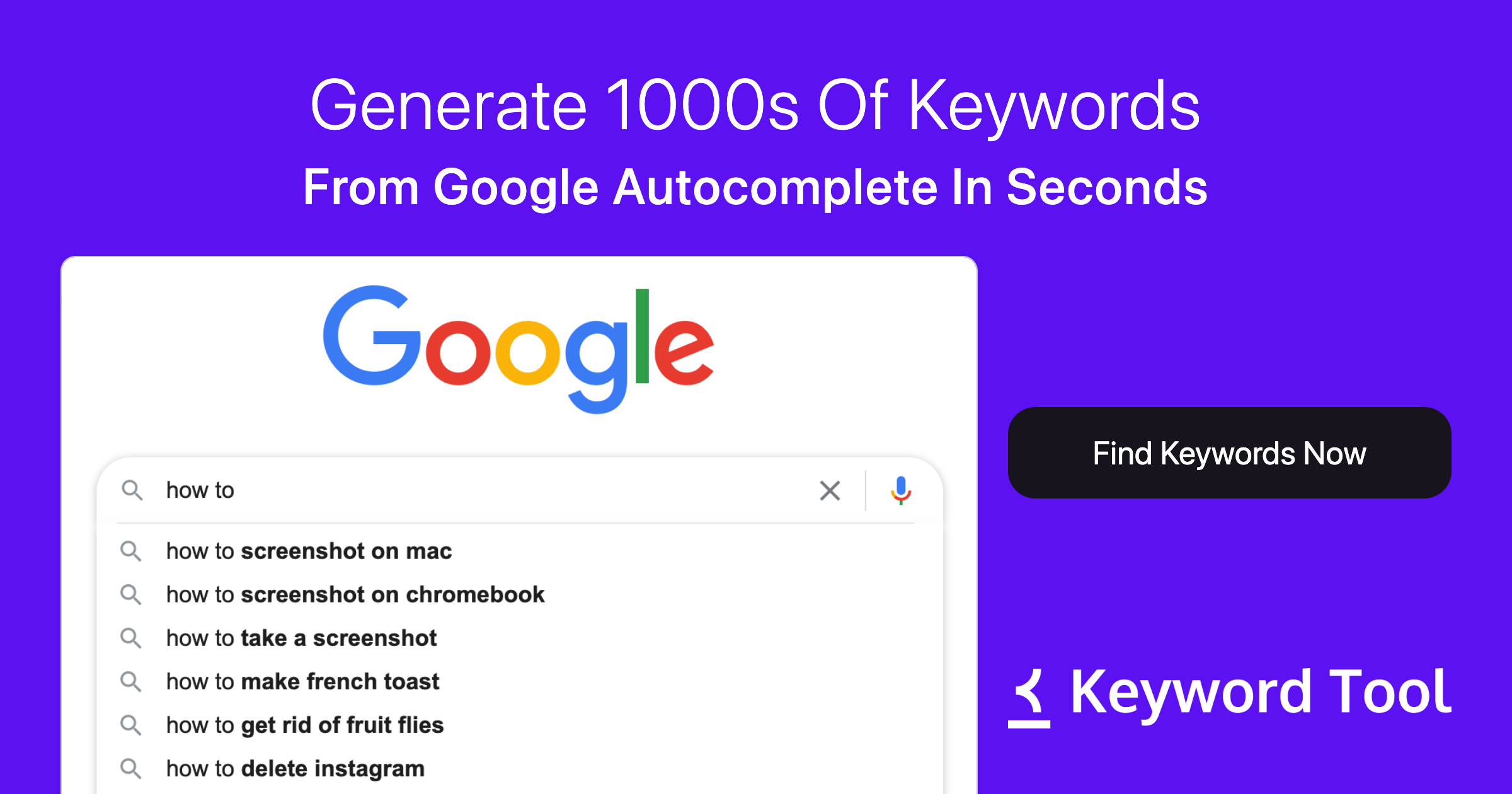
The overview
What KeywordTool.io is for
1Core Capabilitie
- Keyword Suggestion Panel
- Multi-Platform Query Sourcing
- Geo-Targeted Keyword Filtering
- Question & Preposition Extraction
2Specialized Workflow
- Export Report Functionality
- Negative Keyword Exclusion
- Search Volume & CPC Data Display
Who it helps
Useful ways to use KeywordTool.io
A practical path
Initiate Keyword Search
Navigate to the homepage, enter a primary seed keyword into the search bar, then select the desired search engine (e.g., Google, YouTube), target country, and language from the dropdown menu
External signals
Reviews & reputation
Aggregated review score
Highly regarded for its extensive long-tail keyword generation capabilities across diverse search platforms, making it a go-to for uncovering niche search intent. Users appreciate its straightforward interface and the ability to quickly export data for content and PPC planning, though full functionality and detailed metrics are gated behind a paid subscription.
Quick answers
Frequently asked questions
1What's the difference between the free and paid versions?⌄
The free version provides a limited number of keyword suggestions without search volume, CPC, or competition data. The paid Pro version unlocks full keyword lists, all metrics, and advanced filtering/export options.
2Can I integrate KeywordTool.io data with other SEO platforms?⌄
While there isn't a direct API for real-time integration with most third-party SEO platforms, the comprehensive CSV/Excel export functionality allows for easy import of keyword data into tools like Google Sheets, Ahrefs, SEMrush, or custom content management systems for further analysis and planning.
3How accurate are the search volume estimates?⌄
Search volume estimates are derived from various data sources and are generally indicative of relative search popularity. While they provide a strong directional signal for keyword prioritization, they should be considered estimates rather than exact figures, similar to data provided by other industry tools.
4Does the tool support non-English languages and international markets?⌄
Yes, KeywordTool.io supports a wide range of languages and countries. Users can specify the target language and country in the search configuration, allowing for highly localized keyword research for global content and PPC strategies.
5Is there a limit to how many keywords I can generate or export?⌄
The free version has a strict limit on the number of visible keywords. Paid Pro subscriptions offer significantly higher limits on keyword generation and export, typically allowing for thousands of keywords per query, depending on the specific plan.
Keep exploring