

What Is LambdaTest Used For: Features, Reviews & Alternatives
Cross-browser testing on cloud infrastructure.
Editorially updated Oct 5, 2025
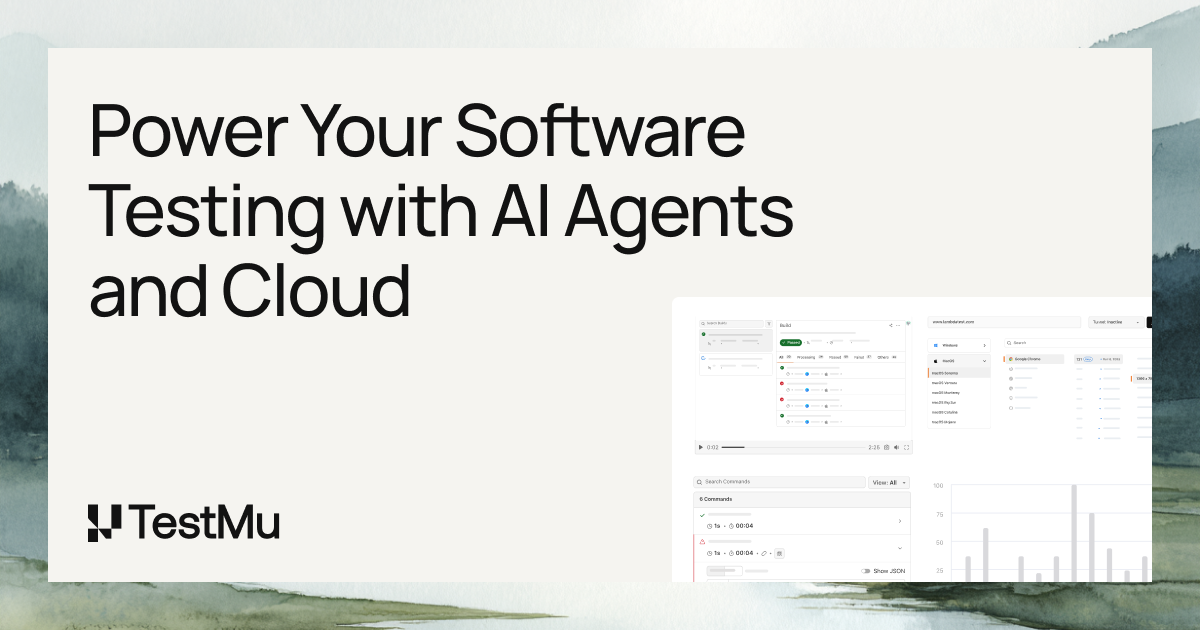
The overview
What LambdaTest is for
1Core Capabilitie
- Live interactive browser testing session
- Automated Selenium/Cypress/Playwright grid
- Responsive design testing viewport
- Full-page screenshot generation across multiple browser
- Geolocation testing simulation
2Specialized Workflow
- Local tunnel for testing private dev environment
- CI/CD pipeline integration hook
- Parallel test execution for faster feedback
- One-click bug logging to issue tracker
- Video recording and network logs for debugging
Who it helps
Useful ways to use LambdaTest
A practical path
Initiate a Live Interactive Test Session
Navigate to the dashboard, select "Real Time Testing," choose the desired browser, browser version, operating system, and resolution, then enter the URL of the web application to begin an interactive session in a remote browser environment
External signals
Reviews & reputation
Aggregated review score
LambdaTest is highly regarded for its extensive browser and OS coverage, robust automation grid supporting popular frameworks, and user-friendly interface for both live interactive and automated testing. Users frequently praise its local tunnel feature for testing private environments and its seamless integrations with CI/CD and bug tracking tools, making it a go-to solution for ensuring cross-browser compatibility and accelerating release cycles.
Quick answers
Frequently asked questions
1Can I test web applications hosted on my local development machine or behind a firewall?⌄
Yes, LambdaTest provides a secure "LambdaTest Tunnel" utility. You can download and run this client on your local machine to establish a secure connection between your private development environment and the LambdaTest cloud grid, allowing you to test local or staging builds without deploying them publicly.
2What automation frameworks are supported for running tests on the cloud grid?⌄
The platform offers extensive support for popular automation frameworks including Selenium WebDriver (Java, Python, C#, JavaScript, Ruby, PHP), Cypress, Playwright, Puppeteer, and Appium for mobile web testing. You can integrate your existing test suites with minimal configuration changes.
3How does LambdaTest handle different browser versions and operating systems?⌄
LambdaTest maintains a comprehensive grid of real browsers and operating systems, including various versions of Chrome, Firefox, Safari, Edge, and Internet Explorer across Windows, macOS, and Linux distributions. This ensures you can test against the exact environments your users are running.
4Is there a limit to the number of parallel tests I can run simultaneously?⌄
The number of parallel test sessions (concurrency) depends on your subscription plan. Higher-tier plans offer increased concurrency, allowing you to execute more automated tests simultaneously, significantly reducing overall test execution time for large test suites.
5What kind of reporting and analytics are available for automated test runs?⌄
For automated tests, the platform provides detailed dashboards with test execution summaries, pass/fail rates, execution time trends, and comprehensive logs for each test case. You can view video recordings of test runs, network logs, console logs, and screenshots to aid in debugging and analysis.
Keep exploring