

What Is LearnWorlds Used For: Features, Reviews & Alternatives
Platform for creating and selling courses.
Editorially updated Oct 5, 2025
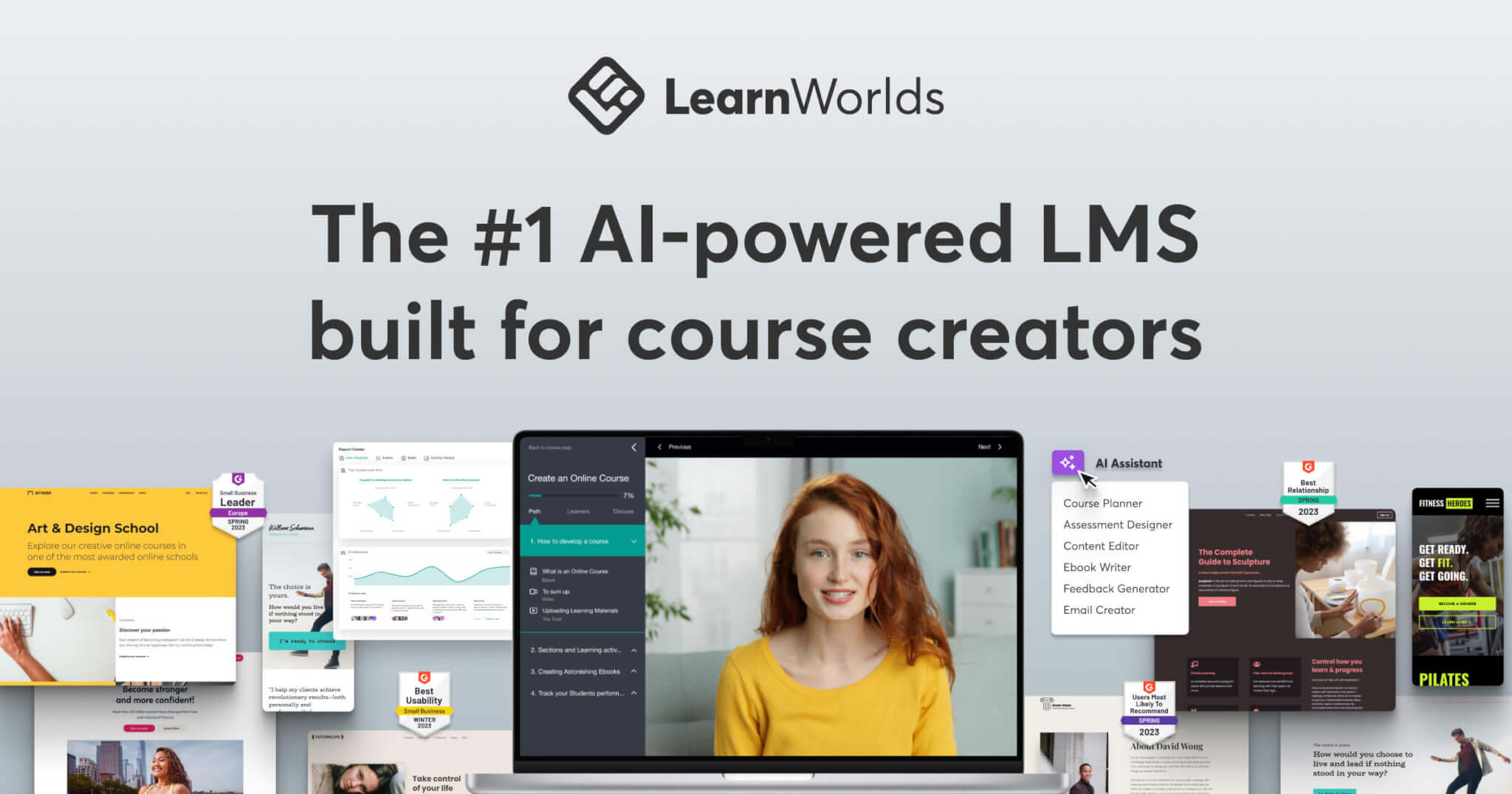
The overview
What LearnWorlds is for
1Core Capabilitie
- Course content editor (text, video, PDF, audio)
- Student enrollment and access control panel
- Integrated payment processing setup
- Customizable school homepage builder
- Quiz and assessment module
- Discussion forum management
2Specialized Workflow
- Sales funnel page designer
- Affiliate program dashboard
- Email marketing campaign composer
- Interactive video editor with overlay
- Digital certificate template library
- Subscription and membership plan configurator
Who it helps
Useful ways to use LearnWorlds
A practical path
Configure Your Custom School URL
Navigate to the 'School Settings' menu, locate the 'Domain' section, and input your desired custom domain (e.g., learn.myskill.com). Follow the prompts to update your DNS records with your registrar to point to the platform's servers, then verify the connection
External signals
Reviews & reputation
Aggregated review score
LearnWorlds is highly regarded by educators for its comprehensive course creation tools and robust e-commerce capabilities, enabling independent instructors and organizations to build and scale their online academies effectively. Users frequently praise its intuitive site builder and integrated marketing features, though some note a learning curve for advanced customizations.
Quick answers
Frequently asked questions
1Can I use my own custom domain name for my online school?⌄
Yes, the platform fully supports custom domain mapping. You'll configure your domain's DNS records (typically a CNAME record) with your domain registrar to point to your LearnWorlds school, and the platform automatically handles SSL certificate provisioning for secure browsing.
2What payment gateways are integrated for course sales?⌄
The platform integrates directly with major payment processors like Stripe and PayPal for secure credit card and alternative payment method transactions. You connect your existing merchant accounts within the 'Financial' settings to start accepting payments immediately.
3Is it possible to offer free preview lessons or trials for my courses?⌄
Absolutely. Within the course content editor, you can designate specific sections or individual learning activities as 'free' or 'previewable'. This allows prospective students to sample your content before committing to a purchase, enhancing your sales funnel.
4How do I manage student progress and engagement?⌄
The 'Users' or 'Students' dashboard provides detailed insights into individual student progress, including lesson completion, quiz scores, and last login activity. You can also utilize built-in discussion forums and email tools to foster engagement and provide support.
5Can I migrate existing course content from another platform?⌄
While there isn't a one-click migration tool for all platforms, you can easily import your existing video files, PDFs, text lessons, and other media directly into the course builder. For SCORM or xAPI packages, there's a dedicated uploader to integrate compliant content.
Keep exploring