

What Is LiveChat Used For: Features, Reviews & Alternatives
Live chat software for customer service & sales.
Editorially updated Oct 5, 2025
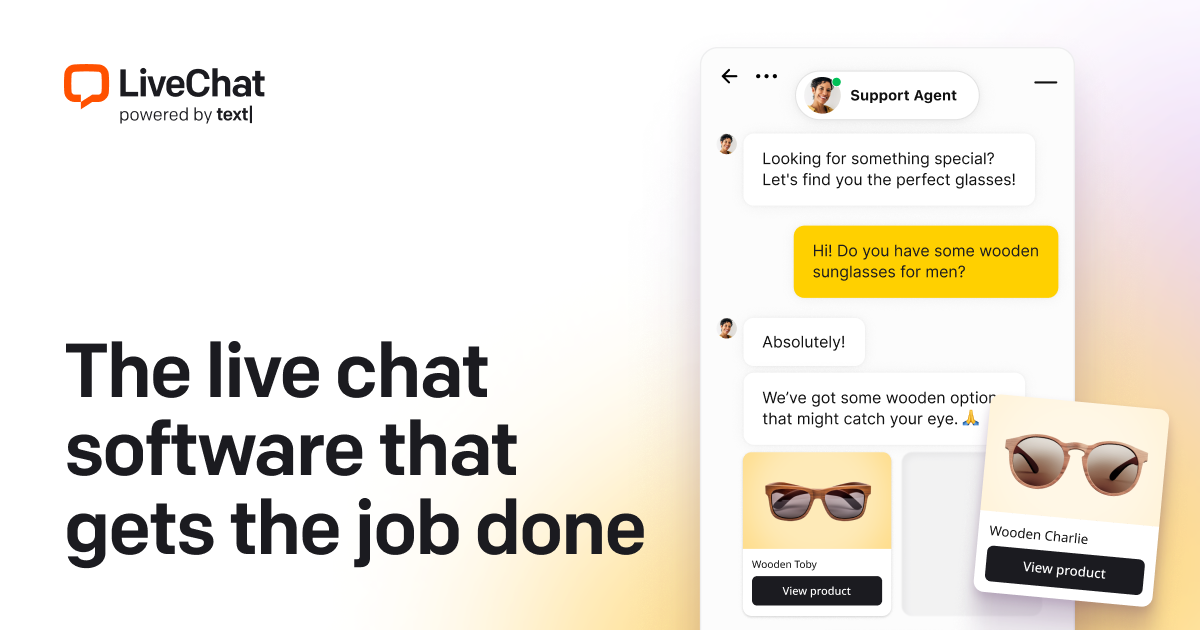
The overview
What LiveChat is for
1Core Capabilitie
- Chat widget configuration panel
- Agent desktop console
- Real-time visitor monitoring dashboard
- Pre-chat form builder
- Chat history archive
2Specialized Workflow
- Quick reply library
- Chat routing rule editor
- Post-chat feedback collection
- In-chat file transfer
- Agent performance analytics view
Who it helps
Useful ways to use LiveChat
A practical path
Install Chat Code Snippet
Access the "Settings > Chat Widget > Installation" section within the web application, copy the provided JavaScript code, and paste it into the HTML source code of your website, typically before the closing </body> tag
External signals
Reviews & reputation
Aggregated review score
Users value its intuitive agent interface and robust customization options for the chat widget. Some feedback points to occasional integration complexities or desire for more advanced AI capabilities in lower tiers.
Quick answers
Frequently asked questions
1What are the primary differences between LiveChat's pricing plans, particularly regarding agent capacity and advanced features?⌄
LiveChat's plans typically scale by the number of agent seats and unlock progressively more advanced features. Lower tiers focus on core chat functionality, while higher tiers include capabilities like advanced reporting, chat routing, work schedulers, and integrations with CRM/help desk systems. It's crucial to evaluate your team size and specific operational needs against the feature matrix for each plan.
2Can LiveChat be integrated with our existing customer relationship management (CRM) or help desk software?⌄
Yes, LiveChat offers a range of direct integrations and API access to connect with popular CRM platforms like Salesforce, HubSpot, and various help desk solutions such as Zendesk or Freshdesk. These integrations allow for automatic ticket creation, contact syncing, and logging chat transcripts directly into your existing customer records.
3How does LiveChat ensure data privacy and security for customer conversations and visitor information?⌄
LiveChat employs industry-standard security protocols, including SSL/TLS encryption for all chat communications and data storage. The platform is GDPR compliant and offers features like data retention policies, audit logs, and secure access controls to help businesses manage and protect sensitive customer information in accordance with privacy regulations.
4Is it possible to customize the appearance and behavior of the chat widget to match our brand's aesthetic?⌄
Absolutely. The LiveChat administration panel provides extensive customization options for the chat widget. You can adjust colors, fonts, position on the page, welcome messages, agent avatars, and even implement custom CSS to ensure the widget seamlessly integrates with your website's design and branding.
5What kind of reporting and analytics are available to track agent performance and customer satisfaction?⌄
LiveChat provides a comprehensive analytics dashboard. You can track key metrics such as chat volume, agent response times, chat duration, customer satisfaction ratings (CSAT), missed chats, and conversion rates. These reports help operations managers assess agent efficiency, identify training needs, and measure the impact of chat support on business goals.
Keep exploring