

What Is Logseq Used For: Features, Reviews & Alternatives
Open-source, privacy-first knowledge base.
Editorially updated Oct 25, 2025
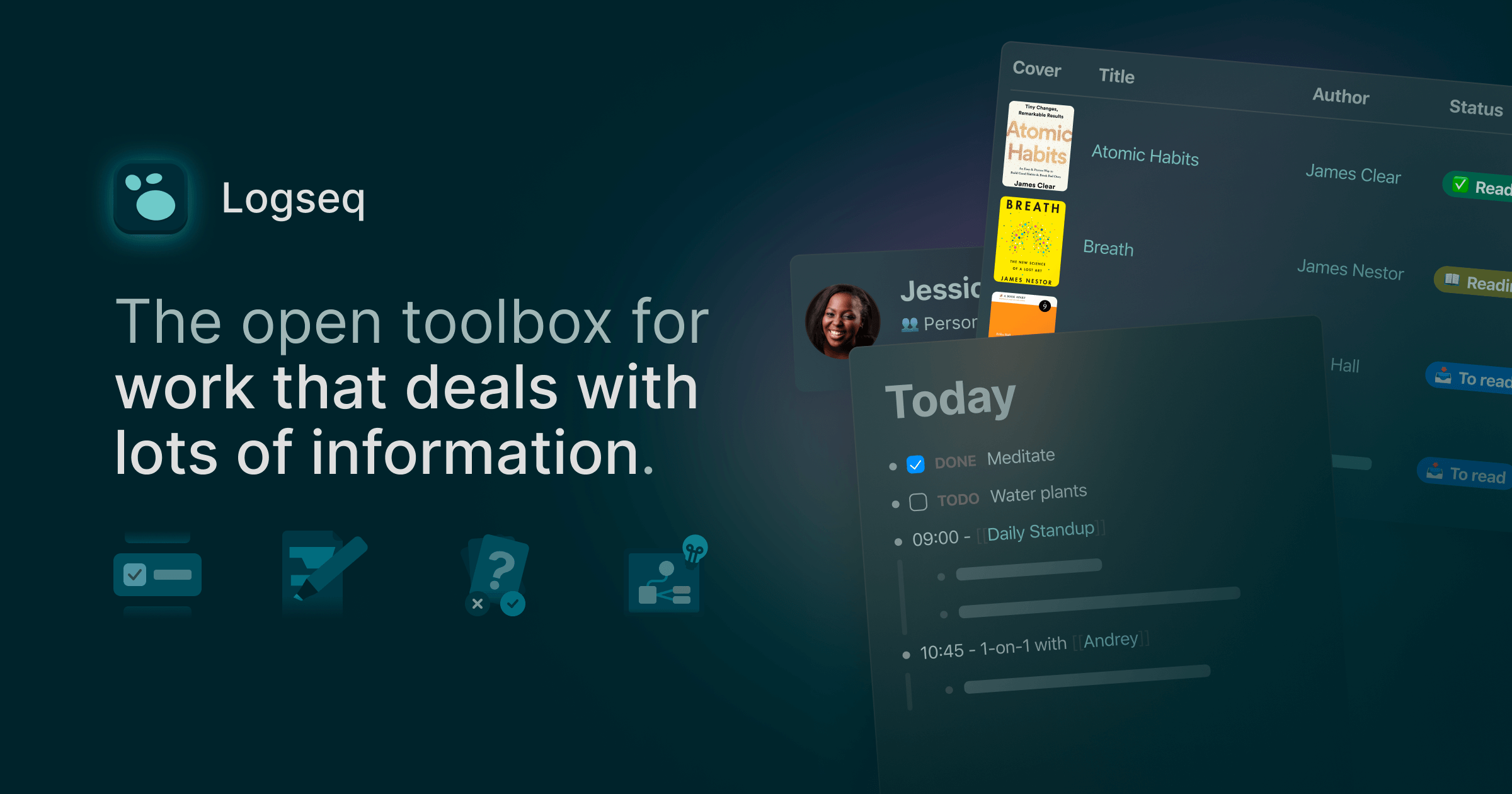
The overview
What Logseq is for
1Core Capabilities
- Daily journal pages for capturing notes immediately before deciding where they belong
- Block-based outlining with page references and backlinks, so small note units stay reusable
- Local plain-text storage, commonly Markdown or Org mode, for users who want portable notes
- Linked references and graph views that help surface related material without manual index upkeep
- Templates, queries, and plugins for shaping a more opinionated personal knowledge base
Who it helps
Useful ways to use Logseq
A practical path
Capture in the daily journal first
Start with raw notes from meetings, reading, or research sessions so capture stays fast and you do not stall on filing decisions.
External signals
Reviews & reputation
Aggregated review score
Logseq can deliver reliable outcomes for workflow completion, especially when rollout begins with a pilot focused on open.
Quick answers
Frequently asked questions
1Is Logseq mainly for personal knowledge bases or shared team docs?⌄
It is usually a better fit for individual research and small shared setups than for large, real-time team documentation. If your main need is concurrent editing across many contributors, a hosted wiki may be easier to manage.
2Do I need to be comfortable with outlining?⌄
Mostly yes. The product revolves around blocks, nested structure, and references, so it clicks faster for people who already jot notes as bullets. Users who prefer fully freeform pages may need more adjustment time.
3Can I keep my notes in local files?⌄
That is one of its main appeals. Logseq is commonly used with local plain-text files, which helps with portability and long-term control, though your sync method depends on how you choose to store those files.
4Does it work as a task manager too?⌄
It can handle note-linked tasks, reading queues, and review lists reasonably well. For calendars, delegation, or multi-person planning, a dedicated task tool is usually easier.
5What makes repeat use reliable?⌄
Consistency matters more than volume. If you regularly capture into daily notes and add page references as you go, old material becomes easier to resurface through backlinks and linked references instead of manual browsing.
Keep exploring