

What Is Mage Used For: Features, Reviews & Alternatives
Web platform providing access to Stable Diffusion and other image models.
Editorially updated Oct 5, 2025
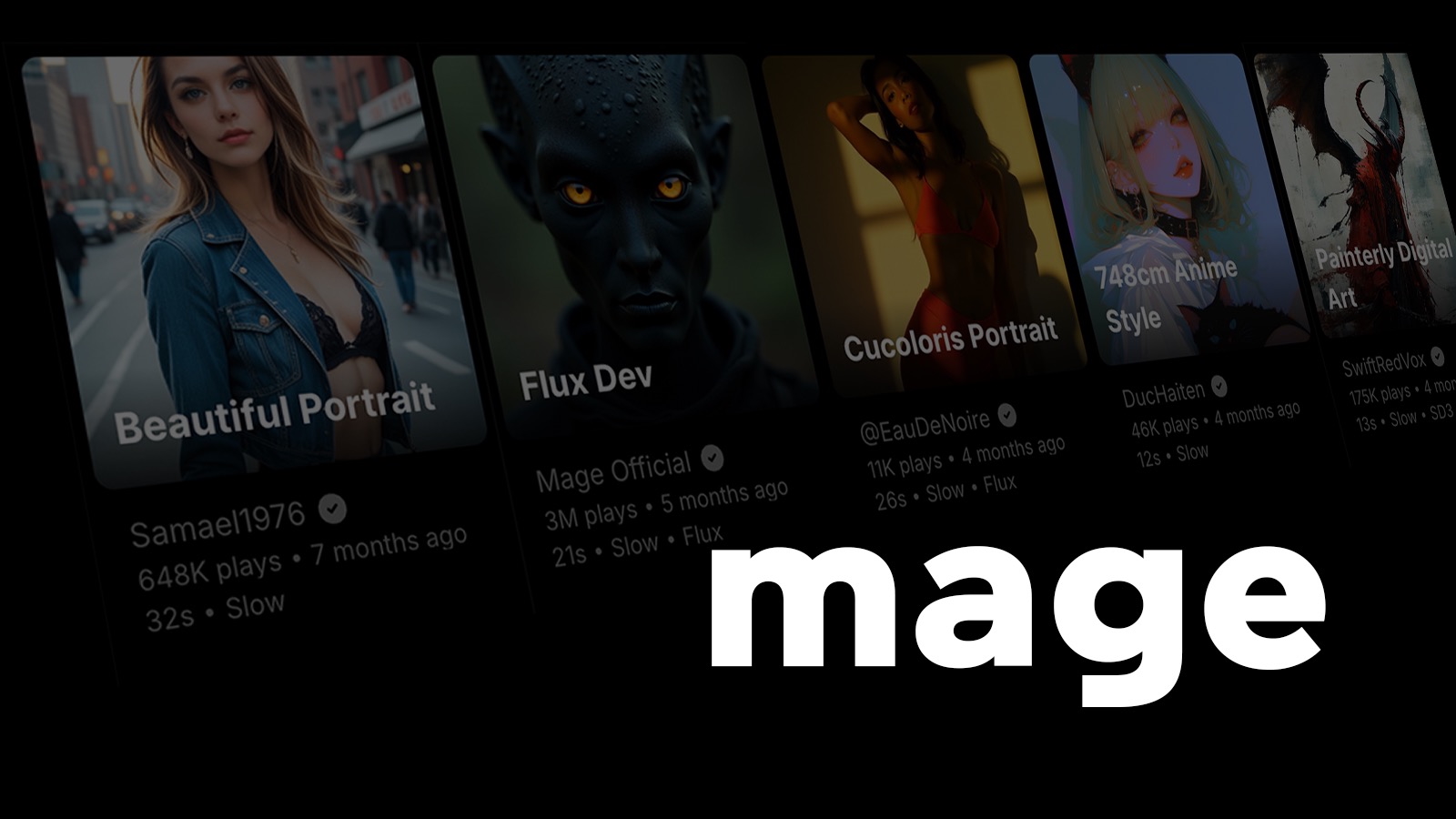
The overview
What Mage is for
1Core Capabilitie
- Text-to-Image Prompt Field
- Negative Prompt Input
- Model Version Selector
- Output Resolution Preset
- Generation History Viewer
2Specialized Workflow
- Image-to-Image Upload
- ControlNet Parameter Slider
- Upscale/Vary Option
- Inpainting/Outpainting Editor
- Public Prompt Gallery
Who it helps
Useful ways to use Mage
A practical path
Define Generation Parameter
Upon landing on the platform, input your descriptive text prompt into the main generation field. Optionally, specify negative prompts, select a base model (e.g., Stable Diffusion XL), and configure output dimensions or aspect ratios using the available sliders and dropdown
External signals
Reviews & reputation
Aggregated review score
Users appreciate the accessible browser-based interface for AI image generation, particularly the ease of use for Stable Diffusion models. The platform is valued for its rapid prototyping capabilities and the ability to iterate on visual concepts without local setup. Some feedback points to occasional generation queue delays during peak times and a desire for more advanced fine-tuning controls without a premium subscription.
Quick answers
Frequently asked questions
1What image generation models are accessible on Mage, and can I specify a particular version?⌄
Mage primarily offers access to various Stable Diffusion models, including SD 1.5, SDXL, and often community-fine-tuned checkpoints. You can select your preferred model version directly from a dropdown menu on the generation interface before submitting your prompt.
2Is there a cost associated with generating images, or are there usage limits?⌄
Mage typically operates on a freemium model. Users often receive a certain number of free generations daily or upon signup. For higher volume, faster generation, or access to premium features like specific models or ControlNet, a subscription plan is usually required, detailed on the pricing page.
3Can I use my generated images for commercial purposes?⌄
Generally, images generated on Mage using open-source models like Stable Diffusion fall under their respective licenses, which often permit commercial use. However, it's crucial to review Mage's specific terms of service and the licensing of the particular model you use, as these can vary.
4How does Mage handle privacy and data security for my prompts and generated images?⌄
Mage processes prompts and generates images on its servers. While prompts are used to generate images, they are typically not shared publicly unless you explicitly opt-in to a community gallery. Generated images are usually private to your account unless you choose to publish them. For detailed data handling, refer to Mage's privacy policy.
5What if I need to reproduce an exact image I generated previously?⌄
Mage's generation history typically logs the prompt, negative prompt, model, and the 'seed' value for each image. By re-entering these exact parameters, especially the seed, you can often reproduce a very similar or identical image, assuming the model version remains consistent.
Keep exploring