

What Is Matomo (Piwik) Used For: Features, Reviews & Alternatives
Open-source web analytics platform (privacy).
Editorially updated Oct 5, 2025
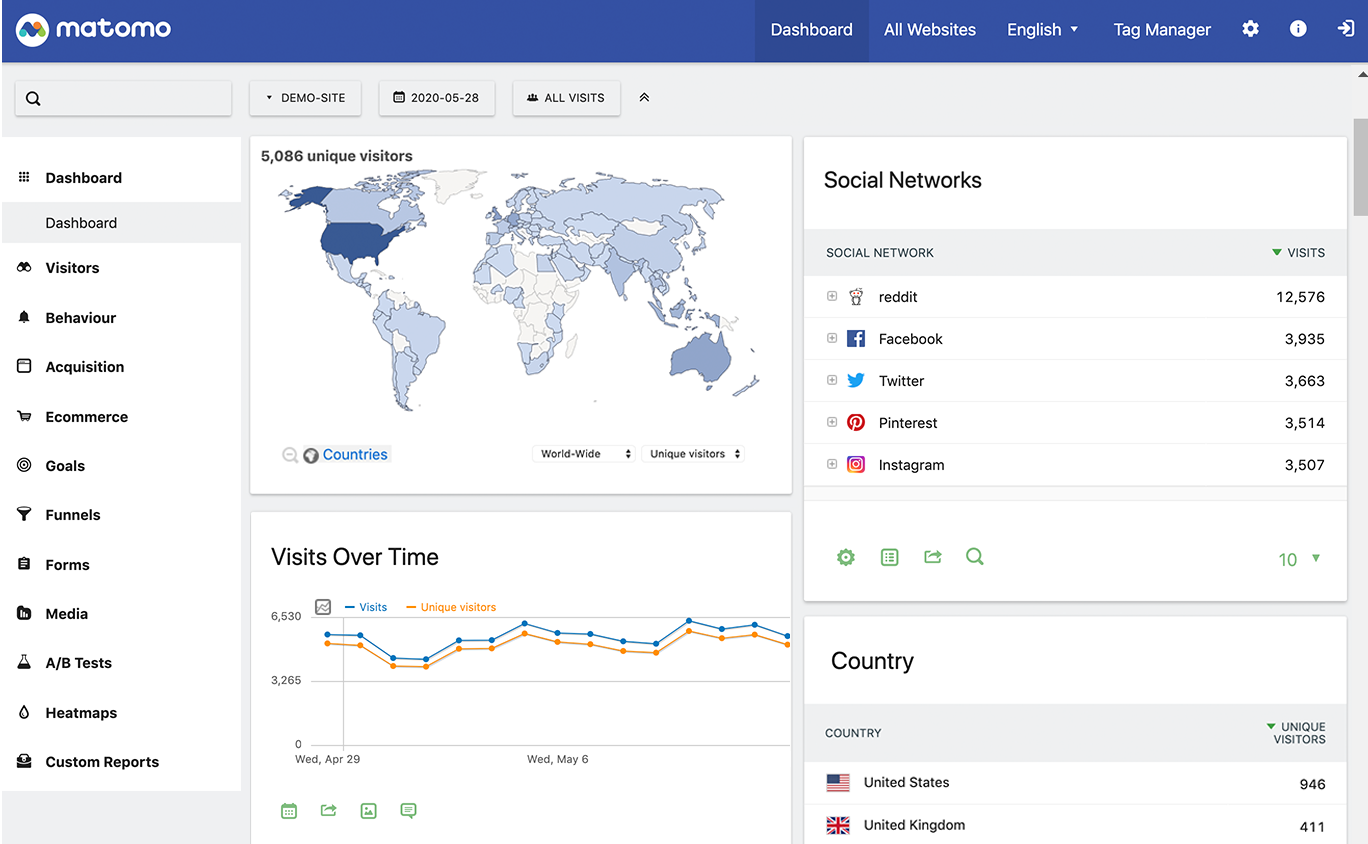
The overview
What Matomo (Piwik) is for
1Core Capabilitie
- Real-time visitor stream dashboard
- Custom segment builder for visitor analysi
- Goal conversion funnel visualization
- Detailed page view and content performance report
- Event tracking configuration interface
- E-commerce analytics module
2Specialized Workflow
- Raw data export API acce
- GDPR/CCPA compliance toolkit
- User consent management integration
- Self-hosting deployment option
- Custom report generation engine
- A/B testing and heatmaps (via plugins)
Who it helps
Useful ways to use Matomo (Piwik)
A practical path
Deploy and Integrate Tracking Code
Install Matomo on your preferred server environment (PHP/MySQL) or provision a Matomo Cloud instance. Navigate to 'Administration' > 'Tracking Code' in the Matomo UI, copy the generated JavaScript snippet, and embed it into the `<head>` section of all pages on your website
External signals
Reviews & reputation
Aggregated review score
Matomo is highly regarded by developers and privacy-conscious organizations for its robust, open-source web analytics capabilities and full data ownership. Users appreciate its extensive feature set, self-hosting flexibility, and strong commitment to GDPR/CCPA compliance, making it a powerful alternative to proprietary solutions. While initial setup for self-hosting can be more involved than cloud-based tools, the control and customization it offers are significant advantages.
Quick answers
Frequently asked questions
1What are the key differentiators between Matomo and Google Analytics, especially regarding data ownership?⌄
Matomo's primary differentiator is its commitment to 100% data ownership. When self-hosting, all your analytics data resides on your servers, under your control, unlike Google Analytics where data is processed and stored by Google. This is critical for organizations with strict data governance policies or those operating in highly regulated industries, ensuring no data is shared with third parties without explicit consent.
2Is Matomo inherently GDPR and CCPA compliant, or does it require additional configuration?⌄
Matomo provides a comprehensive suite of tools and features designed to facilitate GDPR and CCPA compliance, such as anonymization options, consent management integration, and data export/deletion capabilities. However, compliance is ultimately the responsibility of the data controller (you). Matomo gives you the technical means, but proper configuration, legal notices, and user consent flows on your website are still necessary to achieve full compliance.
3Can Matomo effectively track single-page applications (SPAs) and dynamic content without full page reloads?⌄
Yes, Matomo is fully capable of tracking SPAs and dynamic content. It requires specific JavaScript configuration to manually trigger page view events (e.g., `_paq.push(['setCustomUrl', '/new-path']); _paq.push(['trackPageView']);`) when the URL or content changes without a full page reload. This ensures accurate tracking of user journeys within modern web applications.
4What are the typical server requirements for self-hosting Matomo for a medium-traffic website?⌄
For a medium-traffic site (e.g., 100,000 page views/month), you'd typically need a server with at least 2 CPU cores, 4GB RAM, and sufficient disk space (e.g., 50GB SSD) for the database and Matomo files. It requires PHP (version 7.2.5 or higher) with specific extensions (e.g., PDO_MySQL, curl, gd, json, zlib) and a MySQL or MariaDB database (version 5.5 or higher). Performance can be further optimized with caching mechanisms like Redis or Memcached.
5How does Matomo handle bot traffic and ensure the accuracy of visitor data?⌄
Matomo employs several methods to filter bot traffic and improve data accuracy. It includes a built-in bot detection mechanism that identifies common bot user agents and IP ranges, allowing you to exclude them from reports. Additionally, you can configure IP exclusion lists, enable 'Do Not Track' support, and integrate with third-party bot filtering services. This ensures that your analytics primarily reflect genuine human visitor interactions.
Keep exploring