

What Is Microsoft Office Used For: Features, Reviews & Alternatives
Productivity software suite portal.
Editorially updated Oct 25, 2025
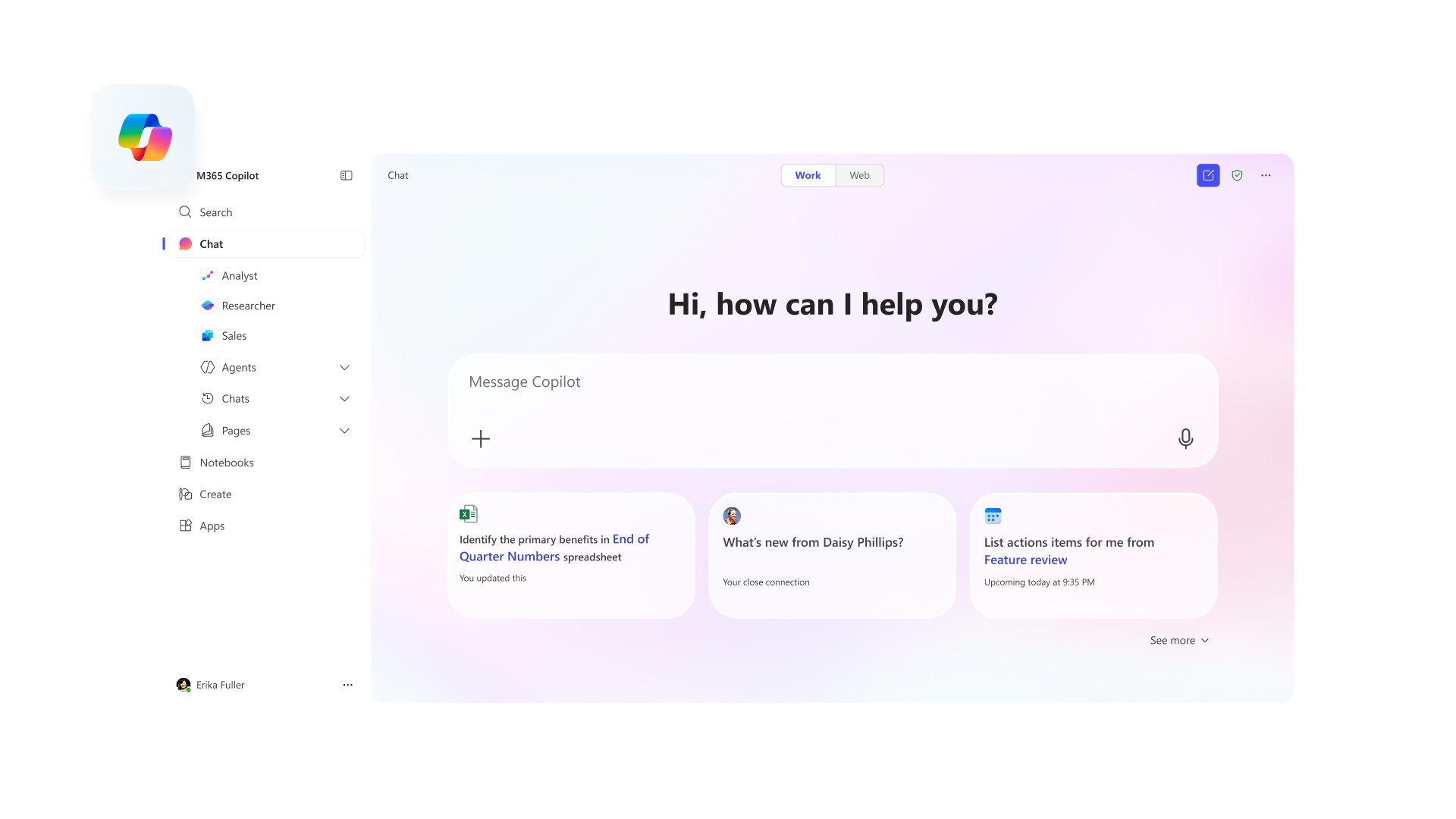
The overview
What Microsoft Office is for
1Core Capabilitie
- Web-based Word document editor
- Browser-native Excel spreadsheet interface
- Online PowerPoint presentation builder
- OneDrive cloud file explorer
- Outlook web mail client
2Specialized Workflow
- Real-time co-authoring panel
- Document version history browser
- Integrated template gallery acce
- Shareable link generation for file
- Microsoft 365 subscription management portal
Who it helps
Useful ways to use Microsoft Office
A practical path
Accessing the Microsoft 365 Portal
Navigate to office.com in your web browser. If prompted, sign in with your Microsoft account credentials. This will land you on the personalized Microsoft 365 home page, displaying recent documents and available web application
External signals
Reviews & reputation
Aggregated review score
Users praise the Microsoft 365 web apps for their accessibility, real-time collaboration features, and seamless integration with OneDrive, making them ideal for quick edits and shared document workflows. While highly convenient for browser-first productivity, some advanced users note feature parity gaps compared to the full desktop client applications.
Quick answers
Frequently asked questions
1Can I use Microsoft 365 web apps offline?⌄
No, the Microsoft 365 web applications require an active internet connection to function. While some browser caching may allow limited viewing of recently accessed files, active editing, saving, and real-time collaboration are dependent on network connectivity. For offline capabilities, the full desktop client applications are necessary.
2What are the primary feature limitations of the web apps compared to the desktop versions?⌄
The web apps offer core functionality but generally have a reduced feature set compared to their desktop counterparts. For example, Excel Online has fewer advanced charting options and macro support, Word Online lacks certain complex formatting tools and citation management, and PowerPoint Online has fewer animation and transition effects. They are optimized for quick edits and collaboration rather than deep, complex document creation.
3Is a Microsoft 365 subscription mandatory to use the web apps?⌄
Basic versions of Word, Excel, and PowerPoint web apps are available for free with a Microsoft account, offering fundamental editing and creation capabilities. However, to unlock premium features, increased OneDrive storage, and access to advanced functionalities (like Copilot integration), a paid Microsoft 365 Personal or Family subscription, or a business/enterprise license, is required.
4How does Microsoft ensure data security and privacy for documents stored in OneDrive via the web apps?⌄
Microsoft employs robust security measures for OneDrive, including data encryption at rest and in transit, multi-factor authentication options, and compliance with various global standards (e.g., ISO 27001, HIPAA, GDPR). User data is stored in Microsoft's secure data centers, and privacy controls are available through the Microsoft account portal, allowing users to manage their data and sharing permissions.
5Can I integrate Microsoft 365 web apps with third-party cloud storage services?⌄
While OneDrive is the primary integrated cloud storage for Microsoft 365 web apps, direct, native integration with competing third-party cloud storage services (like Google Drive or Dropbox) for real-time editing within the Office web interface is generally not supported. You would typically need to download files from the third-party service and upload them to OneDrive, or use desktop clients that might have broader integration capabilities.
Keep exploring