

What Is MindMeister Used For: Features, Reviews & Alternatives
Online mind mapping and brainstorming tool.
Editorially updated Oct 25, 2025
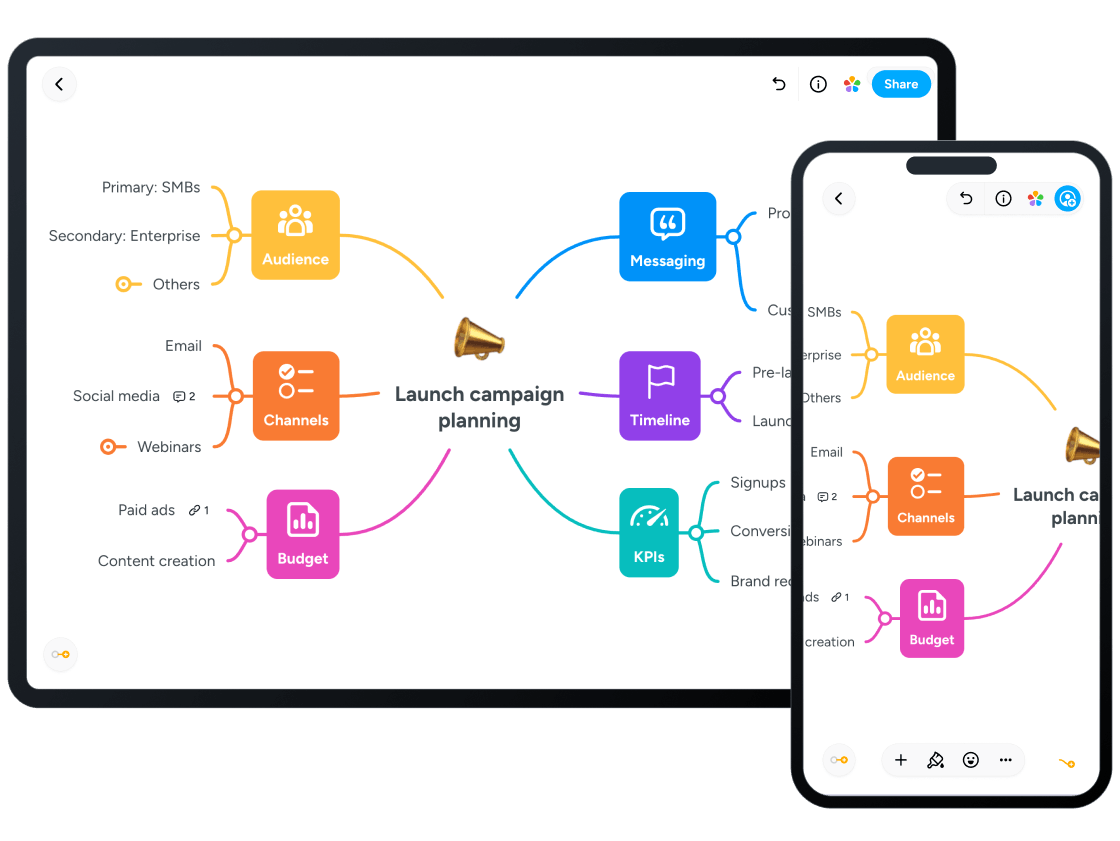
The overview
What MindMeister is for
1Core Capabilitie
- Node creation and manipulation
- Drag-and-drop topic arrangement
- Branch styling and formatting control
- Attachment of files and links to topic
- Outline view for linear content review
2Specialized Workflow
- Real-time multi-user editing canva
- Version history and restore point
- Presentation mode for map walkthrough
- Export to various formats (PDF, image, text, FreeMind, MindManager)
- Public map sharing via URL
Who it helps
Useful ways to use MindMeister
A practical path
Initiate a New Mind Map
Navigate to the dashboard after logging in, then click the 'New Map' button to open a blank canvas in your browser
External signals
Reviews & reputation
Aggregated review score
Users consistently praise its intuitive web interface for mind mapping, real-time collaboration capabilities, and robust feature set for visual ideation. Some feedback points to occasional performance lags with very large maps or a desire for more advanced diagramming tools beyond traditional mind maps.
Quick answers
Frequently asked questions
1Can I import existing mind maps from other software?⌄
Yes, MindMeister supports importing maps in popular formats like FreeMind (.mm) and MindManager (.mmap). You can upload these files directly from the dashboard.
2What happens if my internet connection drops while I'm working on a map?⌄
MindMeister automatically saves your changes to the browser's local storage. Once your connection is restored, these changes will sync back to the cloud, minimizing data loss.
3Is there a way to track changes made by different collaborators on a shared map?⌄
Yes, the 'History' feature allows you to view all revisions, see who made specific changes, and revert to previous versions of the map if needed.
4Can I embed a MindMeister map directly into my website or blog?⌄
Yes, for public or shared maps, you can generate an embed code from the 'Share' options. This code allows you to display an interactive version of your map on other web pages.
5What are the limitations of the free basic plan?⌄
The free basic plan typically limits users to creating up to three mind maps, with restricted access to advanced features like file attachments, export options, and full revision history.
Keep exploring