

What Is Mixpanel Used For: Features, Reviews & Alternatives
Product analytics for user behavior insights.
Editorially updated Oct 5, 2025
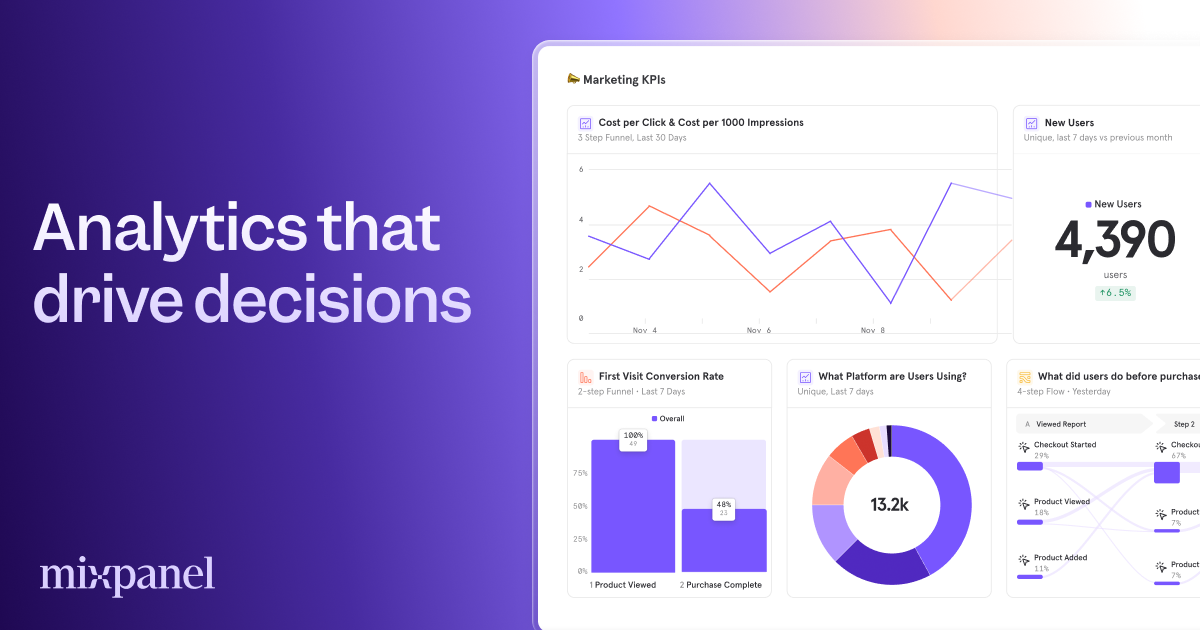
The overview
What Mixpanel is for
1Core Capabilitie
- Event Schema Definition UI
- Funnel Analysis Builder
- Retention Cohort Explorer
- Segmentation Query Panel
2Specialized Workflow
- A/B Test Impact Reporting
- Data Export API Acce
- Real-time Event Stream Viewer
- User Profile Property Editor
Who it helps
Useful ways to use Mixpanel
A practical path
Implement Client-Side Tracking
Integrate the JavaScript SDK into your web application. Define and trigger custom events (e.g., 'Product Viewed', 'Button Clicked', 'Form Submitted') with relevant properties (e.g., 'product_id', 'button_text', 'form_name') at key user interaction point
External signals
Reviews & reputation
Aggregated review score
Praised for its flexible event-based data model and powerful segmentation capabilities, enabling deep behavioral analysis of web application users. Some users note a steep learning curve for advanced features and potential cost scaling with high event volumes, requiring careful event schema planning.
Quick answers
Frequently asked questions
1How does data privacy and GDPR compliance work with event tracking?⌄
The platform offers features like data anonymization, user data deletion APIs, and opt-out mechanisms to assist with GDPR, CCPA, and other privacy regulations. Data residency options are also available for specific regions, ensuring event data is stored in compliance with local requirements.
2Can I integrate event data with my existing data warehouse or BI tools?⌄
Yes, event data can be exported via a robust API or through direct integrations with cloud data warehouses like Snowflake, BigQuery, and Redshift. This allows for combining behavioral data with other business datasets for comprehensive BI reporting.
3What is the primary pricing model for event volume?⌄
Pricing is primarily based on the volume of 'billable user actions' (events) tracked per month. There are different tiers offering varying event allowances, feature sets, and support levels, scaling with the intensity of your web tracking needs.
4What is the typical data latency for real-time event analysis?⌄
Event data is generally available for analysis within seconds of being collected from the client-side. The real-time event stream viewer provides near-instant visibility into incoming events, crucial for debugging instrumentation or monitoring live deployments.
5Are there limits on the number of custom event properties I can track?⌄
While there isn't a hard technical limit on the number of unique properties per event, best practice suggests being judicious. Excessive unique properties can impact query performance and data management complexity. The platform handles a high cardinality of properties, but thoughtful schema design is recommended.
Keep exploring