

What Is Mobbin Used For: Features, Reviews & Alternatives
Latest mobile design patterns.
Editorially updated Oct 5, 2025
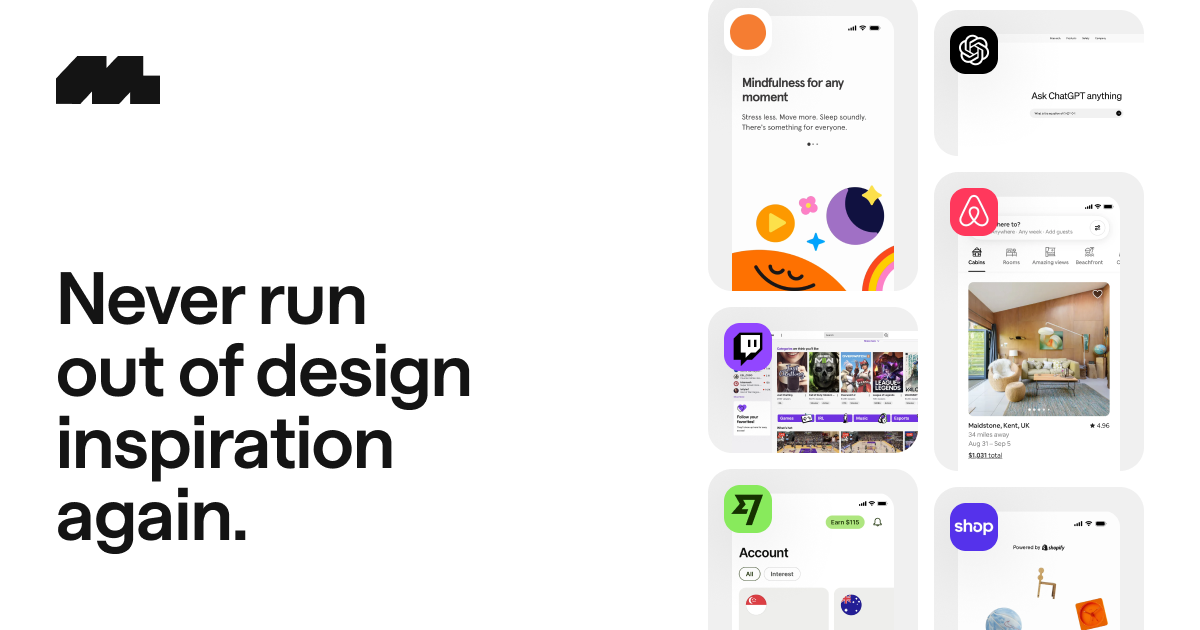
The overview
What Mobbin is for
1Core Capabilitie
- Extensive mobile UI screen library
- App-specific screen collection
- Category-based UI pattern filtering (e.g., onboarding, search, checkout)
- Detailed screen annotations and flow breakdown
2Specialized Workflow
- Keyword-driven UI pattern search
- High-fidelity screen capture viewer
- Curated design trend showcase
- Export screen collection
Who it helps
Useful ways to use Mobbin
A practical path
Researching a Specific UI Pattern
Navigate to the homepage, use the search bar to input a UI element like 'empty state' or 'onboarding flow,' and apply filters for app category or specific interaction types to narrow down relevant example
External signals
Reviews & reputation
Aggregated review score
Designers consistently praise Mobbin as an indispensable resource for current mobile UI patterns, highlighting its extensive, high-fidelity library and intuitive search capabilities for practical design research and inspiration.
Quick answers
Frequently asked questions
1What is the difference between the free and paid tiers?⌄
The free tier typically offers limited access to the screen library and basic search functionality. Paid subscriptions unlock full access to the entire database, high-resolution screen exports, advanced filtering options, and the ability to create and manage multiple custom collections for project organization.
2How frequently is the screen library updated with new app designs?⌄
The platform is continuously updated. New app screens and interaction flows from popular and emerging mobile applications are added weekly, ensuring the library remains current with the latest UI design trends and patterns across various platforms.
3Can I submit my own app designs to be featured on Mobbin?⌄
Mobbin primarily curates designs from publicly available, high-quality mobile applications to maintain a consistent standard of inspiration. While direct user submissions are not a standard feature, the team actively monitors new app releases and industry trends for inclusion.
4How does Mobbin compare to general design inspiration sites like Dribbble or Behance?⌄
Mobbin specializes exclusively in real-world, in-production mobile UI patterns and complete user flows, offering a practical reference for how features are actually implemented. Dribbble and Behance showcase conceptual or portfolio-driven work, which can be less directly applicable for dissecting functional UI mechanics.
5Are there any restrictions on using the captured screens for commercial projects?⌄
Mobbin provides these screens for design inspiration and educational purposes. While you can use them as reference for your commercial projects, you cannot directly copy or redistribute the copyrighted UI elements themselves. Always ensure your final designs are original and respect intellectual property.
Keep exploring