

What Is Monday.com Used For: Features, Reviews & Alternatives
Work OS platform for managing projects, workflows.
Editorially updated Oct 5, 2025
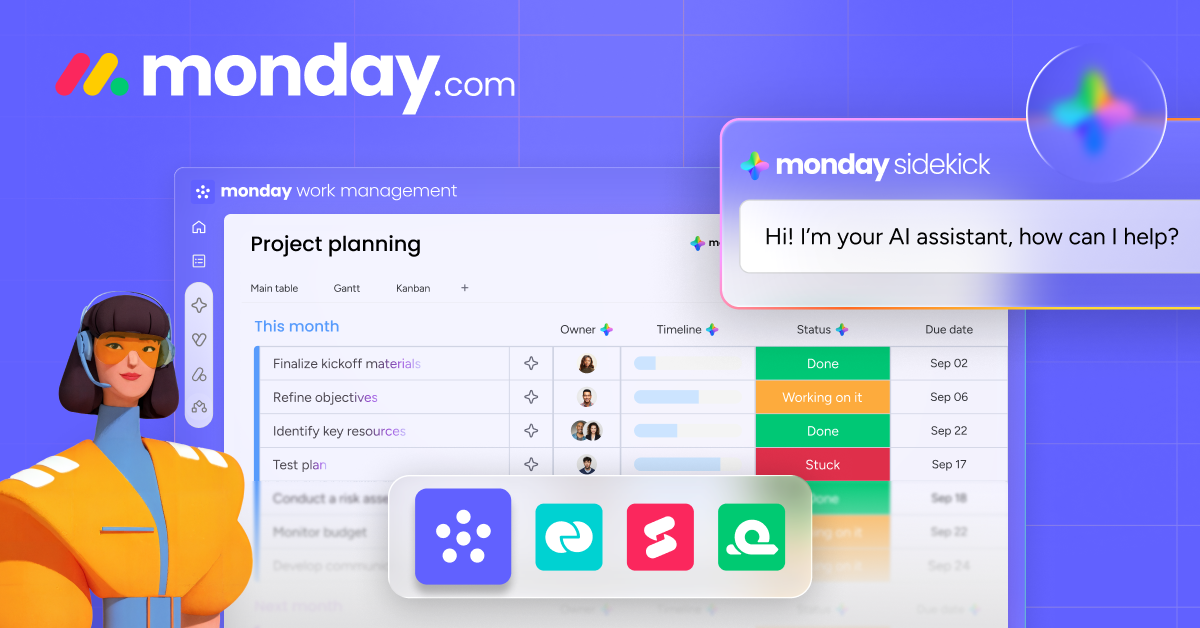
The overview
What Monday.com is for
1Core Capabilitie
- Customizable Board Views (Table, Kanban, Gantt, Calendar)
- Item Status Tracking Column
- Automated Notification Rules Engine
- File Attachment & Annotation Panel
- Guest Access & Permissions Management
2Specialized Workflow
- Workload Management Dashboard
- Dependency Linking for Task
- Time Tracking Integration
- Budget Tracking Columns with Formula
- Customizable Item Templates Library
Who it helps
Useful ways to use Monday.com
A practical path
Initiate a Project Tracking Board
Navigate to the web application, click 'Add' in the left navigation panel, and select 'New Board.' Choose a template relevant to your project type (e.g., 'Project Management,' 'Software Development') or start from scratch. Name your board and set its visibility
External signals
Reviews & reputation
Aggregated review score
Users value its highly customizable interface for diverse project types and intuitive visual tracking. Some note the learning curve for advanced features and potential cost scaling for larger teams.
Quick answers
Frequently asked questions
1Can Monday.com integrate with our existing version control system like GitHub or GitLab?⌄
Yes, Monday.com offers native integrations with popular development tools including GitHub, GitLab, and Jira. These integrations allow for automated updates between platforms, such as changing a task status in Monday.com when a pull request is merged in GitHub, or syncing issues from Jira directly to a Monday.com board.
2What are the options for managing user permissions and data access for external collaborators or clients?⌄
Monday.com provides granular permission controls. You can invite external users as 'Guests' to specific boards, granting them access only to the information relevant to their involvement. For internal teams, you can set board permissions to 'Editable,' 'View Only,' or 'Private' and manage who can create, edit, or delete items and columns.
3Is there a self-hosted version of Monday.com available for organizations with strict data residency requirements?⌄
Monday.com is exclusively a cloud-based SaaS platform. There is no on-premise or self-hosted version offered. All data is stored and processed on their cloud infrastructure, which adheres to various global compliance standards. Organizations with specific data residency needs should review their compliance documentation.
4How does Monday.com handle project budgeting and expense tracking within its platform?⌄
While Monday.com isn't a dedicated accounting tool, you can create custom 'Numbers' columns on your boards to track budget allocations, actual expenses, and remaining funds for individual tasks or entire projects. Formulas can be applied to these columns for automated calculations, and dashboards can aggregate this data for financial oversight.
5What kind of support is available if our team encounters issues or needs help configuring complex workflows?⌄
Monday.com offers 24/7 customer support via email and a comprehensive knowledge base with articles and video tutorials. Depending on your subscription plan, you may also have access to phone support, dedicated customer success managers, and personalized onboarding sessions to assist with complex workflow setup and optimization.
Keep exploring