

What Is Motion Used For: Features, Reviews & Alternatives
AI-powered calendar & task management.
Editorially updated Oct 25, 2025
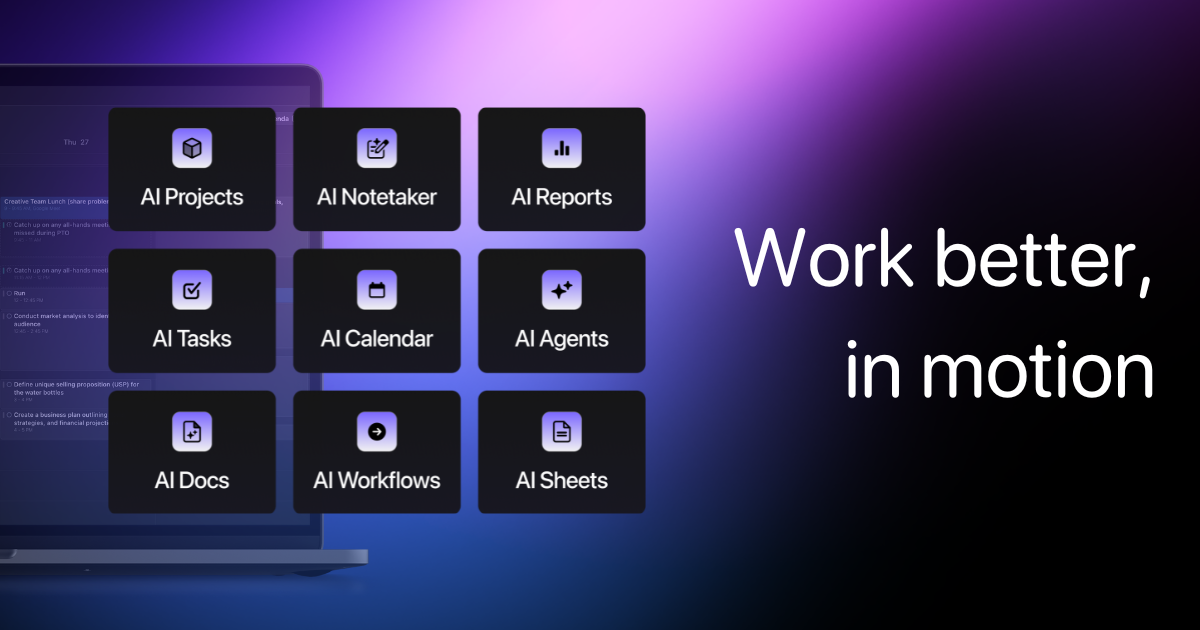
The overview
What Motion is for
1Core Capabilitie
- Dynamic schedule generation engine
- Priority-based task auto-sequencing
- Calendar event synchronization panel
- Time blocking configuration interface
2Specialized Workflow
- Meeting buffer auto-insertion
- Focus time protection algorithm
- Deadline adherence monitoring
- Project-level task grouping view
Who it helps
Useful ways to use Motion
A practical path
Accessing Your Personalized Schedule
Navigate to the web application in your browser and log in. Your dashboard will display the current day's AI-generated schedule, integrating tasks and calendar event
External signals
Reviews & reputation
Aggregated review score
Users frequently praise Motion for its effective AI-driven scheduling that significantly reduces manual planning time and helps maintain focus. Common feedback highlights its ability to intelligently re-prioritize and adapt schedules, though some users note a learning curve in trusting the AI's initial suggestions and occasional desire for more granular control over specific task dependencies.
Quick answers
Frequently asked questions
1How does Motion integrate with my existing calendar applications like Google Calendar or Outlook?⌄
Motion connects directly via OAuth to your Google Calendar or Outlook Calendar. Once linked, it pulls in all existing events and overlays its AI-generated tasks and time blocks, pushing the optimized schedule back to your primary calendar for a unified view.
2Can I manually override the AI's scheduling decisions if I need to?⌄
Yes, absolutely. Motion provides full flexibility. You can drag and drop any scheduled task or event to a different time slot, manually adjust its duration, or mark it as complete. The AI will then adapt the rest of your schedule around your manual changes.
3What happens if I don't complete a task within its scheduled time block?⌄
If a task isn't marked complete by its scheduled end time, Motion automatically re-evaluates its priority and remaining tasks. It will then intelligently reschedule the incomplete task into the next available and appropriate time slot, ensuring it doesn't get lost.
4Is Motion strictly a web-based tool, or is there a dedicated desktop or mobile application?⌄
Motion is primarily designed as a browser-first web application, optimized for a seamless experience across any modern web browser. While there isn't a standalone desktop app, it offers companion mobile apps for iOS and Android to view and make quick adjustments to your schedule on the go.
5How does Motion handle scheduling for multiple team members or shared projects?⌄
Motion offers team features where you can create shared projects and assign tasks to team members. The AI can then consider individual team members' availability and priorities to suggest optimal meeting times or coordinate project task sequencing across the group, visible within a shared team calendar view.
Keep exploring