

What Is Murf.ai Used For: Features, Reviews & Alternatives
AI voice generator for voiceovers
Editorially updated Oct 5, 2025
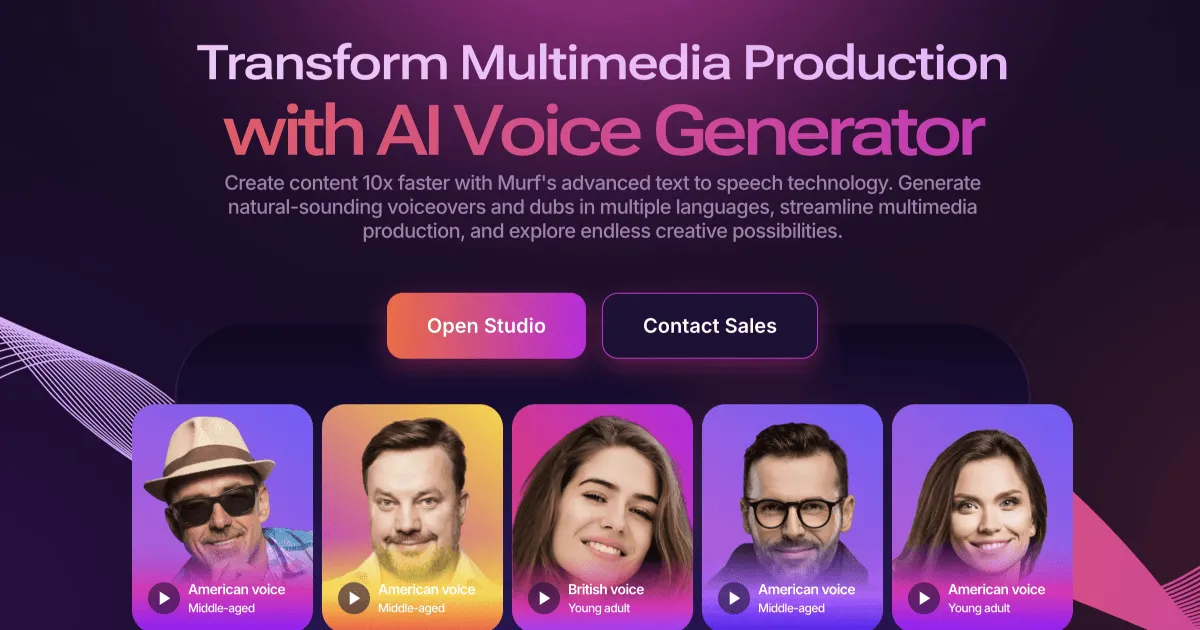
The overview
What Murf.ai is for
1Core Capabilitie
- Text-to-speech synthesis engine
- AI voice library selection panel
- Pronunciation editor for specific term
- Speech pacing and pitch adjustment slider
- Emphasis and pause insertion control
2Specialized Workflow
- Script editor with character limit
- Background music track integration
- Video and image synchronization timeline
- Project file management dashboard
- Multi-speaker voice assignment interface
Who it helps
Useful ways to use Murf.ai
A practical path
Input Script and Select Voice
Navigate to the studio in your browser, paste or type your script into the text editor, and then browse the AI voice library to select a suitable voice persona based on accent, gender, and tone
External signals
Reviews & reputation
Aggregated review score
A robust, browser-first AI voice generation platform offering a wide selection of natural-sounding voices and granular control over speech parameters, making it highly effective for rapid content production and professional voiceover creation.
Quick answers
Frequently asked questions
1What are the commercial usage rights for generated audio?⌄
Commercial usage rights are typically included with paid subscriptions, allowing you to use the generated voiceovers for business purposes like marketing, e-learning, and public broadcasts. Free tier usage is often restricted to personal or non-commercial projects. Always review the specific terms of your subscription plan.
2Can I create a custom AI voice clone of my own voice?⌄
Some advanced tiers or enterprise plans offer custom voice cloning services, where you can submit recordings of your own voice to train a unique AI model. This feature is generally not available on standard self-service plans and requires specific engagement with the Murf.ai team.
3How does Murf.ai handle different languages and accents?⌄
Murf.ai supports a broad range of languages and regional accents, which can be selected from the voice library. The platform's AI models are trained on diverse datasets to ensure natural-sounding speech across various linguistic contexts, though the quality and number of voices can vary per language.
4Is there an API available for programmatic voice generation?⌄
Yes, Murf.ai offers an API for developers who need to integrate text-to-speech capabilities directly into their applications or workflows. API access is usually part of higher-tier subscriptions or enterprise agreements, providing programmatic control over voice generation and project management.
5What file formats can I export my voiceovers in?⌄
You can typically export your generated voiceovers in common audio formats such as MP3 and WAV. Some plans may offer additional formats or higher fidelity options, which are specified within the export interface of the web studio.
Keep exploring