

What Is Neon AI Used For: Features, Reviews & Alternatives
Open-source conversational AI platform enabling custom voice assistants.
Editorially updated Oct 5, 2025
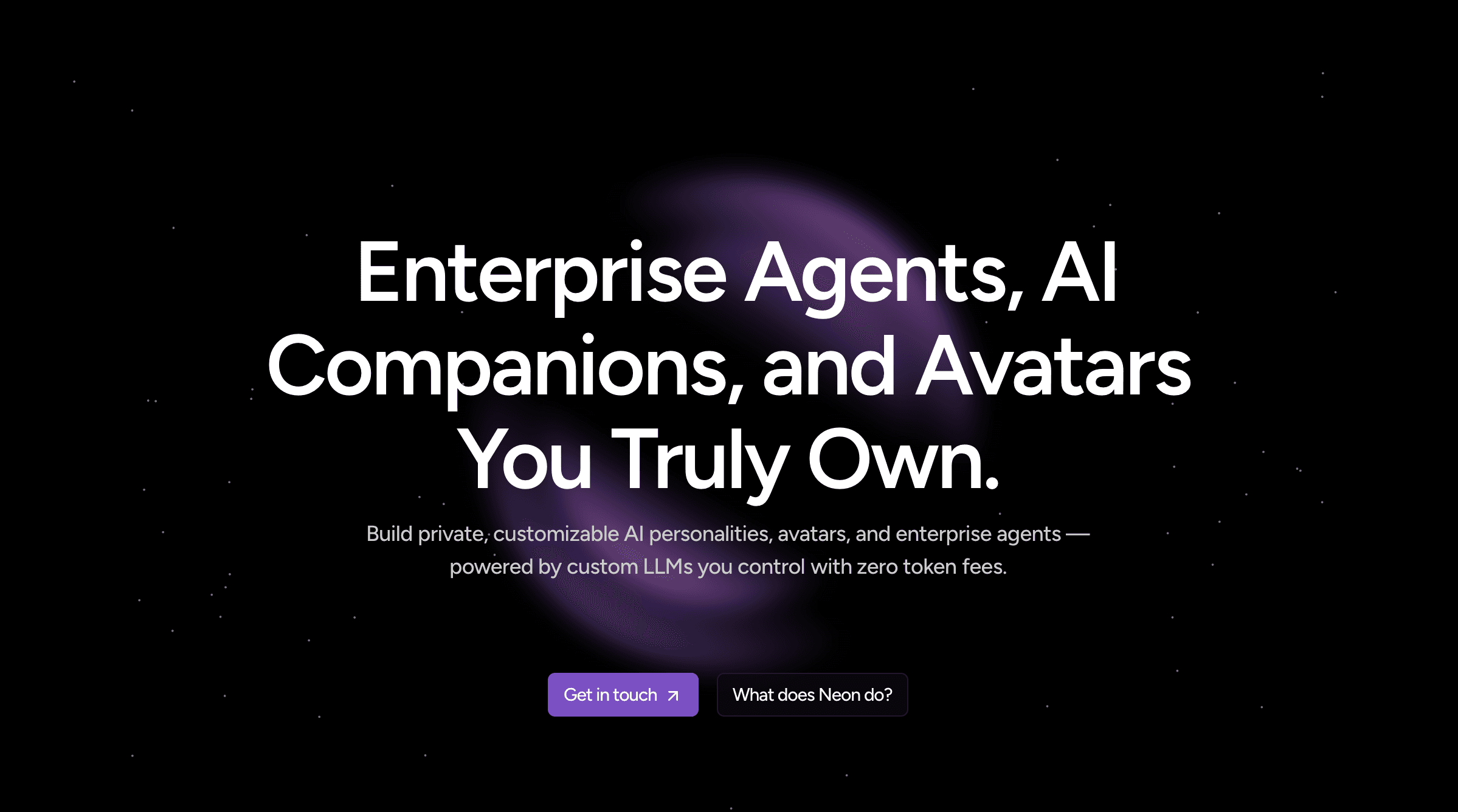
The overview
What Neon AI is for
1Core Capabilitie
- Intent Model Editor
- Speech Synthesis Profile Management
- Skill Development Environment
- Device Integration Dashboard
2Specialized Workflow
- Open-Source Codebase Acce
- Community Forum & Support Portal
- Voice Model Fine-tuning Interface
- API Key Management Panel
Who it helps
Useful ways to use Neon AI
A practical path
Initialize a New Voice Assistant Project
Navigate to the 'Projects' section on the web platform after signing in. Click 'Create New Project,' provide a unique name, and select a base language model. This sets up the foundational environment for your custom voice assistant
External signals
Reviews & reputation
Aggregated review score
Users praise Neon AI for its robust open-source framework, offering unparalleled flexibility for building highly customized voice assistants. The platform's modularity and extensive documentation are frequently highlighted as strengths for developers. Some feedback points to a steeper learning curve for newcomers to conversational AI and occasional challenges with integrating less common hardware or third-party services without community assistance.
Quick answers
Frequently asked questions
1What are the licensing implications for commercial deployment of voice assistants built with Neon AI?⌄
Neon AI is primarily released under open-source licenses, typically Apache 2.0, which permits commercial use and modification. However, specific components or integrated third-party services might have their own licensing terms. Always review the license files within the codebase and any associated documentation for clarity on your specific use case.
2Can I integrate custom or proprietary speech-to-text (STT) and text-to-speech (TTS) engines with the platform?⌄
Yes, the platform is designed with modularity in mind. While it provides default STT/TTS integrations, developers can extend or replace these components with custom engines or proprietary services through its API and plugin architecture. This allows for specialized acoustic models or unique voice branding.
3What are the typical hardware requirements for deploying a Neon AI voice assistant on-device?⌄
Requirements vary significantly based on the complexity of your NLU models, the chosen STT/TTS engines, and the number of concurrent users. For basic local processing, a Raspberry Pi 4 or similar embedded system with at least 4GB RAM is often sufficient. Cloud deployments scale based on demand, utilizing standard virtual machine instances.
4How does Neon AI handle user privacy and data security for conversational data?⌄
As an open-source platform, Neon AI provides the framework, giving you control over data handling. You can configure it for on-premise deployment, ensuring conversational data remains within your infrastructure. For cloud-based components, standard security practices like encryption in transit and at rest are supported, but the ultimate responsibility for data governance lies with the implementer.
5What kind of community and developer support is available for Neon AI users?⌄
Neon AI benefits from an active open-source community. Support is primarily available through dedicated forums, GitHub issue trackers, and community chat channels where developers share knowledge and assist each other. Official documentation and tutorials are also maintained on the project website. Commercial support options may be available from third-party integrators.
Keep exploring